
Different Types of Computer Cables: Top 5 Amazing Choices
Why Understanding Different Types of Computer Cables is Important
Different types of computer cables are integral to the functioning of any computer system, creating a seamless connection between components. These cables ensure smooth communication between computer parts, such as digital cameras, hard drives, monitors, and peripherals like keyboards and mice. Here’s a quick breakdown:
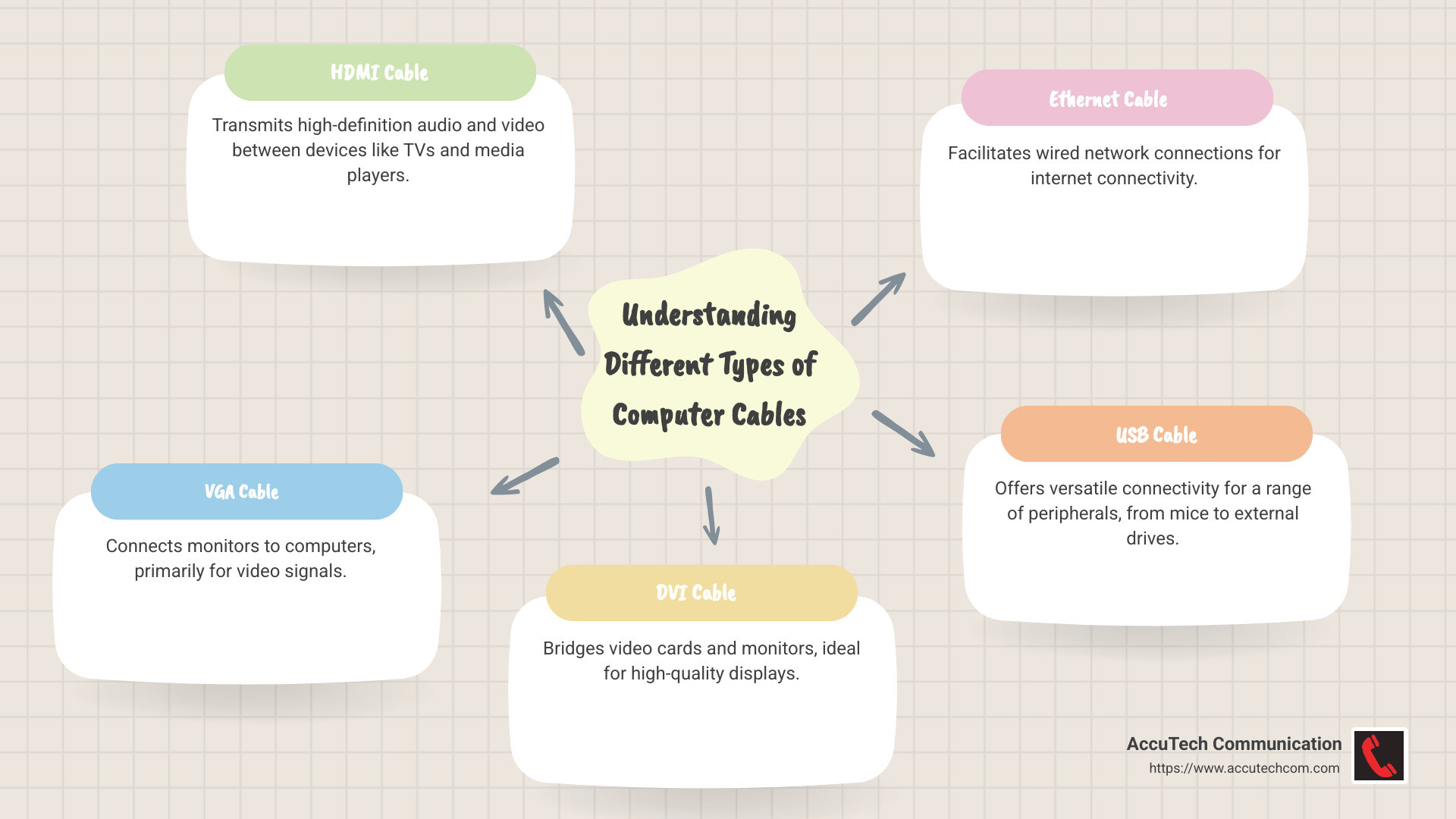
- HDMI cable: Transmits high-definition audio and video to devices like TVs and media players.
- VGA cable: Connects monitors to computers, primarily for video signals.
- DVI cable: Bridges video cards and monitors, ideal for high-quality displays.
- Ethernet cable: Facilitates wired network connections, crucial for internet connectivity.
- USB cable: Offers versatile connectivity for a range of peripherals from mice to external drives.
- 3.5 mm audio cable: Transmits audio signals to and from devices like headphones and speakers.
- Power cord cable: Supplies electricity to computers and monitors.
Understanding these cables enables businesses to set up efficient networks and maintain robust communication systems.
I’m Corin Dolan, owner of AccuTech Communications. With over two decades of experience in the business communications sector, I specialize in optimizing network infrastructure with expertise in different types of computer cables. Let’s move forward to explore more about these essential components that keep your business running smoothly.
Essential different types of computer cables terms:
– Business Network Cabling Services in MA
– cable technician
– what are ethernet cables
Different Types of Computer Cables
In computers, cables are the unsung heroes. They connect, power, and enable communication between your devices. Understanding different types of computer cables is crucial for setting up and maintaining efficient systems.
HDMI Cable
HDMI cables are your go-to for high-definition video and audio. Whether you’re connecting a TV, computer monitor, or media player, HDMI ensures you get crystal-clear images and sound. It’s a single cable solution for both audio and video, simplifying your setup.
VGA Cable
Before HDMI, there was VGA. This cable is primarily used to connect older monitors to computers. It’s all about video signals here. VGA cables have 15 pins and are easy to spot with their blue connectors. While they’re becoming less common, you might still find them in use with some older equipment.
DVI Cable
DVI cables are like the bridge between VGA and HDMI. They provide high-quality video and can support both analog and digital signals. If you see a flat pin with or without four surrounding pins, you’re looking at a DVI cable. It’s a solid choice for connecting video cards to monitors.
Ethernet Cable
When it comes to networking, Ethernet cables are essential. They connect computers to networks, enabling internet access and data transfer. Ethernet cables look like thicker phone cables and come with RJ-45 connectors. They’re vital for wired connections and are crucial in both home and business setups.
PS/2 Cable
Once a staple for connecting keyboards and mice, PS/2 cables are now largely replaced by USB. These cables have a round connector with 6 pins and were known for their reliability. While not as common today, you might still encounter them with older systems.
USB Cable
USB cables are the Swiss Army knife of computer cables. They connect everything from keyboards and mice to external hard drives and printers. USB cables come in different versions, with USB 3.0 offering faster data transfer than its predecessors. Look for blue tips to identify USB 3.0 cables.
3.5mm Audio Cable
For audio connections, the 3.5mm audio cable is king. It’s used to connect headphones, speakers, and microphones to computers and other devices. Simple and effective, these cables are found everywhere from your smartphone to your home stereo system.
Power Cord
Finally, the power cord is what keeps your devices running. It connects your computer or monitor to an AC power outlet. Always ensure your power cords are in good condition to avoid any electrical issues.
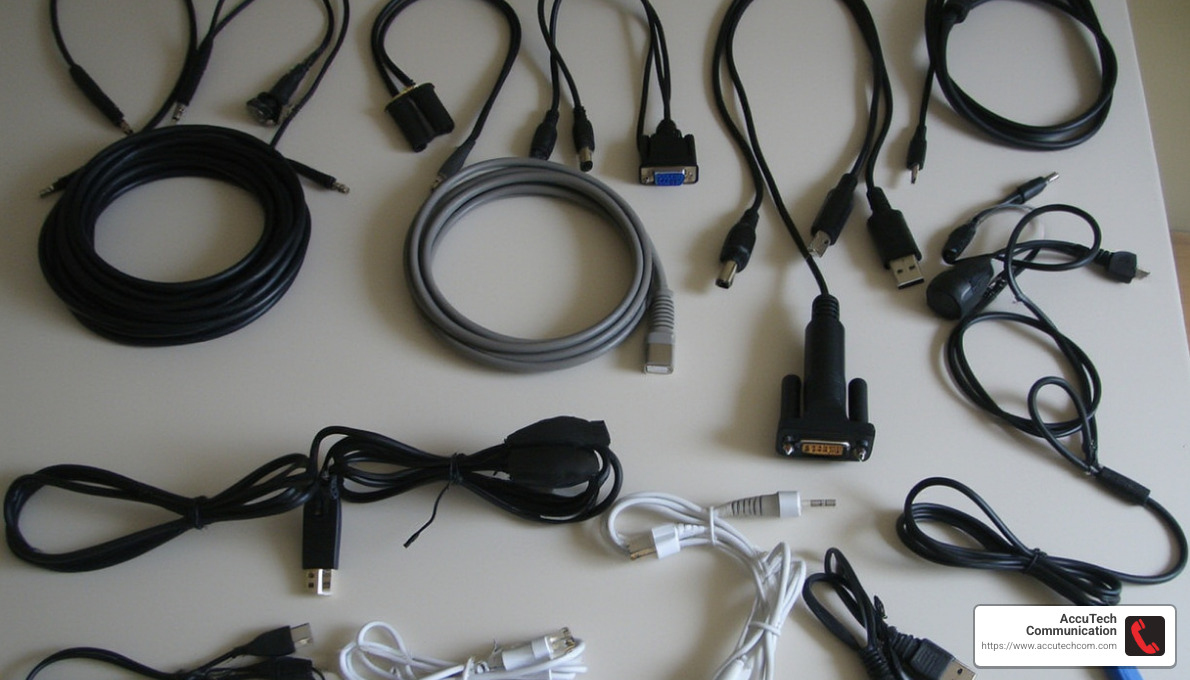
Each of these cables plays a unique role in your computer setup. By understanding their functions, you can ensure your system runs smoothly and efficiently. Next, let’s dive deeper into display cables and how they improve your visual experience.
Display Cables
When it comes to connecting your computer to a monitor or TV, display cables are key players. They transmit video signals, and sometimes audio, from your computer to your display device. Let’s explore the most common types:
HDMI (High-Definition Multimedia Interface)
HDMI cables are the modern standard for connecting high-definition displays. They carry both video and audio signals, making them a convenient all-in-one solution. This is especially useful when connecting your computer to a TV, as HDMI supports high-resolution displays and surround sound audio. If you want simplicity and quality, HDMI is a top choice.
VGA (Video Graphics Array)
VGA cables are the veterans of display connections. Recognizable by their blue connectors, these cables carry analog video signals. While not suitable for high-definition content, VGA is still used for older monitors and projectors. It’s a reliable option for basic video needs but lacks the audio support that HDMI provides.
DVI (Digital Visual Interface)
DVI cables offer a middle ground between VGA and HDMI. They support both analog and digital signals, which means they can connect to a variety of displays. DVI is a solid choice for high-quality video transmission, though it does not carry audio. You’ll often find DVI connections in older high-resolution monitors.
DisplayPort
DisplayPort is the new kid on the block but packs a punch. It’s designed for high-performance displays, supporting higher resolutions and refresh rates than HDMI. DisplayPort is ideal for gaming monitors and professional graphics work. Like HDMI, it can also carry audio, making it a flexible and powerful option for modern setups.
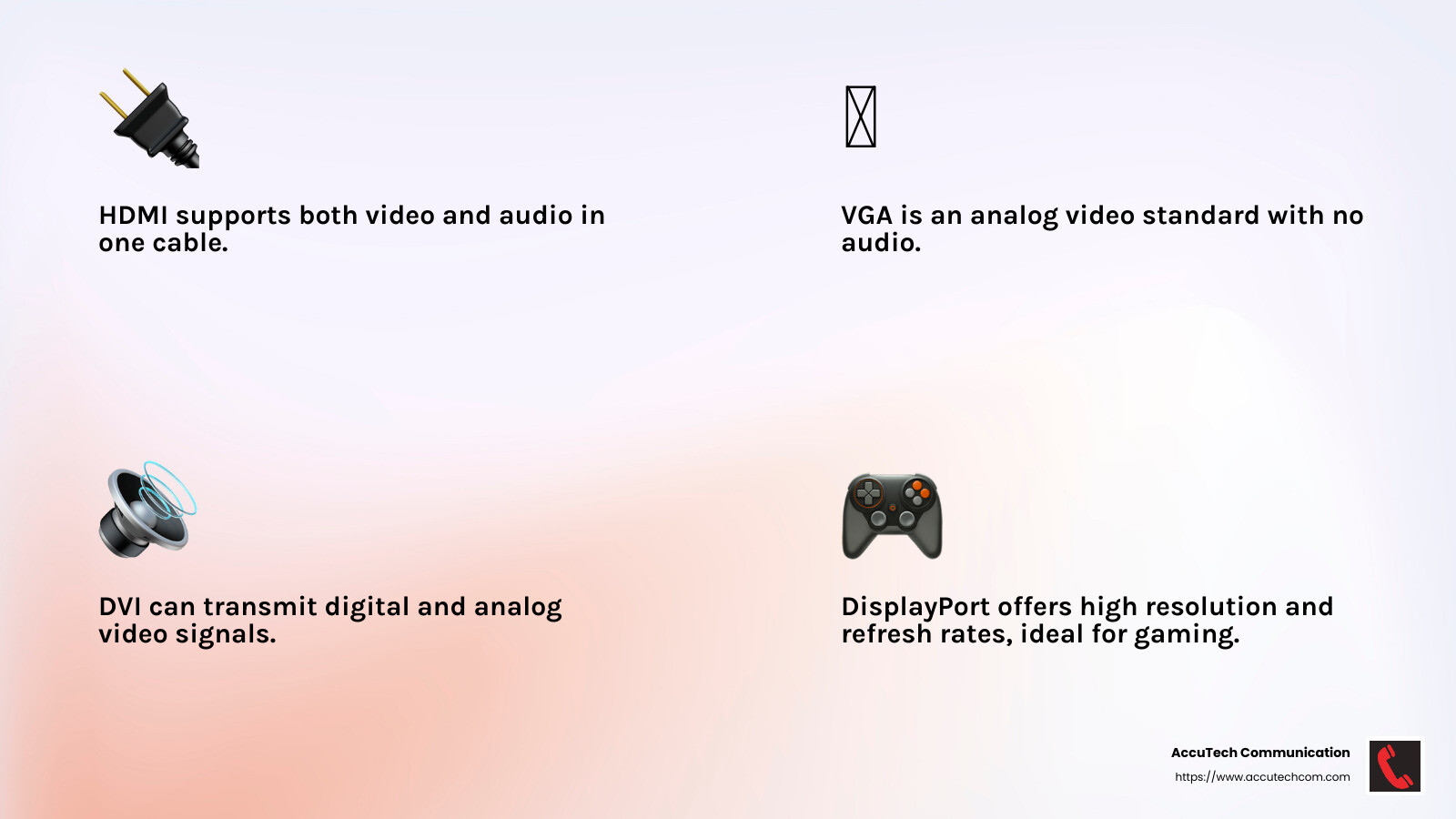
These display cables each have their strengths, catering to different needs and equipment. Choosing the right one depends on your specific requirements, such as the type of display, desired resolution, and whether you need audio support. With the right cable, you can enjoy a seamless and vibrant visual experience.
Next, we’ll explore network cables and how they keep your devices connected to the world.
Network Cables
Network cables are the backbone of our digital connectivity, ensuring that devices can communicate seamlessly. From browsing the internet to streaming videos, these cables keep everything running smoothly. Let’s explore the different types of computer cables used in networking:
Ethernet Cables
Ethernet cables are the workhorses of wired networks. They connect devices like computers, routers, and switches, providing reliable internet access. You’ll often see Ethernet cables labeled as Cat5e, Cat6, or Cat7. These labels indicate the cable’s speed and bandwidth capabilities. For example, Cat6 cables support faster data transfer rates than Cat5e, making them ideal for high-speed internet and data-heavy applications.
Coaxial Cables
Coaxial cables have been around for a while and are mainly used for cable television and internet connections. They consist of a central conductor surrounded by insulation, shielding, and an outer jacket. This design helps reduce signal interference, making coaxial cables ideal for transmitting high-frequency signals over long distances. You’ll find them in homes and businesses where stable and fast connectivity is essential.
Fiber Optic Cables
Fiber optic cables are the champions of high-speed data transmission. They use light signals to send data, allowing for incredibly fast speeds and large data volumes. These cables are made of thin strands of glass or plastic, which transmit data with minimal loss and interference. Fiber optic cables are perfect for demanding applications like telecommunications and long-distance internet connections. While they can be more expensive upfront, their performance and reliability make them a worthwhile investment.
Twisted Pair Cables
Twisted pair cables are commonly used in Ethernet networks. They consist of pairs of wires twisted together to reduce electromagnetic interference. This design improves signal quality and makes twisted pair cables suitable for both voice and data transmission. You’ll find them in various categories, such as Cat5e and Cat6, which determine their speed and performance capabilities.
Each type of network cable has its unique advantages, catering to different connectivity needs. Whether it’s the widespread use of Ethernet cables or the high-speed capabilities of fiber optics, these cables play a crucial role in keeping us connected.
Next, we’ll look into peripheral connection cables and how they link our devices to computers.
Peripheral Connection Cables
Peripheral connection cables are essential for linking various devices to your computer. These cables ensure seamless communication between your computer and peripherals like keyboards, mice, and external storage devices. Let’s explore the different types of computer cables used for peripheral connections:
USB Cables
USB (Universal Serial Bus) cables are the most common type of peripheral connection cable. They’re used to connect a wide range of devices, from keyboards and mice to smartphones and external hard drives. USB cables are known for their versatility and ease of use. With a simple plug-and-play design, you can connect and disconnect devices without restarting your computer.
USB cables come in several versions, each offering different data transfer speeds and power delivery capabilities. USB Type-C is the latest version, known for its reversible design and high-speed data transfer. It’s increasingly used in modern devices due to its ability to carry both data and power, making it ideal for charging gadgets like laptops and smartphones.
PS/2 Cables
Before USB became the standard, PS/2 cables were commonly used to connect keyboards and mice to computers. These cables have a round connector with six pins and are typically color-coded: purple for keyboards and green for mice. While PS/2 cables are largely obsolete in modern setups, some older systems still use them. They offer a dedicated connection that doesn’t share bandwidth with other devices, which can be advantageous in certain scenarios.
Firewire Cables
Firewire cables, also known as IEEE 1394, are used for high-speed data transfer between devices. They’re often found in older video cameras, external hard drives, and audio interfaces. Firewire supports plug-and-play functionality, allowing devices to be connected or disconnected without restarting the computer.
Firewire was once popular for its speed, especially in video editing and professional audio applications. However, it’s been largely replaced by faster and more versatile USB and Thunderbolt connections in recent years.
Understanding these peripheral connection cables helps you choose the right cable for your devices, ensuring smooth and efficient operation. Whether it’s the universal USB, the classic PS/2, or the once-popular Firewire, each cable type has its role in connecting peripherals to your computer.
Next, we’ll dig into audio cables and their role in delivering sound to and from your devices.
Audio Cables
Audio cables are essential for connecting sound devices to your computer. They ensure that the audio signals are transmitted clearly and efficiently. Let’s explore some of the different types of computer cables used for audio connections:
3.5mm Audio Cables
The 3.5mm audio cable is one of the most common audio cables you’ll encounter. Often referred to as a headphone jack, this cable connects headphones, earphones, and speakers to your computer. It’s also used for connecting microphones.
You’ll typically find three color-coded ports on a computer for 3.5mm audio cables:
- Green: Connects to speakers or headphones.
- Pink: Connects to a microphone.
- Blue: Used for line-in connections, like MP3 players or other audio sources.
3.5mm audio cables are versatile and widely used, making them a staple for personal and professional audio setups.
Mini-Stereo Cables
Mini-stereo cables are similar to 3.5mm audio cables but can refer to cables with two or more connectors, allowing for stereo sound. These cables are often used to connect portable audio devices to larger sound systems, ensuring high-quality sound transfer.
Multimedia Speaker Cables
For those looking to improve their audio experience, multimedia speaker cables are a great option. These cables are designed to connect your computer to a set of multimedia speakers, providing a richer and more immersive sound experience.
Multimedia speaker cables often come with additional features like shielding to reduce interference, ensuring clearer sound quality. These cables are perfect for gamers, movie enthusiasts, and anyone who wants to lift their audio experience.
Understanding these audio cables can help you set up your audio devices for optimal performance. Whether you’re using a simple 3.5mm jack or a more sophisticated multimedia speaker cable, choosing the right connection ensures you get the best sound quality from your devices.
Next, we’ll address some frequently asked questions about computer cables to help you make informed decisions.
Frequently Asked Questions about Computer Cables
What are the different types of computer cables?
When it comes to connecting devices to your computer, there are several different types of computer cables you might encounter:
- HDMI (High Definition Media Interface): Ideal for transmitting high-quality audio and video signals. Often used to connect computers to monitors, TVs, or projectors.
- VGA (Video Graphics Array): An older standard primarily used for video output. It’s common in older monitors and projectors.
- DVI (Digital Visual Interface): Provides a higher quality video signal than VGA and is often used for connecting LCD monitors.
- Ethernet: Used for wired network connections. It’s essential for connecting your computer to the internet or a local network.
- USB (Universal Serial Bus): A versatile cable used for connecting a wide range of peripherals, such as keyboards, mice, and external hard drives.
- DisplayPort: Known for delivering high-resolution video and audio, it’s often used for connecting monitors and other display devices.
Each cable type serves a unique purpose and choosing the right one depends on what you need to connect.
What is the best cable for high-resolution displays?
For high-resolution displays, DisplayPort and HDMI are your best options.
- DisplayPort: Offers superior video quality and supports higher resolutions and refresh rates compared to other cables. It’s perfect for gaming monitors and professional displays where clarity is crucial.
- HDMI: Widely used in TVs and home theater systems. It supports both video and audio, making it a convenient choice for most consumer electronics.
Both cables provide excellent performance, but the choice between them often depends on the ports available on your devices.
How do I choose the right cable for my device?
Choosing the right cable involves considering several factors:
- Compatibility: Ensure the cable matches the ports on your devices. For example, a monitor with an HDMI port requires an HDMI cable.
- Signal Quality: High-quality cables can deliver better performance. For instance, HDMI cables with higher bandwidth support 4K video.
- Length: Consider the distance between your devices. Longer cables can sometimes degrade signal quality, so choose the shortest cable that meets your needs.
By focusing on these factors, you can select the right cable to ensure a reliable and efficient connection.
Armed with this knowledge, you can confidently choose the best cables for your setup. Next, we’ll conclude with insights into how AccuTech Communications can support your cabling needs.
Conclusion
At AccuTech Communications, we understand that cable quality and connection reliability are crucial for maintaining a seamless digital experience. Our expertise in network cabling, business phone systems, and data center technologies ensures that your business infrastructure is always performing at its best.
Why Choose AccuTech Communications?
- Certified and Reliable Service: Since 1993, we’ve been committed to providing top-notch service across Massachusetts, New Hampshire, and Rhode Island. Our team is well-versed in the latest technologies to ensure your network is both robust and future-proof.
- Quality Matters: We use only high-quality cables and connectors to minimize interference and maximize performance. Whether it’s HDMI for high-definition displays or Ethernet for fast network connections, our solutions are designed to meet your specific needs.
- Commitment to Excellence: Our dedication to quality and reliability means you can trust us to handle all your cabling needs, from consultation and design to installation and maintenance.
By partnering with us, you can ensure that your business’s connectivity remains strong and dependable. To learn more about how we can improve your network infrastructure, visit our Network Cabling Installation page. Let us help you build a network that supports your business today and scales with you tomorrow.
With AccuTech Communications by your side, you’re not just investing in cables; you’re investing in peace of mind.
