Cat 5e
Carries 1 Gb/s to the full 100-meter channel. Fine for small offices where every device runs at gigabit or slower.
- Lowest cost per drop
- Common in older buildings we re-cable
Serving MA, NH & RI since 1993
Network cabling, fiber and business phone systems
Network cabling · MA, NH & RI
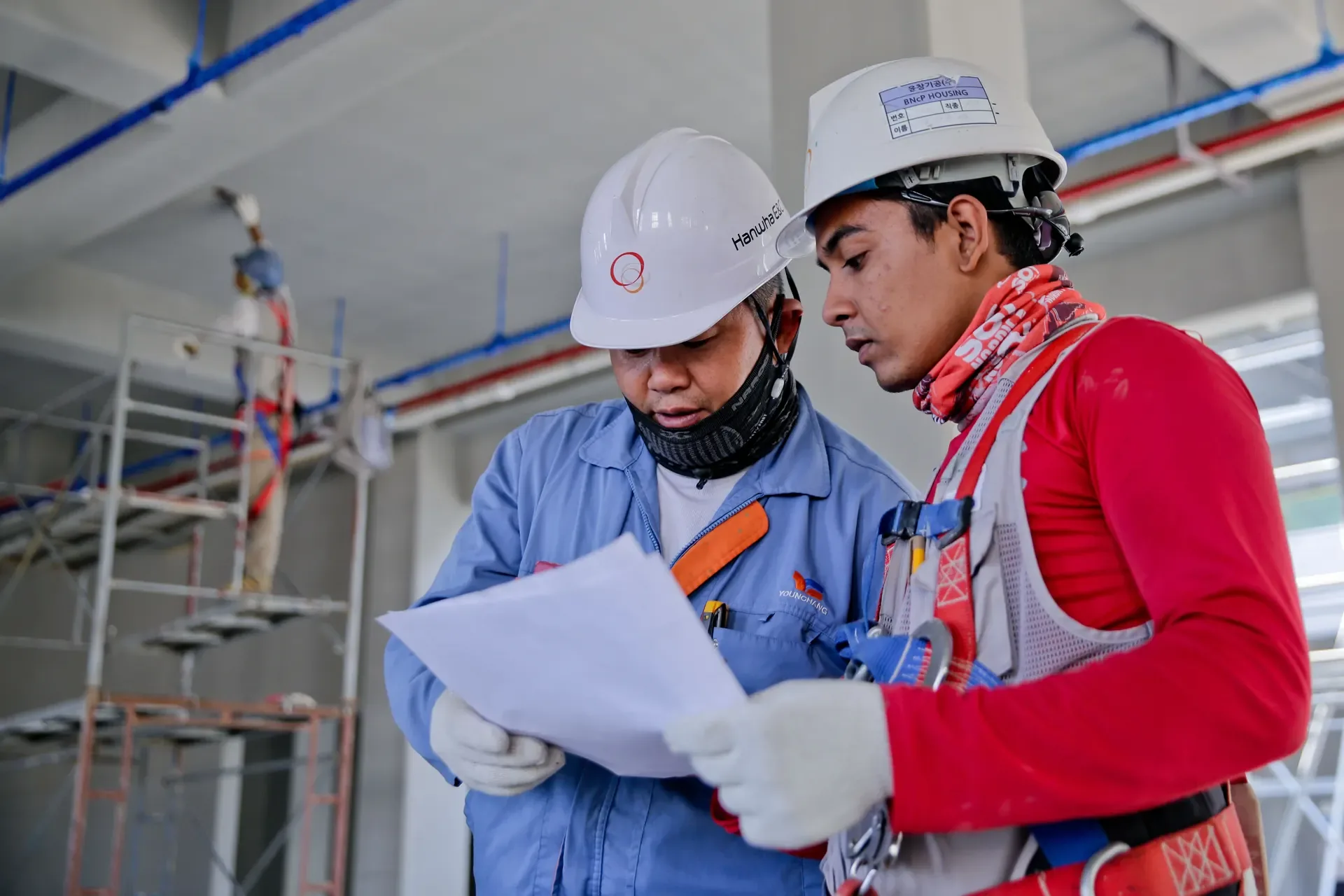
Accutech Communications has handled network cabling installation for Massachusetts businesses since 1993: new Cat 6 and Cat 6A drops, full re-cables, office moves and the repairs in between. We plan the runs, pull and terminate the cable, and test it before the ceiling tiles go back.
The work
Network cabling is the copper and fiber that connects every desk, phone, printer, camera and wireless access point back to your network closet.
We install it for offices of every size, from a ten-computer office to a multi-building corporate campus. Most jobs are one of four kinds: cabling a new suite before move-in, replacing an older cable plant that can no longer keep up, adding drops when a team grows, or tracking down and repairing runs that have started to fail.
On new construction we work alongside your general contractor so pathways are planned before walls and ceilings close. In an occupied office the work is planned so the people who need the network can keep using it. If the job also needs closets, racks and a backbone between floors, that design work is covered on our structured cabling page.
Cable choices
The right cable depends on the distance, the equipment at the end of the run and how long you plan to stay in the space.
Carries 1 Gb/s to the full 100-meter channel. Fine for small offices where every device runs at gigabit or slower.
Gigabit to 100 meters, and 10 Gb/s on shorter runs of about 55 meters or less. The usual choice for desks and phones.
Rated for 10 Gb/s over the full 100-meter channel and better suited to power over Ethernet at higher wattages.
For runs longer than copper allows, links between floors or buildings, and backbone connections.
Planning the runs
Two offices with the same number of drops can price very differently, for the reasons below. The distance limit comes from the TIA-568 cabling standard, and the fire ratings from the National Electrical Code (NFPA 70).
Not sure what you have now? Include photos of the network closet and a desk wall plate with your request.
How a project runs
How a network cabling job runs, from the first count of drops to the last test.
We go through the floor plan with you: desks, phones, printers, cameras and access points, plus spares.
Cat 6 or Cat 6A, plenum or riser rated, based on run lengths, equipment and the ceiling space.
Runs are supported, kept out of sight and terminated at the closet and at each wall plate.
Each run is tested and certified before handover, so problems are caught and fixed while we are still on site.
After you move in, we add drops, move desks and troubleshoot runs that fail.
From our clients
5.0 average across 40 reviews on Google and our other review profiles.
We just finished a network cabling project with Accutech in our Medford, MA facility. ... Heather managed every detail from quoting to scheduling ... Accutech was very proactive to getting time on-site and worked seamlessly with our General Contractor. ... The work was done in an expert manner and all data line runs were organized and run at right angles and hidden to the extent possible.
Accutech Communications provides on time professional network cabling services with thorough explanations and scheduling of services being supplied.
There is no flat per-drop price, because the cost moves with the number of drops, the cable category, the run lengths, the ceiling type and whether plenum cable is required. We price from a site walk or a floor plan. Estimates are free: call 978-579-0006 or request one online.
Choose Cat 6A if you are adding Wi-Fi 6, 6E or 7 access points or plan to stay in the space for years; Cat 6 is enough for most desks and phones. See the cable comparison above for distances and speeds.
As a rule of thumb, plan one or two data drops per desk, one for each printer, camera and wireless access point, and a few for conference rooms and the break room. Adding a spare drop while the ceiling is open costs far less than adding one later. We confirm the count with you on the site walk.
Yes. We plan the work so your staff can keep working. A reviewer mentioned our crew working around site staff without being disruptive.
Yes. We troubleshoot and repair existing runs, and test what is there so you know which cable can stay and which should be replaced.
Tested runs. Cable testing and certification are part of our cabling work, so you know each run meets the specification of the cable installed. If you need labeling or test reports in a particular format, include that in your estimate request.
No. Network cabling is the runs to each device. Structured cabling is the organized system those runs plug into: closets, racks, patch panels and the backbone between floors. Most office projects include some of both. See structured cabling for the design side.
Across Massachusetts, New Hampshire and Rhode Island, from our base in Hopkinton, MA. See the towns we service.
Request an estimate
Estimates are free. Call the office or send the details online.
Helpful to have ready