
Does network cable have to be in conduit? 4 Key Insights
Understanding Network Cable Conduit Needs
The question of whether network cable has to be in conduit is a key consideration for any reliable network setup.
Here’s a quick look at whether conduit is necessary for your network cables:
- Often Not Required: For many indoor, low-voltage residential installations, especially if cables are not exposed to physical damage.
- Highly Recommended: For mechanical protection against damage (e.g., in industrial settings, high-traffic areas, or from pests), and for future-proofing your network for upgrades.
- Often Required by Code: For commercial buildings, fire safety (e.g., in plenum spaces), or specific outdoor/underground installations.
- Crucial for Interference & Safety: When running network cables near electrical wiring, to prevent signal issues and potential hazards.
The answer isn’t a simple yes or no; it depends on building codes, the installation environment, and your long-term goals.
I’m Corin Dolan, owner of AccuTech Communications. With decades of experience in electrical conduit installations and network cabling, I’ve seen the critical role conduit plays in answering the question, does network cable have to be in conduit.
The Core Question: Is Conduit a “Must-Have” or a “Nice-to-Have”?
So, does network cable have to be in conduit? Not always, but it’s highly recommended for reasons beyond just regulations. In many low-traffic residential settings, running network cables without conduit is acceptable. Power over Ethernet (PoE) operates at extra-low voltage (<50V), minimizing shock or fire risks. In these cases, the main concerns are performance and signal loss, not electrical safety.
However, for physical protection, future-proofing, and organization, conduit becomes a smart choice—a protective shell for your network cables. Imagine a bare cable in a wall, vulnerable to rodents or a stray nail. Conduit provides a strong physical barrier against these unexpected problems.
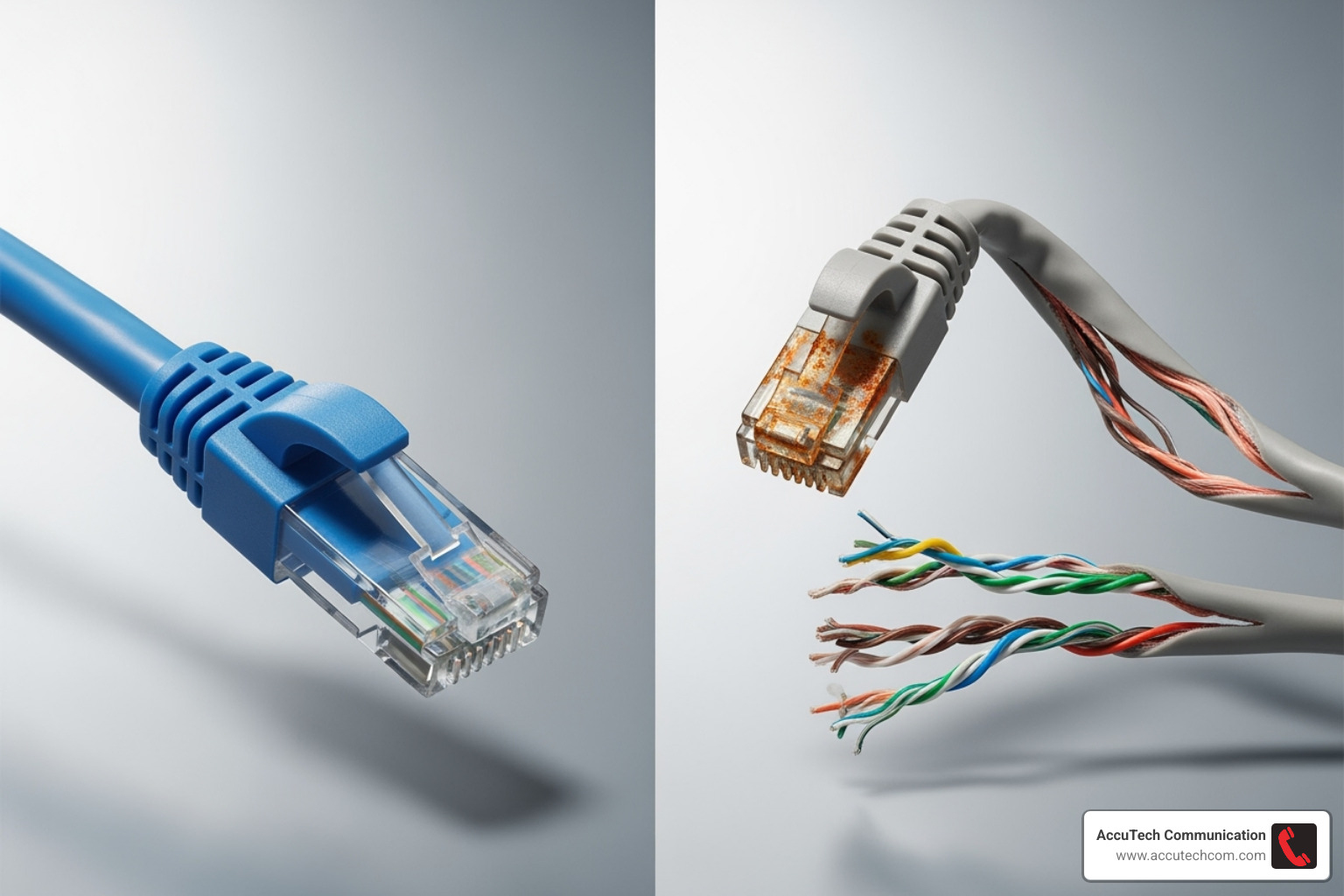
Conduit also protects cables during installation. Ethernet cables have a pull tension limit of about 25 ft/lbs. Exceeding this can damage the jacket. Conduit offers a smooth path, reducing friction and ensuring the cable is installed undamaged for long-term performance.
The Primary Benefits of Using Conduit
Using conduit is a smart investment in your network’s longevity and performance.
The most obvious benefit is physical damage protection. Conduit shields cables from rodents, moisture, accidental impacts in high-traffic areas, and construction hazards like nails or drills.
Conduit also enables easier upgrades and future cable pulls. Technology evolves, and you may need to upgrade from Cat6 to Cat6a or fiber. Without conduit, this means opening walls. With it, you just pull the new cable through. This future-proofing, a key part of our Structured Cable Systems, reduces future labor costs, saving money long-term.
Finally, conduit provides a neat and professional appearance. It keeps cables organized and prevents tangled messes, simplifying troubleshooting and reflecting a quality installation.
Understanding Conduit Best Practices
Proper conduit installation is key to performance and future use. We follow strict best practices for a reliable, long-lasting system.
A key guideline is the ‘40% Rule’ for fill capacity. Initially, fill conduit to no more than 40% to ease pulling and prevent damage, as cables bunch up. For future additions, never exceed 60% capacity to ensure room for maintenance and growth.
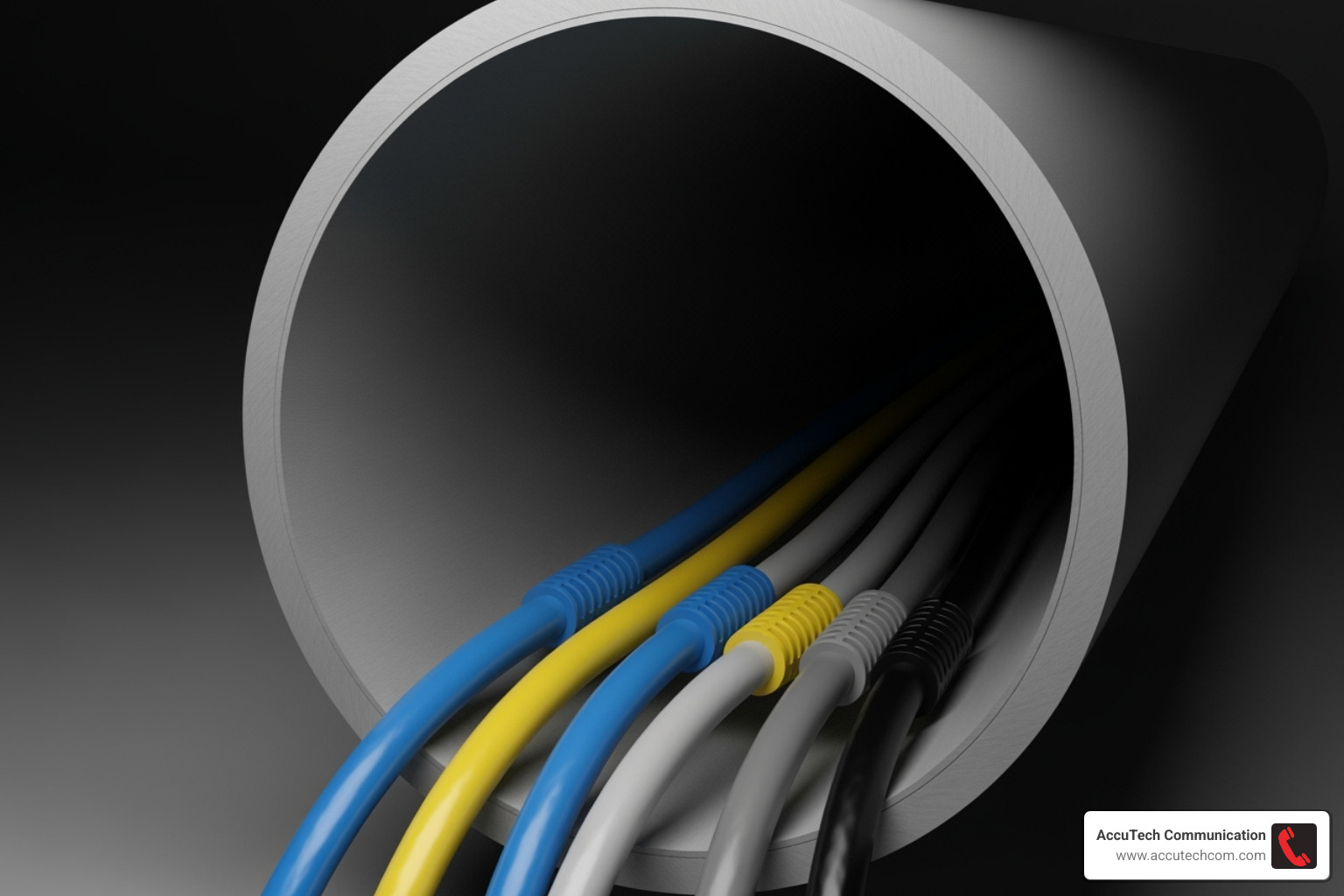
We also recommend a minimum conduit size of 3/4 inch (trade size) for communications cable. Smaller conduits make future pulls difficult and risk cable damage.
For long runs, plan carefully. Continuous segments shouldn’t exceed 100 feet without a pull point (like a junction box) to reduce friction. Similarly, a segment should have no more than two 90-degree bends between pull points to prevent kinking and damage.
Finally, always use cable lubricant (preferably synthetic wax) to reduce friction for a smoother, safer pull. Our guide on How to Install Electrical Conduit offers more details.
Decoding the Rules: When Building Codes Mandate Conduit
When it comes to building codes, the answer to does network cable have to be in conduit is often a firm ‘yes.’ Regulations frequently mandate conduit in commercial buildings or specific environments, making it a legal requirement.
In the U.S., the National Electrical Code (NEC) sets the baseline for all electrical installations, including low-voltage network cables. We always Follow NEC guidelines to ensure compliance. However, the NEC is a minimum standard. Your local Authority Having Jurisdiction (AHJ) may have stricter rules, especially for commercial buildings.
There’s a key distinction between commercial vs. residential codes. Residential installations may offer more flexibility. In commercial spaces, however, adherence to code is vital due to higher risks. Our Commercial Network Cabling projects always begin with a thorough review of all regulations to ensure safety.
Fire safety regulations are a major reason conduit becomes mandatory. Unprotected cables can be a fire hazard, especially those that release toxic fumes when burned. Different cable types are designed for specific fire-risk environments.
Indoor Installations: Plenum, Riser, and General-Purpose Spaces
Knowing your cable types and fire ratings is key to determining if conduit is required for indoor runs.
Plenum Spaces are areas used for air circulation, like above drop ceilings. Fire here can spread smoke rapidly. Cables in these spaces must be Plenum-rated (CMP), which is fire-resistant and low-smoke. Due to its safety features, CMP cable can often be run without conduit in plenum spaces, though it is more expensive.
Riser Spaces are vertical pathways between floors. Cables here must be Riser-rated (CMR) to prevent fire from spreading vertically.
General-Purpose Spaces are all other areas. General purpose cable (CM/CMG), like common PVC cable, is used here. It may be run without conduit for short distances, but longer runs often require conduit because it emits toxic fumes when burned.
Choosing the right cable is critical. See our Types of Cables page for more details. Here’s a quick comparison:
| Cable Type | Fire Rating | Common Use Case | Relative Cost | Typical Conduit Requirement |
|---|---|---|---|---|
| Plenum (CMP) | High (low smoke/flame) | Air handling spaces (above drop ceilings, under raised floors) | Highest | Often not required due to fire properties, but can be used for physical protection |
| Riser (CMR) | Medium (prevents vertical spread) | Vertical runs between floors (inside walls, shafts) | Medium-High | Generally not required, but can be used for physical protection |
| General Purpose (CM/CMG) | Low (general use) | Non-plenum, non-riser areas (inside walls, in conduit) | Lowest | Often required for longer runs or in specific areas due to toxic fumes when burned |
| Outdoor (CMX) | Very Low | Outdoor, direct burial, limited indoor ingress | Varies | Often required for indoor ingress, or for physical protection outdoors |
Outdoor and Underground Installations
When running cables outdoors, the rules change. Cables face UV exposure and moisture damage, which can degrade jackets and corrode wires, causing signal loss. We use CMX-rated cable for outdoor installations. While it’s built to withstand the elements, conduit provides an extra layer of protection against physical damage from tools, pests, or landscaping.
Direct burial cable can be placed in the ground without conduit, featuring tough, waterproof jackets, often with gel-filled cores. Still, we often recommend conduit for protection against digging and pests, and to simplify future upgrades. Without conduit, direct burial Ethernet cable should be buried 18 to 24 inches deep.
The 50-foot ingress rule states that outdoor-rated cable cannot extend more than 50 feet inside a building unless it is terminated or transitioned to indoor-rated cable. An exception is if it’s run in heavy-duty metallic conduit. This rule mitigates fire risk from lower-rated outdoor cables. Learn more in our guide to Underground Electrical Conduit.
Does Network Cable Have to Be in Conduit When Near Electrical Wires?
When asking does network cable have to be in conduit near electrical wires, the answer is a clear yes, or at least requires extreme care. Getting this right is crucial for network performance and safety.
The two main concerns are Electromagnetic Interference (EMI) and safety hazards. Electrical wiring (120V+) creates electromagnetic fields that can disrupt data signals in nearby network cables. This EMI causes signal degradation and data errors, leading to slow speeds and dropped connections.
More importantly, the National Electrical Code (NEC) strictly prohibits placing low-voltage data cables and high-voltage electrical lines in the same conduit. A fault in the electrical wiring could energize the network cables, damaging equipment, causing a fire, or creating a shock hazard.
Shielded vs. Unshielded Cables (STP vs. UTP)
Your choice of network cable can make a big difference in dealing with EMI.
The most common network cable is UTP (Unshielded Twisted Pair), like Cat5e or Cat6. Its twisted wires help cancel out some interference, making it affordable and suitable for most homes and offices. However, its limitations become apparent in high-noise environments.
STP (Shielded Twisted Pair) cable includes a metal shield (foil or braid) for superior EMI protection. This makes STP beneficial in noisy areas or near power lines. However, it costs more, is stiffer, and must be properly grounded to be effective; otherwise, the shield can attract noise.
For more details on the differences, you can learn more about STP and UTP here. For general cabling tips, see our page on Ethernet Cable Wiring.
Best Practices for Separation and Crossing
To ensure network performance and safety near electrical wiring, we follow these best practices:
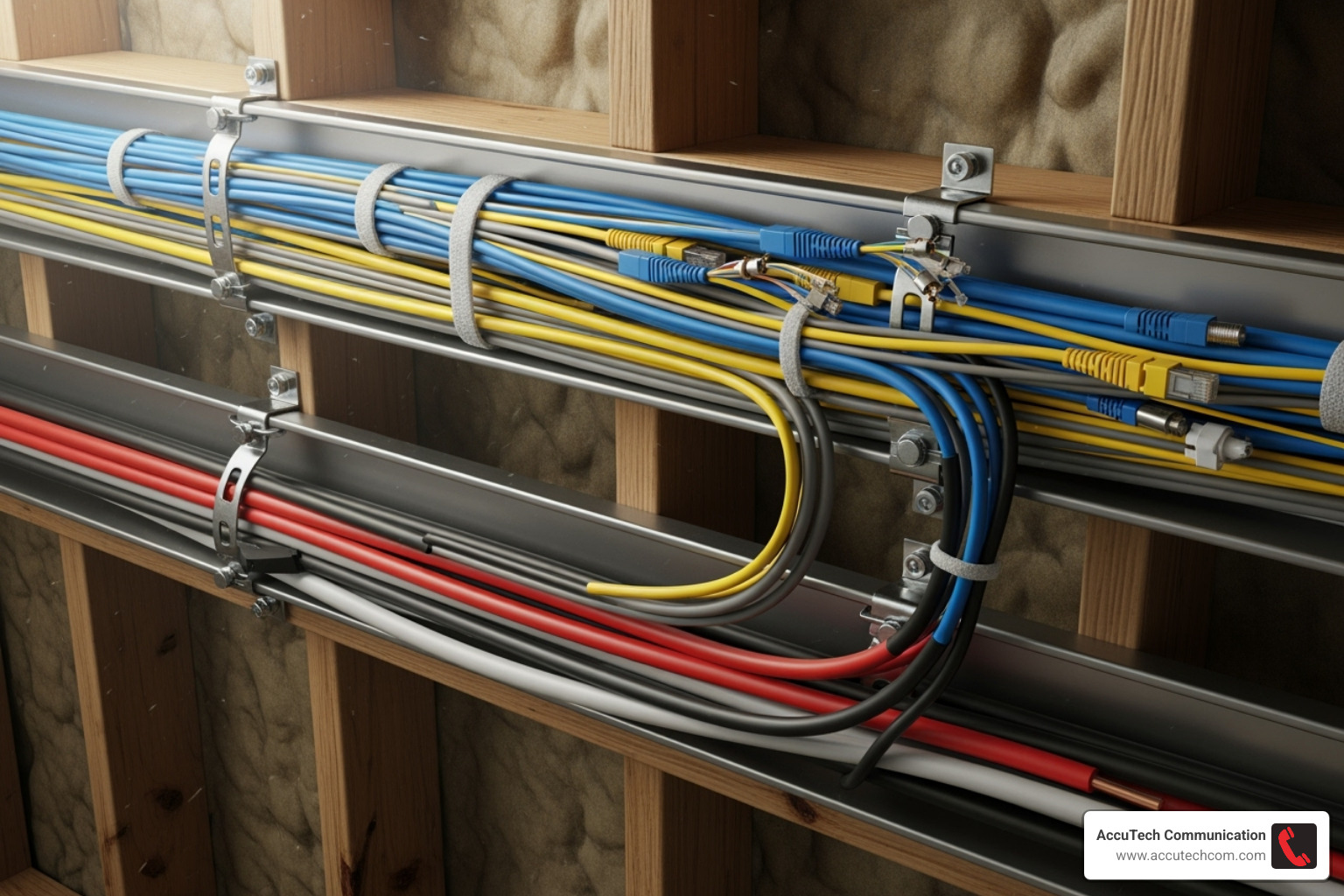
First, maintain separation distance. Keep network cables at least 2 inches away from parallel power lines. More distance is always better.
Second, if cables must cross power lines, do so at a 90-degree angle. This minimizes the parallel run and dramatically reduces interference.
Third, for maximum protection in high-noise areas, use metallic conduit for shielding. Metal conduits like EMT block EMI and provide superior physical protection compared to PVC. Our EMT Piping Services offer robust solutions for these scenarios.
Going Conduit-Free: Cable Types and Installation Best Practices
While conduit is often a smart choice, going conduit-free is acceptable in many situations, such as indoor residential or office settings. For low-voltage data cables, including Power over Ethernet (PoE, <50V), the electrical risks are minimal. Here, the answer to does network cable have to be in conduit is often ‘not necessarily.’
However, going conduit-free doesn’t mean careless installation. Protecting cable integrity is crucial to avoid performance risks. Without conduit, the main concerns are physical damage, sharp bends, or interference that can degrade network performance. This makes proper installation practices even more critical.
What are the best practices if network cable does not have to be in conduit?
When not using conduit, careful installation is essential for cable longevity and performance. We adhere to these best practices:
Proper cable support is non-negotiable. Use J-hooks to gently cradle cables, spaced no more than 5 feet apart. This prevents sagging and strain.
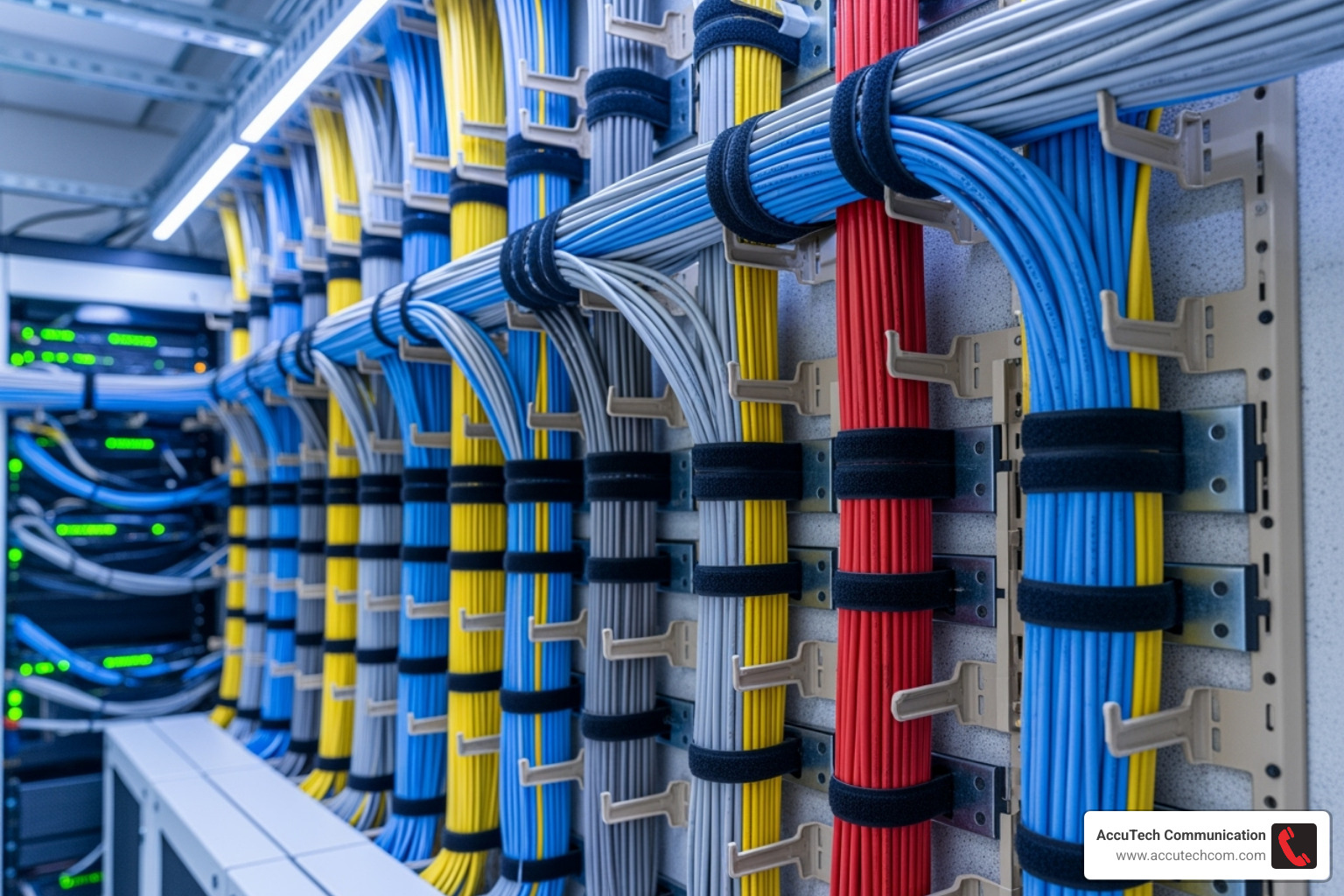
Always avoid sharp edges. Check the cable path for metal studs, pipes, or rough surfaces that could cut or abrade the cable jacket.
Always maintain the proper bend radius. For most Cat5e/Cat6 cables, the bend should be no tighter than 8 times the cable’s diameter to prevent internal damage and signal loss.
Finally, do not use zip ties for bundling network cables. Overtightening can crush the cable and impair performance. Use soft Velcro straps instead, which are gentle, reusable, and adjustable.
Following these practices is crucial for a healthy network. For more tips, see our guide on 5 Common Mistakes to Avoid When Installing Network Cabling.
Can I run outdoor-rated or direct burial cable without conduit?
Yes, you can run cables outdoors or underground without conduit if you use the right type. Outdoor-rated (CMX) cable has a tough, UV-resistant jacket to protect against sun, moisture, and temperature changes. It can be run along exterior walls or aerial-style, though conduit adds extra protection.
Direct burial cable is designed to be buried without conduit. It features a strong, waterproof jacket and is often gel-filled or uses water-blocking tape to prevent moisture ingress, even if the jacket is damaged.
Even with these cables, conduit is often recommended. It provides superior rodent protection and future-proofs the installation. Upgrading a buried cable is much easier with conduit—no re-digging required. It also makes the cable easier to locate later.
For details on underground installations, especially for fiber, see our guide on Underground Fiber Optic Cable Installation.
Exploring Alternatives to Traditional Conduit
While traditional conduit is excellent, it’s not always the only or best solution. For projects involving long distances, high EMI environments, massive future bandwidth needs, or large-scale installations, other alternatives can be more efficient.
The Fiber Optic Advantage
When copper Ethernet hits its distance limit (around 328 feet/100 meters) or when EMI is a major concern, fiber optic cable is the superior choice.
Here’s why fiber is often better:
- Immunity to EMI: Fiber uses light pulses, not electrical signals, making it completely immune to electromagnetic interference. It can be run directly next to high-voltage power lines without issue.
- Greater Distances: Fiber transmits data over thousands of feet or even miles, far surpassing copper’s limitations. This is ideal for connecting buildings across a campus.
- Higher Bandwidth: Fiber supports extremely high data rates (10, 40, or even 100 Gigabit), making it ready for future network demands.
While once expensive, fiber’s cost has decreased. For long runs, it can be a competitive and future-proof option when factoring in total installation costs. We often use Innerduct within larger conduits to protect fiber strands and simplify future upgrades.
Innerduct, Raceways, and Cable Trays
Besides conduit and fiber, other solutions exist for managing and protecting cables, especially in commercial spaces.
- Innerduct: This is a smaller, flexible tube pulled inside a larger conduit. It adds protection and organizes multiple cable runs, simplifying future additions or removals. Our Innerduct Installation Services help maximize existing infrastructure.
- Cable Trays: Common in data centers and commercial buildings, these ladder-like structures are super-highways for large quantities of cable. They provide excellent airflow and make it easy to add, move, or change cables.
- Surface-Mount Raceways: These are enclosed channels that mount on walls or ceilings. They offer a clean, professional way to protect and organize cables without cutting into drywall, making them ideal for offices and schools.
These alternatives are excellent for organizing large cable bundles, providing protection where flexibility and access are key. They ensure a professional finish and simplify maintenance, showing that the answer to “does network cable have to be in conduit?” can lead to other structured solutions!
Conclusion: Making the Right Call for Your Network
After exploring the complexities of network cable installation, the decision of whether to use conduit becomes clearer when you focus on the key factors.
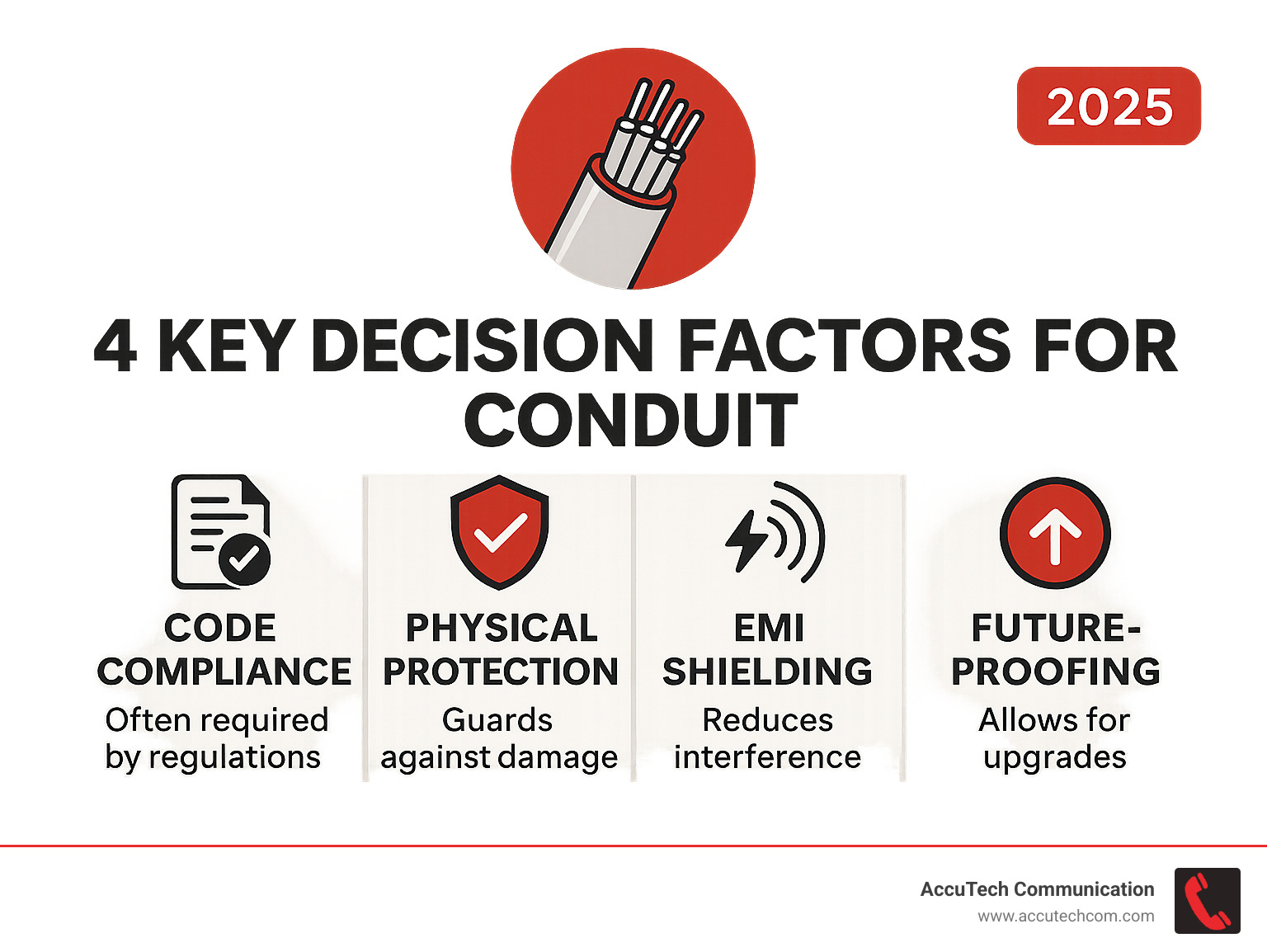
So, does network cable have to be in conduit? The answer depends on four critical factors: Code Compliance, Physical Protection, the Installation Environment, and Future-Proofing goals.
Conduit is non-negotiable when mandated by safety and legal requirements. Building codes (NEC) are strict for commercial spaces, plenum areas, and near electrical wiring to ensure fire safety and prevent hazards.
When you have flexibility, such as in residential settings, conduit may not be legally required. However, it’s smart insurance for your network, protecting against future damage and turning a potential renovation into a simple cable pull.
Alternatives may be better for unique challenges like long distances or extreme EMI. In these cases, fiber optic cable is an excellent solution, offering immunity to interference and massive bandwidth potential.
The importance of a professional assessment is paramount. Every project has unique requirements, and local codes vary. A professional can assess the complete picture to ensure the right solution is chosen.
Our experience since 1993 means we’ve handled every scenario, from simple offices to complex campus installations. We know how to balance your immediate needs with long-term goals.
For certified, reliable network installations in Massachusetts, New Hampshire, or Rhode Island, the experts at AccuTech Communications will ensure your project is done right. We understand the challenges, from strict building codes to future-proofing, and we’re here to guide you.
Don’t let the question of does network cable have to be in conduit stall your project. Get a quote for your Network Cabling Installation today, and let us help you build a network that serves you now and in the future.
