
Installing conduit for network cable 2025: Flawless
Introduction: Why Your Network Needs a Protective Pathway
When you’re installing conduit for network cable, you’re building a reliable, future-proof pathway for your business’s vital data. While it may seem like a big job, it’s straightforward with the right plan and tools. A conduit is simply a protective tube or channel that creates a safe, organized path for your network cables, shielding them from physical damage, moisture, and electrical interference.
Using conduit also makes future upgrades or repairs much easier, as you won’t have to tear open walls to run a new cable.
I’m Corin Dolan, owner of AccuTech Communications. For over 30 years, I’ve been installing conduit for network cable and designing robust communication systems for businesses across Massachusetts, New Hampshire, and Rhode Island.
What is an Ethernet Cable Conduit?
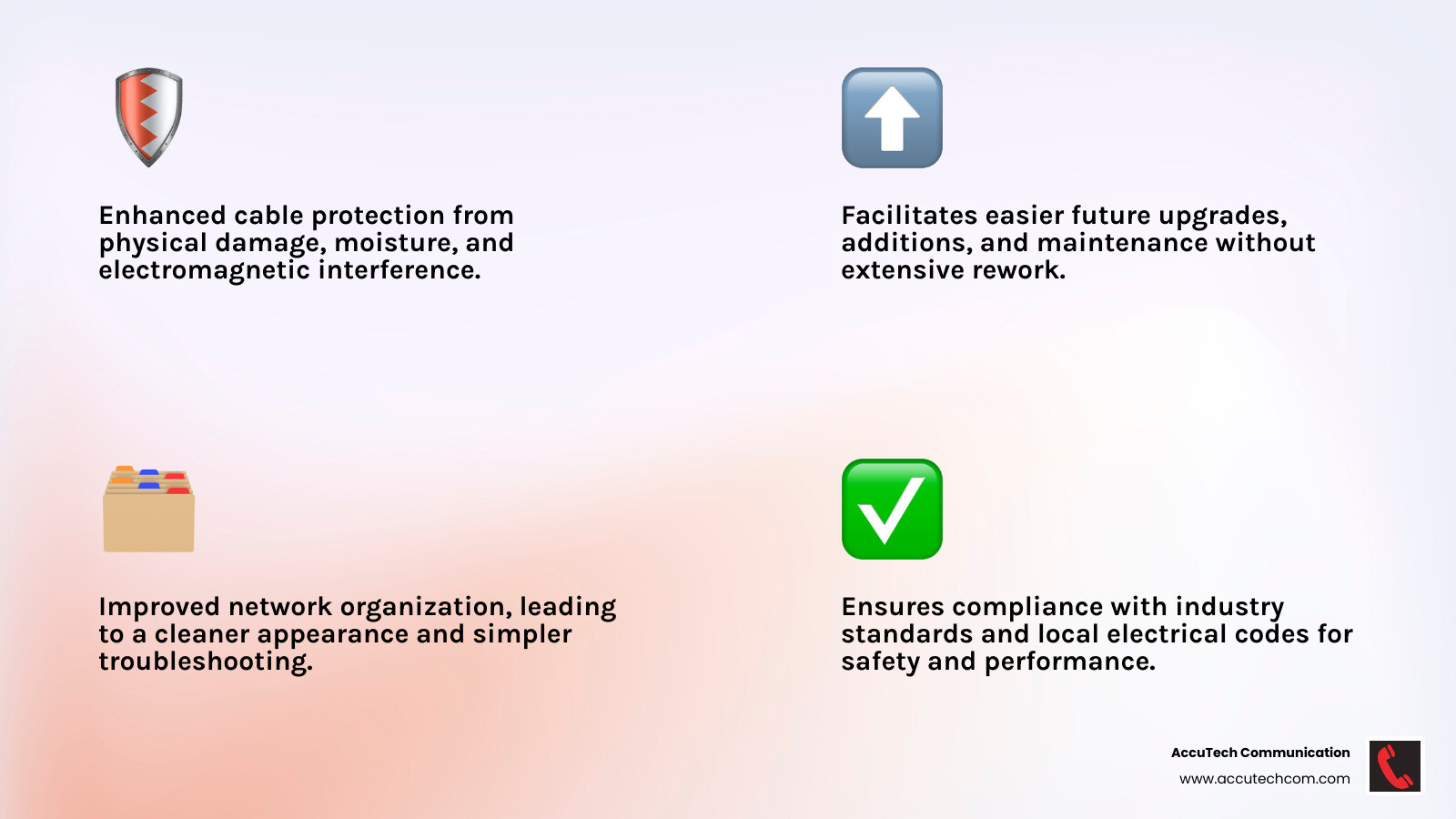
An Ethernet cable conduit is a protective pipeline for your network wires. These tubes, boxes, or pipes house your network cables, phone lines, and other low-voltage wiring, acting as a shield against several threats:
- Physical damage: Conduit provides a robust physical barrier against dropped tools, accidental cuts, or pests.
- Moisture protection: In damp areas or outdoor installations, conduit keeps cables dry, preventing corrosion and signal degradation.
- Electromagnetic Interference (EMI): Metallic conduit offers an extra layer of protection against EMI from nearby electrical wiring, ensuring cleaner signal integrity.
By safeguarding your cables, conduit ensures their longevity and your network’s consistent performance.
The Importance of Conduit for Network Installation
We believe installing conduit for network cable is a smart investment in your IT infrastructure. It’s about building a foundation for tomorrow.
Here’s why conduit is so important:
- Future-proofing: Technology evolves quickly. Conduit allows you to easily pull new, upgraded cables (like Cat6a or fiber optic) through existing pathways without tearing down walls.
- Easier cable pulls: A clear, smooth conduit path makes pulling cables much easier and reduces the risk of damaging the cable jacket.
- Increased network reliability: Protected cables mean fewer signal issues, less downtime, and a more stable network.
- Code compliance: Many commercial settings require conduit to meet local and national electrical codes (like the NEC) for safety.
- Professional appearance: Conduit keeps cables neatly tucked away, contributing to a clean and organized environment.
Installing conduit for network cable provides peace of mind, knowing your network is protected, organized, and ready for the future. For more on how network cabling forms your business’s communication backbone, read our guide on What is Network Cabling?.
Planning Your Conduit Project: Types, Sizing, and Tools
Careful preparation is essential when installing conduit for network cable. The key decisions involve choosing the right conduit type, sizing it correctly for current and future needs, and gathering the necessary tools for a smooth installation.
Choosing the Right Low Voltage Conduit
The right conduit material depends on your installation environment, protection needs, and budget.
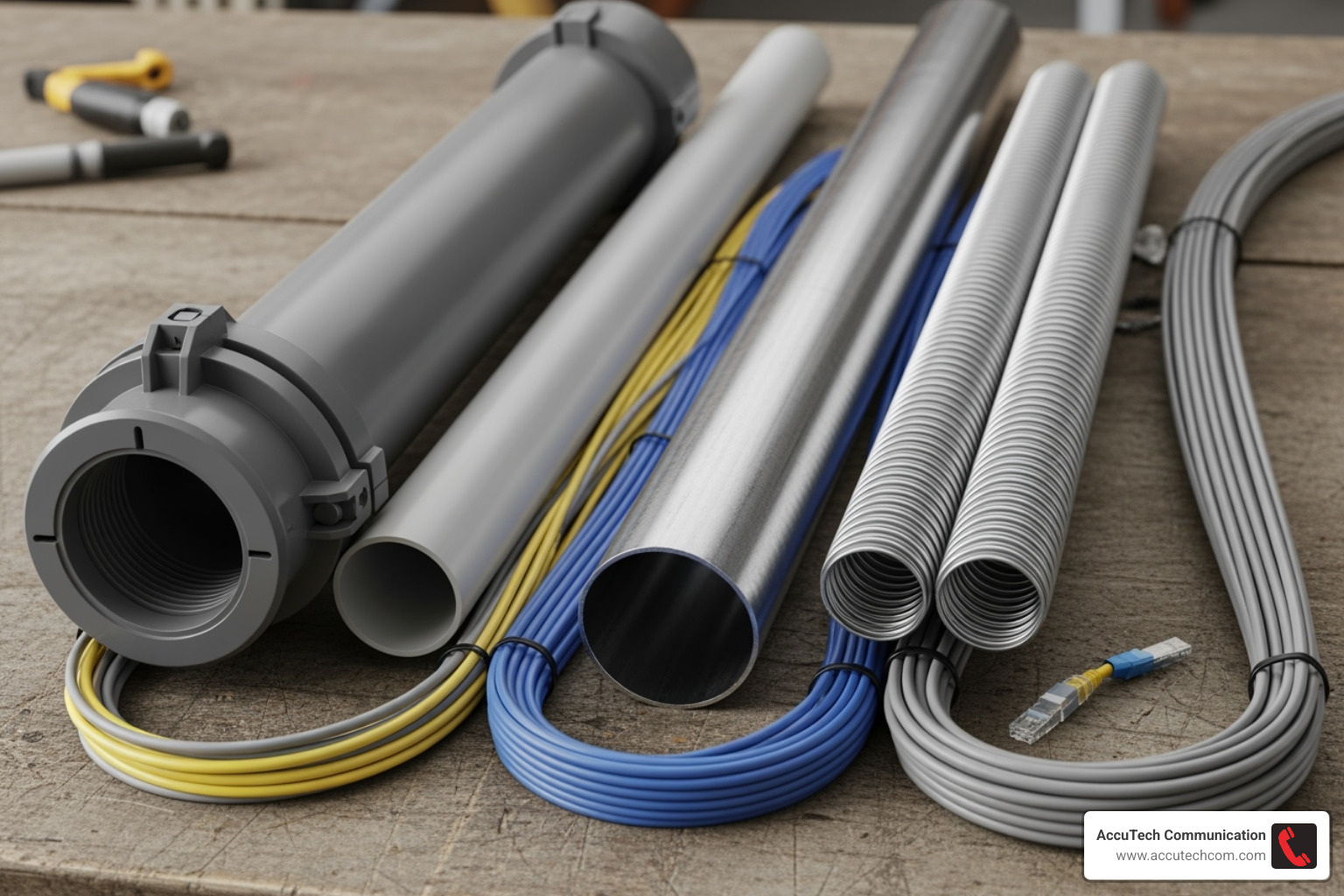
- PVC conduit: A cost-effective choice for moisture-prone or outdoor runs. It’s lightweight and corrosion-resistant but offers less physical protection than metal.
- EMT (Electrical Metallic Tubing): A good balance for most indoor commercial work. It provides solid protection and is easier to work with than rigid metal conduit. We often recommend EMT for commercial installations; our EMT piping services create robust network pathways.
- RMC (Rigid Metal Conduit): The best choice for heavy-duty protection in industrial settings. It’s thick-walled steel that can handle serious impact but is heavy and expensive.
- Flexible conduit: Perfect for snaking around obstacles or in tight spaces, especially for retrofits in existing walls.
Determining the Correct Conduit Size for Installing Conduit for Network Cable
Sizing your conduit for future needs is critical. The 40% Rule is the industry standard, meaning your initial cable installation should only fill 40% of the conduit’s capacity. This leaves room for future expansion and prevents cable damage during pulls.
Consider these factors:
- Cable count and diameter: How many cables are you running now?
- Future expansion: Leaving extra space allows you to easily pull upgraded cables (like Cat6a or fiber) later.
- Power over Ethernet (PoE): These cables generate heat, and proper sizing ensures good airflow to prevent performance issues.
A critical tip: We don’t recommend conduit smaller than 3/4-inch for network cables. Even for a single cable, the extra space in a 3/4-inch conduit dramatically reduces friction and the risk of damage during the pull.
Essential Tools and Materials for a Successful Installation
Having everything ready beforehand prevents delays. Here’s what you’ll need:
- Materials: Conduit pipe, fittings, couplings, straps, clamps, pull string, and cable lubricant.
- Pulling Tools: Fish tape to guide your pull string through the conduit.
- Cutting & Shaping Tools: A drill, a PVC cutter or hacksaw, and a deburring tool to smooth sharp edges after cutting.
- Safety Gear: Safety glasses and gloves are essential.
- Measuring & Marking: Measuring tape, a level, and a stud finder.
Step-by-Step Guide to Installing Conduit for Network Cable
With your plan and materials ready, it’s time to begin installing conduit for network cable. Following these steps ensures a clean, secure, and efficient setup.
Step 1: Plan and Mark Your Conduit Route
A well-thought-out route saves time and materials.
- Sketch a map of the conduit path from start to finish.
- Measure the path carefully to determine the required length of conduit.
- Avoid obstacles like water pipes, heating ducts, and electrical lines.
- Minimize bends to make pulling cables easier. A single run should not exceed 360 degrees of bends.
- Mark entry and exit points and always check for existing wiring before drilling or cutting.
Step 2: Cut, Prepare, and Assemble the Conduit
Precision is key for a good fit.
- Measure twice, cut once. Use a PVC cutter for PVC or a hacksaw for metal conduit.
- Deburr edges. After cutting, use a deburring tool to smooth the inside edges. This critical step prevents sharp burrs from slicing into your cable jackets.
- Assemble sections. Dry fit the pieces first. For PVC, use PVC primer and cement for a watertight seal. For metal conduit, use the proper couplings and fittings, tightening them securely.
Step 3: Mount the Conduit Securely
Proper mounting provides stability and a professional look.
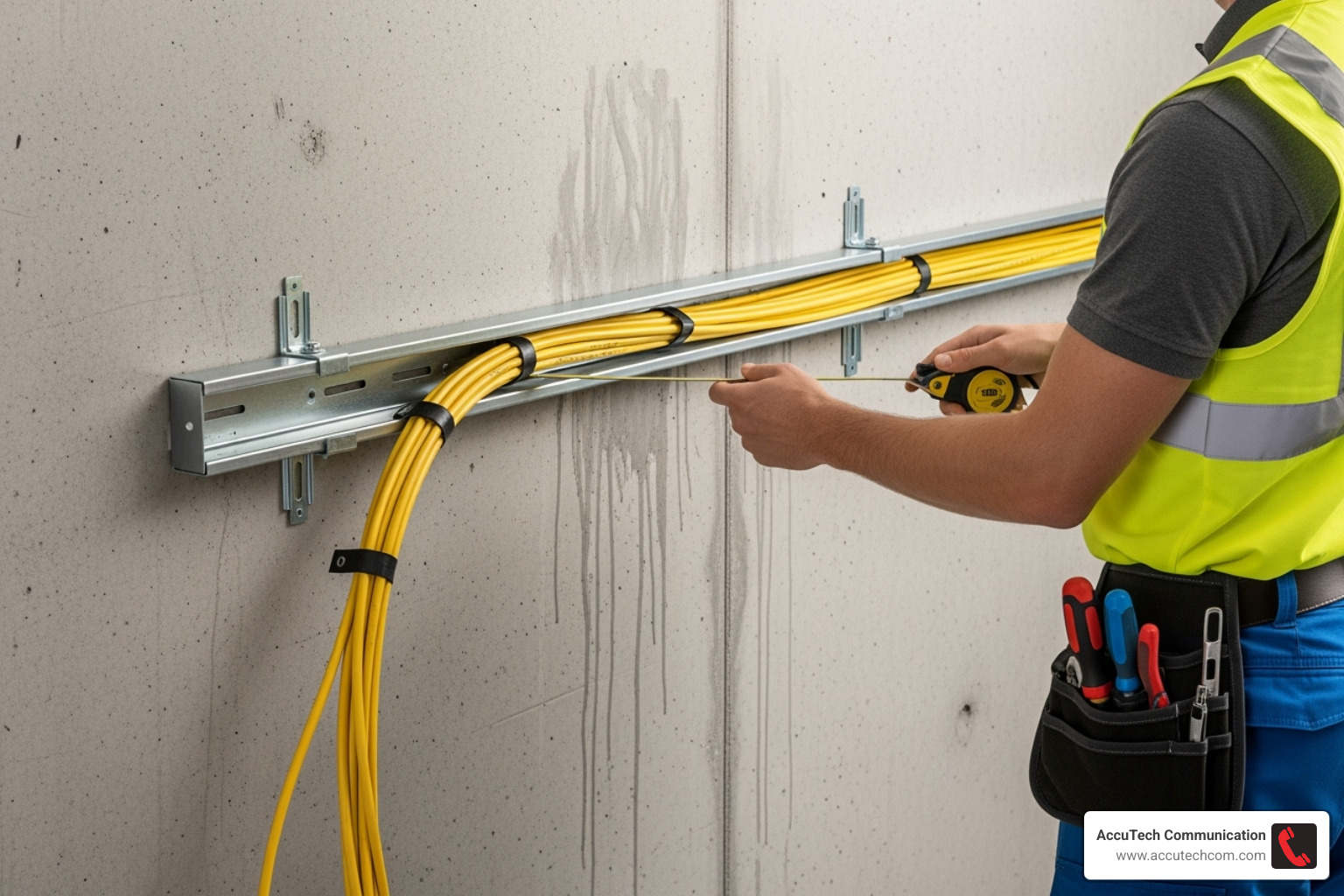
- Use straps and clamps to attach the conduit firmly to walls or ceilings.
- Follow local codes for support spacing. Generally, place straps within 3 feet of any junction box and no more than 10 feet apart on straight runs. This prevents sagging and damage.
- Ensure the conduit is straight and level. For more tips, see our guide on How to Install Electrical Conduit.
Step 4: Pull the Network Cables
This step requires care to avoid damaging the cables.
- Use a fish tape to run a pull string through the entire length of the conduit.
- Apply cable lubricant. This special, non-damaging lubricant drastically reduces friction, making the pull much easier.
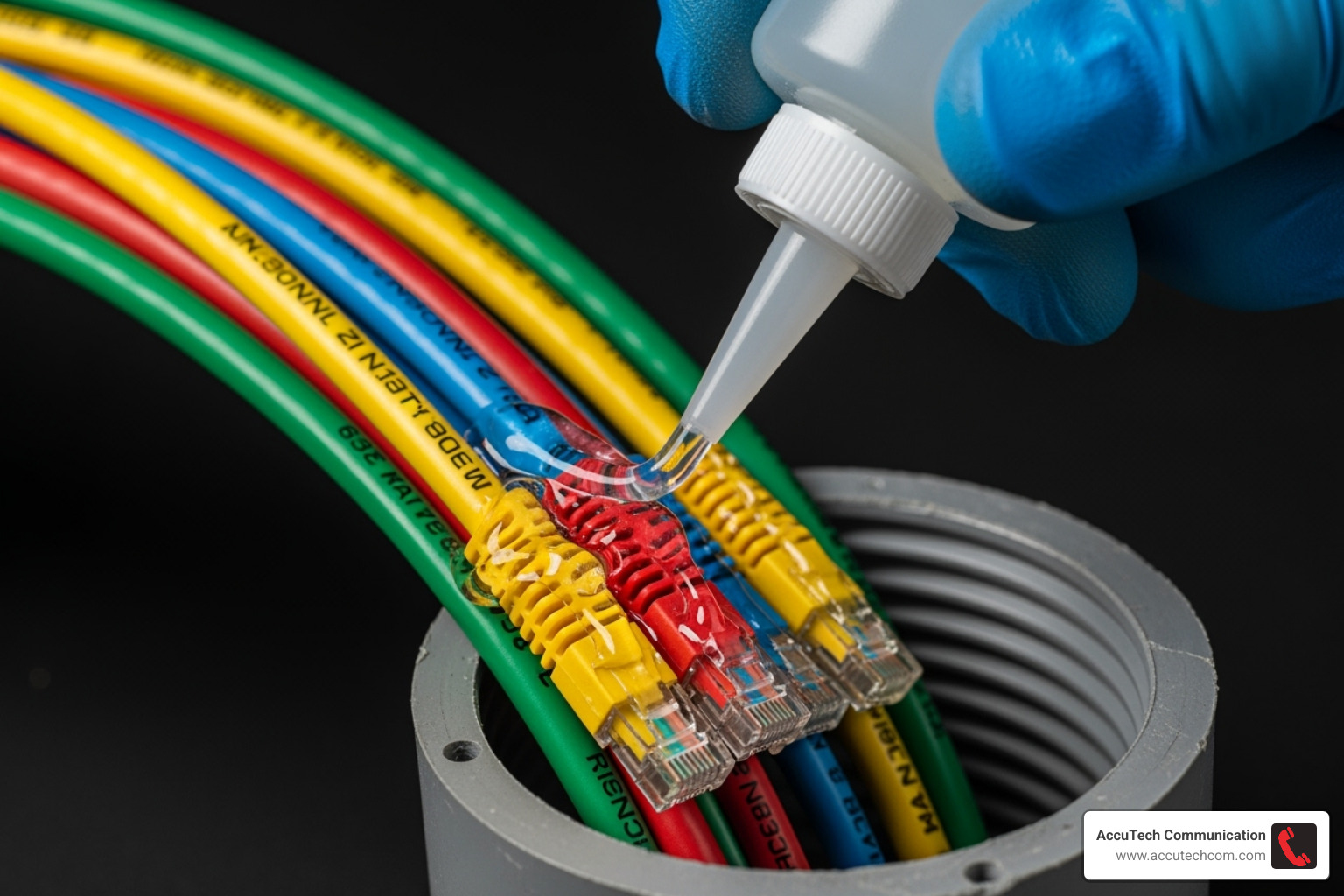
- Attach cables securely to the pull string with electrical tape, staggering the ends if pulling multiple cables.
- Pull smoothly and steadily. Avoid jerky movements and do not exceed 25 ft/lbs of pull tension, as this can stretch and damage the delicate wires inside Ethernet cables. For long or complex runs, use intermediate pull points to manage tension.
Critical Rules and Best Practices for a Flawless Installation
Installing conduit for network cable is about building a safe, robust, and reliable backbone for your business. Adhering to professional standards and best practices is the foundation of a flawless installation. For more details, see our guide on Ethernet Cable Wiring.
Key Safety Precautions for Installing Conduit for Network Cable
Safety is always the top priority.
- Wear PPE: Always use Personal Protective Equipment, including safety glasses and gloves.
- Check for live wires: Before drilling or cutting, use a non-contact voltage tester. If working near electrical lines, shut off the power at the breaker and verify it’s off.
- Maintain structural integrity: When drilling through framing like studs or joists, keep holes centered and ensure their diameter is no more than 40% of the wood’s width.
- Use fire-stopping: Any hole drilled through a fire-rated wall or floor must be sealed with fire-rated caulk or foam. This is a critical fire code requirement that prevents the spread of fire and smoke.
Cable Separation: The Golden Rule
The National Electric Code (NEC) has a clear rule: keep unshielded Ethernet cables a minimum of 8 inches away from parallel AC power lines. You can learn more by reading about Understanding the National Electrical Code (NEC).
AC wiring creates Electromagnetic Interference (EMI), which can degrade your data signal, causing slow speeds and dropped connections. While modern cables have some resistance thanks to differential signaling, separation is the best practice.
Most importantly, the NEC strictly prohibits running low-voltage vs. high-voltage wiring in the same conduit. This is a major safety hazard and will cause severe interference. Always use separate pathways.
New Construction vs. Existing Homes
The approach to installing conduit for network cable differs between new and existing buildings.
- New construction: This is the ideal scenario. With open walls, we have easy access to install continuous conduit runs, which is perfect for future-proofing.
- Existing homes: This is more challenging due to closed walls, insulation, and fire blocks. Fishing cables directly might be more practical for a single, short run, but we still recommend leaving a pull string for future upgrades. Conduit is most practical in unfinished areas like basements and attics, or during major renovations when walls are open.
While it can require more effort in an existing building, the long-term benefits of protection and easy upgrades often make conduit a worthwhile investment.
Frequently Asked Questions about Network Conduit Installation
Here are answers to a few common questions about installing conduit for network cable.
Can I run Ethernet cables in the same conduit as electrical power wires?
No, absolutely not. This is a major safety hazard and violates the National Electric Code (NEC). Running low-voltage network cables with high-voltage electrical wires in the same conduit creates a fire risk and causes severe electromagnetic interference (EMI), which will degrade your network’s performance with slow speeds and dropped connections. Always use separate conduits.
Should low-voltage wiring always be run in conduit?
It is highly recommended for protection and future-proofing. In new commercial buildings, it is often required by code. For homes or existing buildings, it’s a best practice, especially for runs between floors or in unfinished areas like basements and attics. The benefits of installing conduit for network cable include:
- Protection from physical damage, moisture, and pests.
- Future-proofing by making it easy to pull new cables without opening walls.
- Easier troubleshooting and repairs.
The long-term benefits of easy upgrades and robust protection are well worth the initial investment.
How many Cat6 cables can I fit in a 3/4-inch conduit?
We follow the industry-standard ‘40% fill rule’. This means the initial cable installation should not exceed 40% of the conduit’s capacity to prevent cable damage, allow for heat dissipation (especially for PoE), and leave room for future additions.
For a 3/4-inch conduit, you can typically fit two to three standard Cat6 cables while adhering to the 40% rule. We strongly recommend using a minimum of 3/4-inch conduit for all network cable runs, even for a single cable, as the extra space makes pulling much easier and safer for the cable.
Conclusion: Secure Your Network’s Future with a Professional Installation
We’ve covered the essentials of installing conduit for network cable, from planning and material selection to the step-by-step installation process and critical safety rules.
Think of conduit as a super-highway for your data. It’s a foundational investment that builds a robust, reliable, and future-proof network. By protecting your cables from damage and interference while ensuring code compliance, conduit prevents costly downtime and provides peace of mind. A properly protected network ensures your team can work seamlessly and your business is ready for future technological advances. The investment pays off in reliability, scalability, and safety.
For businesses in Massachusetts, New Hampshire, and Rhode Island, a compliant and robust network backbone is critical for growth. You need a network that won’t let you down. AccuTech Communications provides certified expertise in creating these essential pathways, ensuring your network is built to last.
Ready to secure your network’s future? Learn more about our professional Network Cabling Installations and find out how we can help build a reliable foundation for your business.
