
Network Cable Installer: Top Job Overview and Skills 2024
Why Network Cable Installer Jobs are Essential
If you’re wondering what a network cable installer does and why it’s important, you’re in the right place. A network cable installer is responsible for installing, terminating, testing, and certifying network cable infrastructure components, all while adhering to National and International industry standards. These installations are essential for creating reliable communication backbones in the digital infrastructure ecosystem, enabling computers, servers, smart devices, and more to communicate seamlessly.
Key Points to Know:
– Job Overview: Installing, terminating, and testing network cables.
– Industry Standards: Compliance with standards like BSEN 50346 and ISP/OSP environments.
– Work Scope: From single outlet points to kilometers of fiber optic cables.
– Physical Demands: Often involves lifting heavy equipment and working in confined spaces.
I’m Corin Dolan, and I’ve been at the helm of AccuTech Communications since 1993. With nearly three decades of experience in network cable installation, I can assure you that mastering this field is both challenging and rewarding. Now, let’s dive deeper into what a network cable installer does and why this role is so crucial.
Know your network cable installer terms:
– cable installations
– network cabling contractor
– data cable installation
What Does a Network Cable Installer Do?
Key Responsibilities
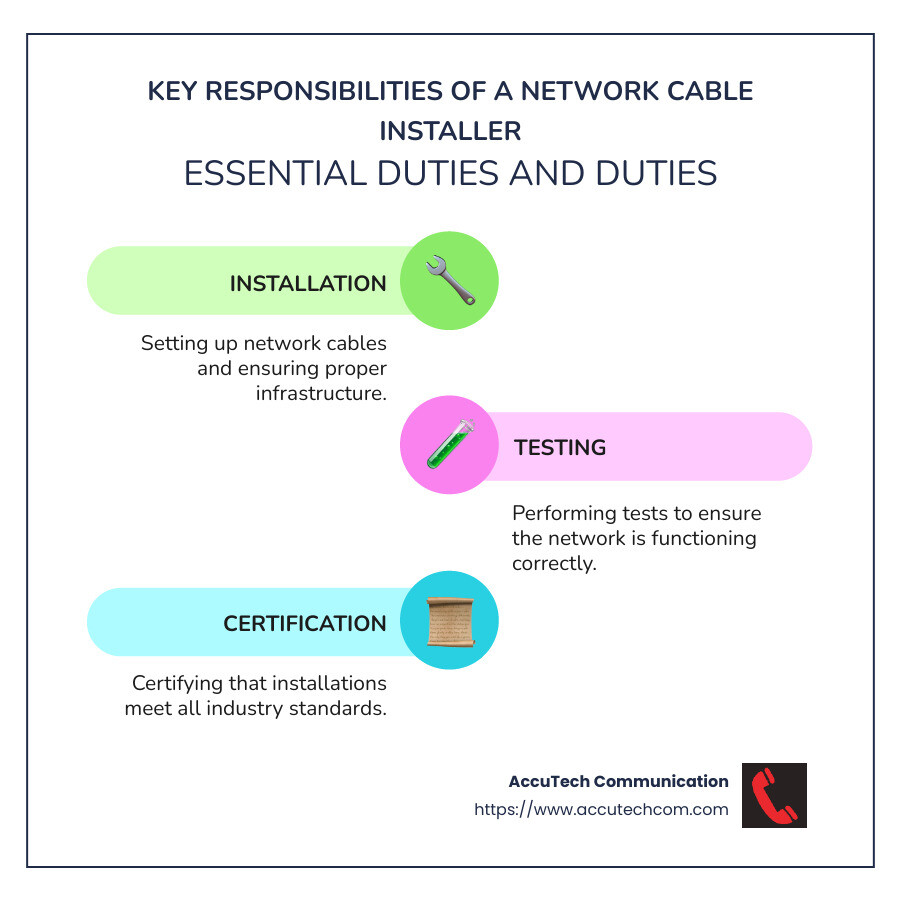
A network cable installer plays a vital role in the digital world. They are responsible for installing, terminating, testing, and certifying network cable infrastructure components. These components form the backbone of communication networks, enabling devices like computers, servers, and smart devices to communicate effectively.
Some key responsibilities of a network cable installer include:
- Cabling Requirements: Understanding and defining the requirements for network cabling based on design specifications and customer needs.
- Installation: Installing various types of cables, such as copper and fiber optic, both inside buildings (ISP) and outside (OSP).
- Termination: Properly terminating cables to ensure optimal performance and connectivity.
- Testing: Conducting tests to ensure the integrity and performance of the installed cables, following industry standards like BSEN 50346.
- Certification: Certifying the installed cables to confirm they meet required standards and performance criteria.
- Documentation: Keeping detailed records of the installation process, including diagrams, test results, and certification documents.
Required Skills and Qualifications
To excel as a network cable installer, specific skills and qualifications are essential. These include a blend of technical knowledge, practical skills, and industry certifications.
Key skills and qualifications include:
- Technical Knowledge: A strong foundation in computer science, electronics, and telecommunications is crucial. This knowledge helps in understanding the principles of data transmission over copper and fiber optic cables.
- Certifications: Certifications like the Certified Network Cable Installer (CNCI) are highly valued. CNCI professionals are trained to adhere to national and international standards, ensuring high-quality installations.
- Practical Skills: Proficiency in using tools and equipment for cable installation, termination, and testing. Familiarity with equipment like optical loss test sets and optical time domain reflectometers is essential.
- Attention to Detail: Precision in following design specifications, such as floor plans and rack face layout plans, is vital to ensure accurate installations.
- Health and Safety: Understanding and complying with health and safety regulations, including the Health and Safety at Work Act 1974 and Working at Height regulations, is imperative to ensure a safe working environment.

Corin Dolan, CEO of AccuTech Communications, says:
“The role of a network cable installer is not just about laying cables. It’s about creating a robust and reliable communication framework that organizations can depend on.”
Industry Standards: Compliance with standards like BSEN 50173-Series and BSEN 50346 is mandatory. These standards ensure that the installation process meets the required quality and performance benchmarks.
In Summary:
A network cable installer must be well-versed in technical knowledge, possess practical skills, and hold relevant certifications. They play a crucial role in ensuring that communication networks are reliable and efficient, meeting both customer and industry standards.
Next, we’ll explore the different types of network cables used in these installations.
Types of Network Cables
Choosing the right network cable is crucial for any installation. The type of cable you use impacts the speed, reliability, and overall performance of your network. Here’s a breakdown of the main types of network cables:
Copper Ethernet Cables
Copper Ethernet cables are the most common type of network cables. They come in several categories, each offering different data throughputs and performance levels:
- Cat 5e: Supports up to 1 Gbps speeds and is suitable for small to medium-sized networks.
- Cat 6: Handles up to 10 Gbps speeds over short distances (up to 55 meters). Ideal for high-performance networks.
- Cat 6a: Improved version of Cat 6, supporting 10 Gbps speeds over longer distances (up to 100 meters).
- Cat 7: Offers better shielding and supports up to 10 Gbps speeds. Suitable for environments with high electromagnetic interference.
- Cat 8: The latest and fastest, supporting up to 40 Gbps speeds. Best for data centers and high-speed applications.
These cables are cost-effective and versatile, making them popular for various installations.
Fiber Optic Cables
Fiber optic cables are essential for high-speed data transmission, especially over long distances. They use light signals to transmit data, which makes them faster and more reliable than copper cables.
- Single-mode fiber (SMF): Ideal for long-distance communication, supporting up to 40 Gbps over several kilometers.
- Multi-mode fiber (MMF): Suitable for shorter distances, typically up to 600 meters, and supports speeds up to 100 Gbps.
Connector Types:
- SC (Subscriber Connector): Common in data centers, known for its push-pull mechanism.
- LC (Lucent Connector): Smaller and more compact, ideal for high-density applications.
- ST (Straight Tip): Often used in network environments requiring quick connections and disconnections.
Fiber optic cables are more expensive but offer superior performance, making them ideal for large businesses and data centers.
Coaxial Cable
Coaxial cables have been around for a long time and are commonly used for TV and broadband connections. They consist of a central conductive core, surrounded by an insulating layer, a conductive shield, and an outer protective layer.
- Applications: Residential broadband, telephone lines, and radio/TV broadcasting.
- Advantages: Resistant to electrical noise, making them valuable in industrial environments.
Shielded Twisted Pair (STP) and Unshielded Twisted Pair (UTP)
Twisted pair cables are another popular choice, especially in Ethernet networks. They come in two types:
- STP (Shielded Twisted Pair): These cables have an additional shielding to protect against electromagnetic interference. Ideal for environments with high interference.
- UTP (Unshielded Twisted Pair): Lacks additional shielding, making them more flexible and easier to install. Suitable for most standard office environments.
Both STP and UTP cables are available in the same categories as copper Ethernet cables (Cat 5e, Cat 6, etc.).
Data Throughputs
The data throughput of a cable refers to the maximum amount of data it can transmit per second. Here’s a quick comparison:
| Cable Type | Maximum Speed | Typical Use Case |
|---|---|---|
| Cat 5e | 1 Gbps | Small to medium networks |
| Cat 6 | 10 Gbps (short distances) | High-performance networks |
| Cat 6a | 10 Gbps | Longer distances |
| Cat 7 | 10 Gbps | High interference environments |
| Cat 8 | 40 Gbps | Data centers |
| SMF | 40 Gbps | Long-distance communication |
| MMF | 100 Gbps | Shorter distances |
High-Speed Data Transmission and Long Distances
For businesses requiring high-speed data transmission over long distances, fiber optic cables are the best choice. They offer unparalleled speed and reliability, making them suitable for large organizations with intensive data-sharing needs.
Connector Types and Cable Construction:
Understanding the various connector types and cable constructions is vital for a successful installation. The choice of connector and cable construction will depend on the specific requirements of your network, including speed, distance, and environmental factors.
Next, we’ll dive into the cost of network cable installation and what factors can influence it.
Cost of Network Cable Installation
Installing network cables is a crucial investment for businesses. The cost can vary widely based on several factors.
National Average Price
In the United States, the national average cost for network cable installation ranges from $2,500 to $4,500. This estimate covers a typical small to medium-sized office setup.
Factors Affecting Cost
- Type of Cable: The choice between copper (Cat 5e, Cat 6, Cat 6a, etc.) and fiber optic cables significantly impacts cost. Fiber optic cables are more expensive but offer higher speeds and longer distances.
- Scope of Work: The number of cable drops (connection points) required can raise costs. More drops mean more materials and labor.
- Complexity of Installation: Complex installations, such as those in multi-story buildings or those requiring integration with existing electrical systems, can increase labor costs.
- Geographic Location: Labor costs vary by region. Urban areas may have higher labor costs compared to rural areas.
- New Construction vs. Retrofit: Installing network cables in new constructions is often cheaper because walls and ceilings are open. Retrofitting an existing building can be more labor-intensive and costly.
New Construction
For new constructions, planning network cabling during the building phase can save money. It’s easier to run cables before walls and ceilings are closed up. This approach also allows for better integration with other building systems, like electrical and HVAC.
Next, let’s explore whether you need an electrician to install network cables and the complexities involved in such installations.
Do You Need an Electrician to Install Network Cable?
When it comes to installing network cables, many people wonder if they need an electrician for the job. The answer depends on the complexity of the installation and the specific requirements of your project.
Complex Installations
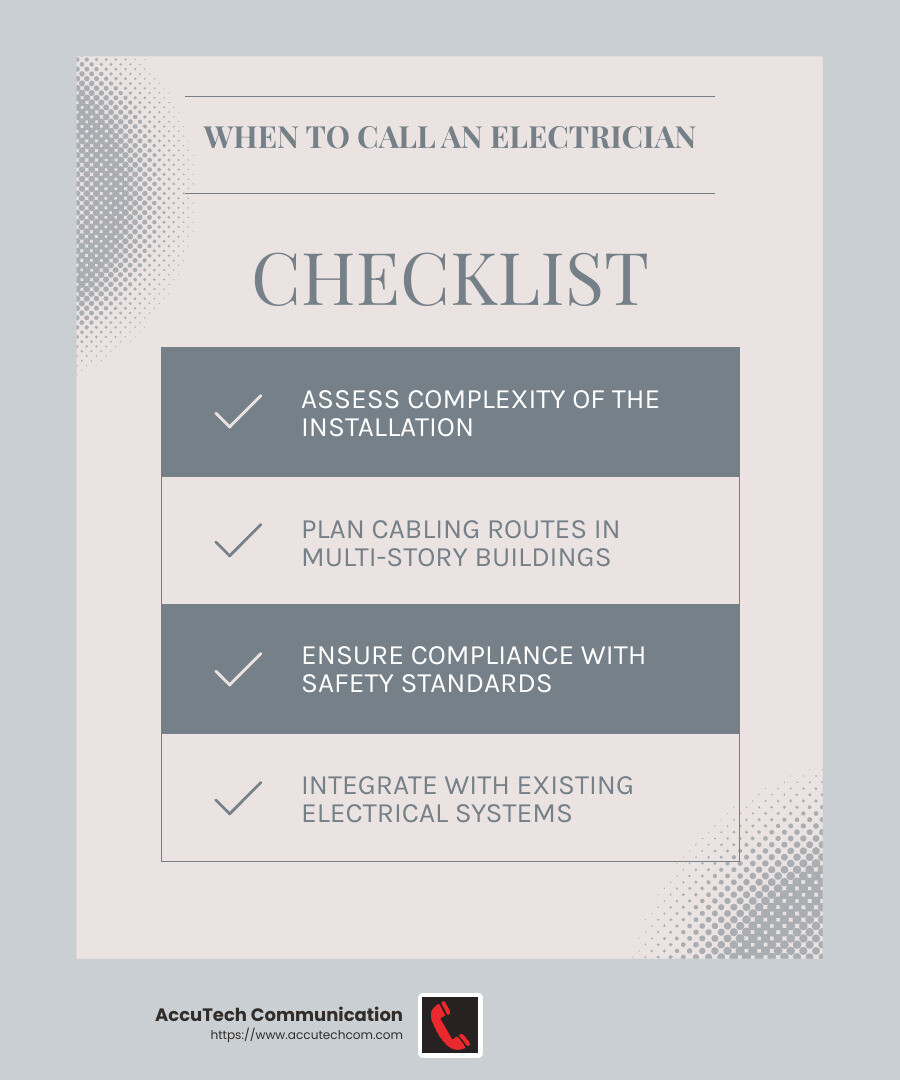
For simple installations, such as running a few Ethernet cables in a small office, you might not need an electrician. However, for more complex setups, especially those involving multiple floors or extensive cabling, an electrician’s expertise can be invaluable.
Electricians are trained to handle complex wiring tasks and can help ensure the installation meets all safety standards. They can also steer through building codes and regulations, which can be tricky for the untrained.
Multiple Floors
Installing network cables in multi-story buildings presents unique challenges. Running cables between floors requires careful planning to avoid interference and ensure optimal performance. Electricians have the skills and tools needed to:
- Drill through floors and walls without damaging the structure.
- Use conduit to protect cables from physical damage.
- Ensure cables are properly labeled and organized for easy maintenance.
For example, in a large office building, an electrician can help design a cabling system that supports current needs and allows for future expansion. This future-focused approach can save time and money in the long run.
Integration with Electrical Systems
Network cabling often needs to integrate with existing electrical systems. This is where an electrician’s expertise is particularly useful. They can:
- Ensure that data cables are properly segregated from electrical cables to prevent interference, as required by BSEN 50174.
- Install Power over Ethernet (PoE) systems, which deliver power to devices like wireless access points and IP cameras through the network cables themselves. This eliminates the need for separate power sources and simplifies the installation.
- Identify and mitigate potential hazards, such as Asbestos Containing Materials (ACMs), to ensure a safe working environment.
When to Call a Professional
While you might handle simple network cable installations yourself, complex projects benefit significantly from professional help. Electricians bring the expertise needed to ensure a safe, efficient, and future-proof installation.
Next, let’s dive into the components that make up a structured cabling system and how they come together to create a robust network infrastructure.
Structured Cabling Components
A structured cabling system is crucial for a reliable and efficient network. It consists of several components that work together to create a robust infrastructure. Here’s a breakdown of each key component:
Entrance Facilities
Entrance Facilities (EF) are where telecom facilities enter a building from the outside. This includes cables from local service carriers or private networks. These facilities connect to devices like network connection points, patch panels, equipment racks, and power supplies. Grounding, shielding, and lightning protection devices are also part of the EF to ensure safety and reliability.
Equipment Room
Equipment Rooms (ER) are dedicated areas where entrance cabling connects to the building’s internal wiring. These rooms house patch panels that link backbone cabling, horizontal cabling, and intermediate cabling. They often contain network switches, PBXs, and servers, requiring environmental controls to maintain optimal temperature and humidity levels.
Backbone Cabling
Backbone Cabling links entrance facilities, equipment rooms, and telecommunications rooms. It is typically installed in vertical channels, or risers, that connect different floors. Backbone cabling includes:
- 100-ohm twisted-pair cabling: Cat3, Cat5e, Cat6, or Cat6a.
- Multimode optical fiber cabling: Laser-optimized 50/125 micrometer is recommended.
- Single-mode optical fiber cabling.
Telecommunications Room
Telecommunications Rooms (TR), or Telecommunications Enclosures (TE), are environmentally controlled spaces where horizontal and backbone cables terminate. These rooms house local cables, known as jumpers or patch cords, used on patch panels to cross-connect different cables. Intermediate and main cross-connects may also be installed here.
Horizontal Cabling
Horizontal Cabling connects telecom resources to users’ devices within a floor. A typical run goes from a user’s device to the nearest TR, with a maximum length of 295 feet. This subsystem includes cables, connectors, patch panels, jumpers, and patch cords. Common cable types used are:
- Four-pair 100-ohm twisted-pair cabling: Cat5e, Cat6, or Cat6a.
- Multimode optical fiber cabling.
- Single-mode optical fiber cabling.
Work Area
The Work Area (WA) is the final destination of a structured cable system. It includes the area from a wall outlet connector to a user’s device. This is where users interact with the network through their devices, making it a crucial part of the overall infrastructure.
Understanding these components is essential for anyone involved in network cable installation. They ensure a structured, efficient, and scalable network that can support various digital devices and applications.
Next, let’s address some frequently asked questions about network cable installer jobs.
Frequently Asked Questions about Network Cable Installer Jobs
What is the average salary for a network cable installer?
The average salary for a network cable installer in the United States is around $59,111 per year. This figure can vary based on factors like location, experience, and certifications. Some installers work part-time, which can be a flexible option for those balancing other commitments.
What certifications are needed for network cable installers?
To become a network cable installer, certifications are crucial. The Certified Network Cable Installer (CNCI) is a highly regarded certification in the industry. This certification ensures that professionals are trained to meet national and international standards for both copper and fiber-optic cabling.
Training programs for CNCI cover essential skills like:
- Installing and terminating copper and fiber-optic cabling.
- Testing and certifying network cable infrastructure.
- Understanding industry standards and safety regulations.
How do I become a network cable installer?
Becoming a network cable installer involves a combination of education, certifications, and experience.
- Education: A bachelor’s degree in computer science, electronics, or telecommunications is often required. Basic computer skills and data entry experience are also beneficial.
- Certifications: Obtaining the CNCI certification is a key step. This involves completing a training program that covers installation, testing, and certification of network cabling.
- Experience: Gaining practical experience is essential. This can be achieved through internships, part-time jobs, or entry-level positions in IT or telecom companies.
- Job Opportunities: Look for job openings at companies specializing in network cabling, telecommunications, or IT infrastructure. Websites like FieldEngineer.com can connect you with employers seeking skilled network cable installers.
By following these steps, you can build a successful career as a network cable installer and contribute to the backbone of modern digital infrastructure.
Next, let’s explore the different types of network cables used in installations.
Conclusion
AccuTech Communications has been a reliable partner in network cabling services since 1993. Serving businesses across Massachusetts, New Hampshire, and Rhode Island, we specialize in providing certified, high-quality service at competitive prices.
Our team of network cable installers is trained to handle everything from small business setups to large corporate campuses. We understand the importance of a robust and reliable network infrastructure for your business operations. That’s why we focus on delivering services that meet and exceed national and international standards.
Whether you need fiber optic cabling for high-speed data transfer or Cat 6a wiring for your data center, we have the expertise to get the job done right. Our services also include thorough testing and certification to ensure your network performs at its best.
Choosing AccuTech Communications means investing in a partner committed to quality and reliability. Ready to strengthen your business network? Contact us today for an estimate and let us help you build a stronger, more reliable network.
By choosing AccuTech Communications, you’re not just getting a service provider; you’re gaining a trusted partner dedicated to your business’s long-term success.
