
Office Security Camera System: Top Picks for 2025 Success
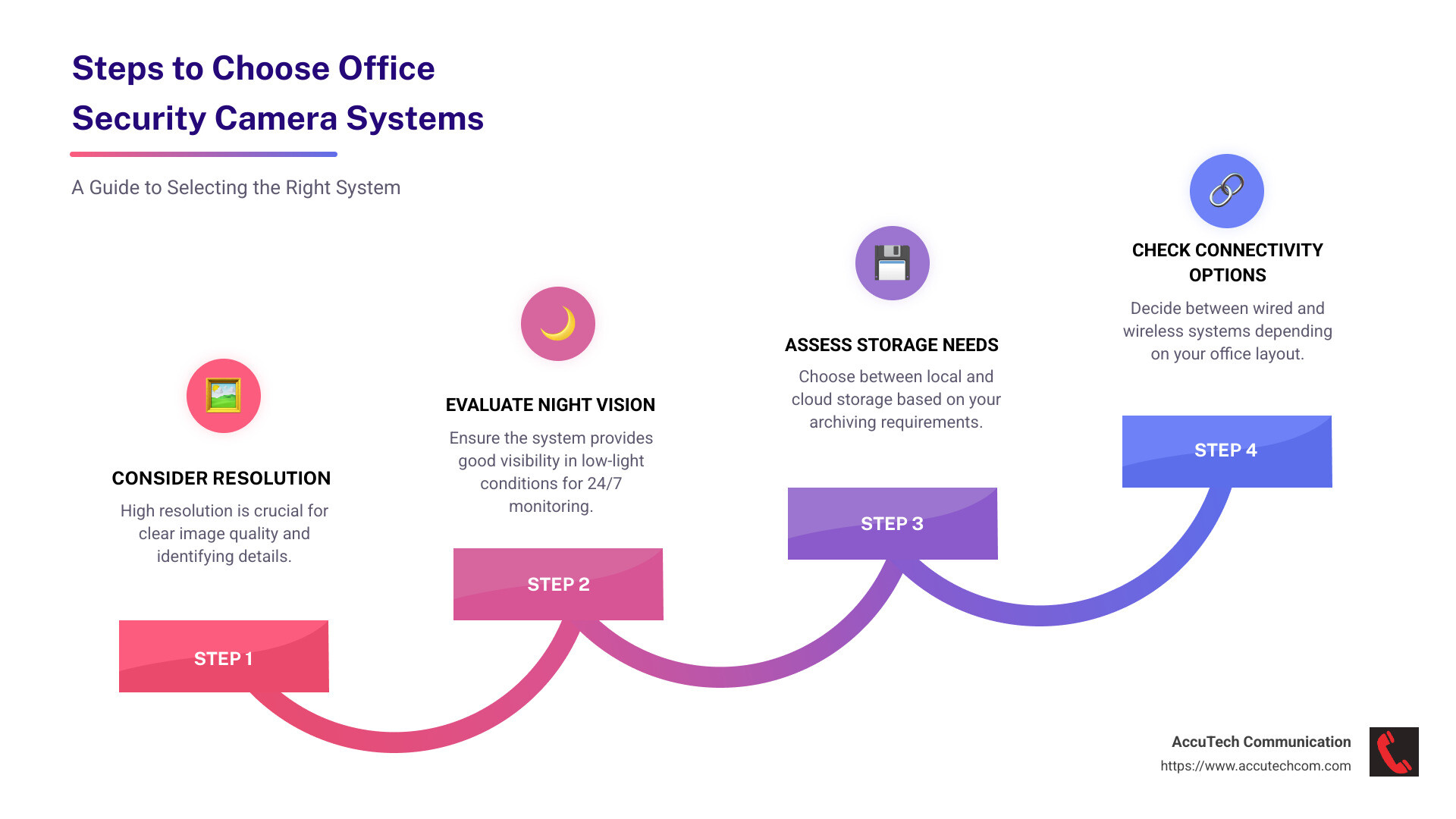
Office security camera systems are essential tools for safeguarding your business. These systems allow you to monitor activities, deter theft, ensure the safety of your employees, and protect valuable assets. When selecting an office security camera system, consider the following key aspects:
- Resolution: Higher resolution provides clearer images, which are crucial for identifying individuals and activities.
- Night vision: Essential for 24/7 surveillance, especially in low-light conditions.
- Storage: Options range from local storage to cloud-based solutions, impacting how long footage can be archived.
- Connectivity: Choose between wired and wireless systems based on your office layout and network infrastructure.
As Corin Dolan, owner at AccuTech Communications, I’ve guided businesses for over 25 years in choosing the right office security camera system to bolster their security and efficiency. My extensive experience across Massachusetts, New Hampshire, and Rhode Island ensures that each client receives custom advice and robust, compliant security solutions.
Office security camera system terminology:
Understanding Office Security Camera Systems
When it comes to office security camera systems, understanding the different types and features can make all the difference in securing your space effectively.
Types of Office Security Cameras
1. IP Cameras: These are digital cameras that send and receive data over a network or the internet. IP cameras offer high-resolution video, making them perfect for detailed surveillance. They are ideal for offices looking for high-definition video quality and ease of access.
2. Analog Cameras: These cameras transmit video over coaxial cables to a digital video recorder (DVR). While they may not offer the same clarity as IP cameras, they are often more cost-effective and can be a good choice for businesses with existing analog infrastructure.
3. Wireless Cameras: Perfect for offices where wiring is challenging, wireless cameras use Wi-Fi to transmit video. They offer flexibility in placement and are easy to install. However, ensure your network can handle the additional bandwidth.
Key Features to Consider
High-Definition Video: Clear video quality is essential for identifying faces and details. Opt for cameras that offer at least 1080p resolution to ensure you capture every important moment.
Motion Detection: This feature alerts you when movement is detected in a specified area. It helps in focusing on critical events and reduces the need to review hours of footage.
Night Vision: Offices often need surveillance after hours. Cameras with night vision capabilities ensure you have visibility even in low-light conditions, providing 24/7 security.
Video Management Systems (VMS): A good VMS allows you to manage video feeds from multiple cameras, review footage, and receive alerts. It’s the backbone of any effective surveillance system, ensuring you can access and analyze footage efficiently.
Implementing the right mix of cameras and features custom to your office’s specific needs can significantly improve your security posture. With the right system, you can safeguard your business assets while ensuring a safe environment for your employees.
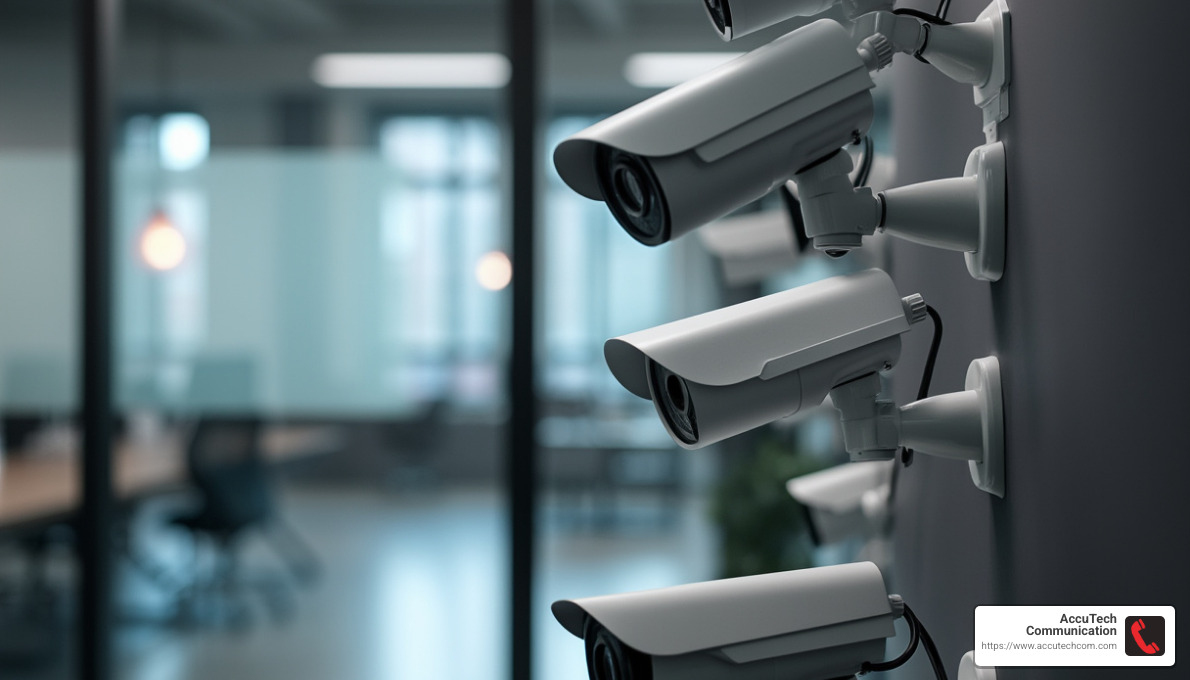
Top Office Security Camera Systems
Choosing the right office security camera system can be a game-changer for your business. It’s not just about cameras; it’s about creating a comprehensive security solution that fits your office’s unique needs.
System Configuration Options
NVR Systems: Network Video Recorder (NVR) systems are perfect for offices using IP cameras. They offer high-resolution video and advanced features like facial recognition and license plate tracking. These systems are ideal for businesses looking to leverage digital technology for improved security.
DVR Systems: Digital Video Recorder (DVR) systems are a solid choice for those with existing analog cameras. They record video onto a hard drive and allow for easy playback of footage. While they might not offer the same clarity as NVR systems, they are often more affordable and reliable.
PoE Systems: Power over Ethernet (PoE) systems simplify installation by using a single cable for both power and data. This makes them an excellent choice for offices looking to reduce clutter and streamline their setup.
Scalability and Customization
24/7 Surveillance: Ensure your system supports continuous monitoring. This is crucial for catching incidents as they happen and is a standard feature in most advanced systems.
Remote Viewing: With remote viewing capabilities, you can access live feeds from your cameras anywhere, anytime. This is essential for business owners who travel or manage multiple office locations.
Advanced Analytics: Look for systems with advanced analytics that can provide insights beyond simple surveillance. Features like heat mapping and people counting can help optimize business operations and improve security.
Camera Expansion: As your business grows, so should your security system. Choose a setup that allows for easy addition of more cameras without significant reconfiguration.
System Settings and Integration Options: Customization is key. Ensure your system allows for custom settings to fit your specific security needs. Additionally, integration with other office systems like alarms and access control can improve overall security.
Implementing a comprehensive office security camera system requires careful consideration of your specific needs and future growth. By focusing on these key areas, you can create a robust security framework that not only protects but also supports your business operations.
Installation and Maintenance Tips
Installing and maintaining an office security camera system is as important as choosing the right one. Proper setup ensures optimal performance and longevity of your security investment.
Camera Placement
Strategic camera placement is crucial. Position cameras at entrances, exits, and high-traffic areas to capture clear footage. Avoid placing cameras in areas where privacy could be violated, such as restrooms or private offices. This respects employee privacy and adheres to legal guidelines.
Technical Support
Reliable technical support is vital for troubleshooting and system optimization. Choose a provider that offers 24/7 support to address issues promptly. This minimizes downtime and ensures continuous protection.
System Updates
Regular updates keep your security system functioning efficiently. Updates often include security patches and new features that improve system performance. Schedule periodic checks to ensure all components are up-to-date.
Legal and Privacy Considerations
Understanding legal and privacy considerations is essential when installing a security camera system in your office.
Employee Rights and Consent: Employees have the right to know about surveillance in the workplace. Clearly communicate the presence and purpose of cameras. Obtain consent when necessary to foster trust and transparency.
HIPAA Compliance: For businesses handling sensitive health information, compliance with HIPAA (Health Insurance Portability and Accountability Act) is critical. Ensure cameras do not capture confidential patient information. Consult with legal experts to align your security practices with HIPAA regulations.
By focusing on these installation and maintenance aspects, you can ensure your office security camera system operates smoothly and legally, providing peace of mind and a secure environment for your business.
Frequently Asked Questions about Office Security Camera Systems
Can I put a security camera in my office?
Yes, you can install a security camera in your office. However, it’s important to follow local laws and regulations. Privacy is a significant concern, so avoid placing cameras in areas where employees expect privacy, like restrooms or private offices. Inform employees about the presence of cameras and their purpose to maintain transparency and trust.
Is it a HIPAA violation to have cameras in the workplace?
Installing cameras in a workplace that handles health information can lead to HIPAA violations if not done correctly. HIPAA compliance requires that cameras do not capture or record confidential patient information. It’s crucial to consult with legal experts to ensure your camera placement and usage align with HIPAA regulations, safeguarding sensitive data.
What is the difference between a security camera and a surveillance camera?
While the terms are often used interchangeably, there is a subtle difference. Security cameras are typically part of a system designed to deter crime and monitor specific areas for security purposes. They often provide real-time monitoring and alerts.
Surveillance cameras, on the other hand, are used to continuously record activities over a period of time. They are part of a broader surveillance system aimed at gathering information and evidence, often without immediate intervention.
Both play crucial roles in an effective office security camera system, ensuring comprehensive monitoring and protection of your business environment.
Conclusion
At AccuTech Communications, we understand that every business has unique security needs. That’s why we offer customized solutions to ensure your office is protected in the best way possible. Our team of experts is dedicated to providing reliable service that you can count on, whether you’re located in Massachusetts, New Hampshire, or Rhode Island.
Our commitment to quality and competitive pricing sets us apart. We specialize in network cabling, business phone systems, and data center technologies. With over 30 years of experience, we are your trusted partner in securing your business environment.
If you’re ready to improve your office security, explore our network cabling installation services. Let us help you design and implement a security camera system that meets your specific needs. Contact us today for a consultation and take the first step toward a safer, more secure office space.
