
Wall mount conduit box for network cable: Flawless 2025
Why a Wall Mount Conduit Box for Network Cable is Important
When you’re looking to install network cables, securing and protecting them is key. A wall mount conduit box for network cable is a smart solution. It keeps your setup clean, organized, and safe.
Here’s why using a wall mount conduit box is beneficial for your network:
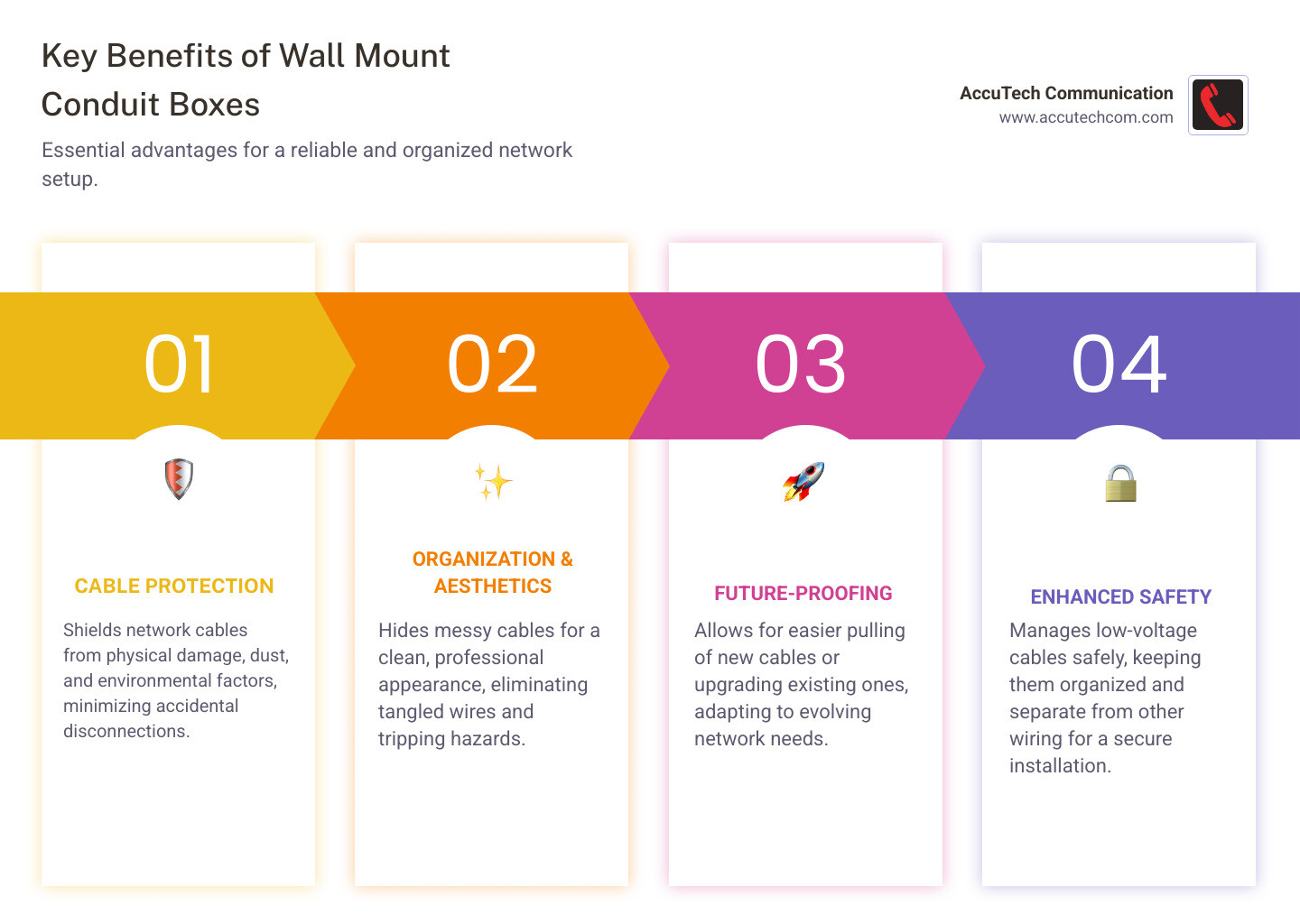
- Cable Protection: It shields your network cables from physical damage, dust, and environmental factors. This means fewer accidental disconnections or wear and tear.
- Organization and Aesthetics: These boxes hide messy cables, giving your space a much cleaner and more professional look. No more tangled wires or tripping hazards.
- Future-Proofing: If you use conduit with your box, it’s easier to pull new cables or upgrade existing ones later. This saves time and effort if your network needs change.
- Safety: While low-voltage network cables aren’t a fire risk like electrical wiring, a proper box helps manage them safely and can keep them separate from other wiring.
Imagine a network setup where cables are neatly tucked away, protected from everyday bumps and spills. That’s the promise of a wall mount conduit box for network cable. In today’s connected world, a reliable network is the backbone of any business, especially for those in healthcare or other sectors needing constant, high-performance communication. Running cables openly can lead to problems: damage, disorganization, and an unprofessional look. By using wall mount conduit boxes, you’re not just tidying up; you’re building a more resilient and efficient network infrastructure.
As Corin Dolan, owner of AccuTech Communications, I’ve spent years helping businesses build robust network infrastructures, including the proper installation of wall mount conduit boxes for network cable. Our expertise ensures your cabling is installed to the highest standards, offering both performance and longevity.
Simple guide to wall mount conduit box for network cable:
- installing conduit for network cable
- does network cable have to be in conduit
- how many network cables in conduit
Pre-Installation: Selecting Your Gear and Getting Ready
Before installation, selecting the right gear is crucial for protecting your network cables and ensuring a clean, future-proof setup. At AccuTech Communications, we recommend following industry standards, like those from TIA/EIA, for a robust and reliable cabling system.
In-Wall vs. Surface Mount: What’s the Difference?
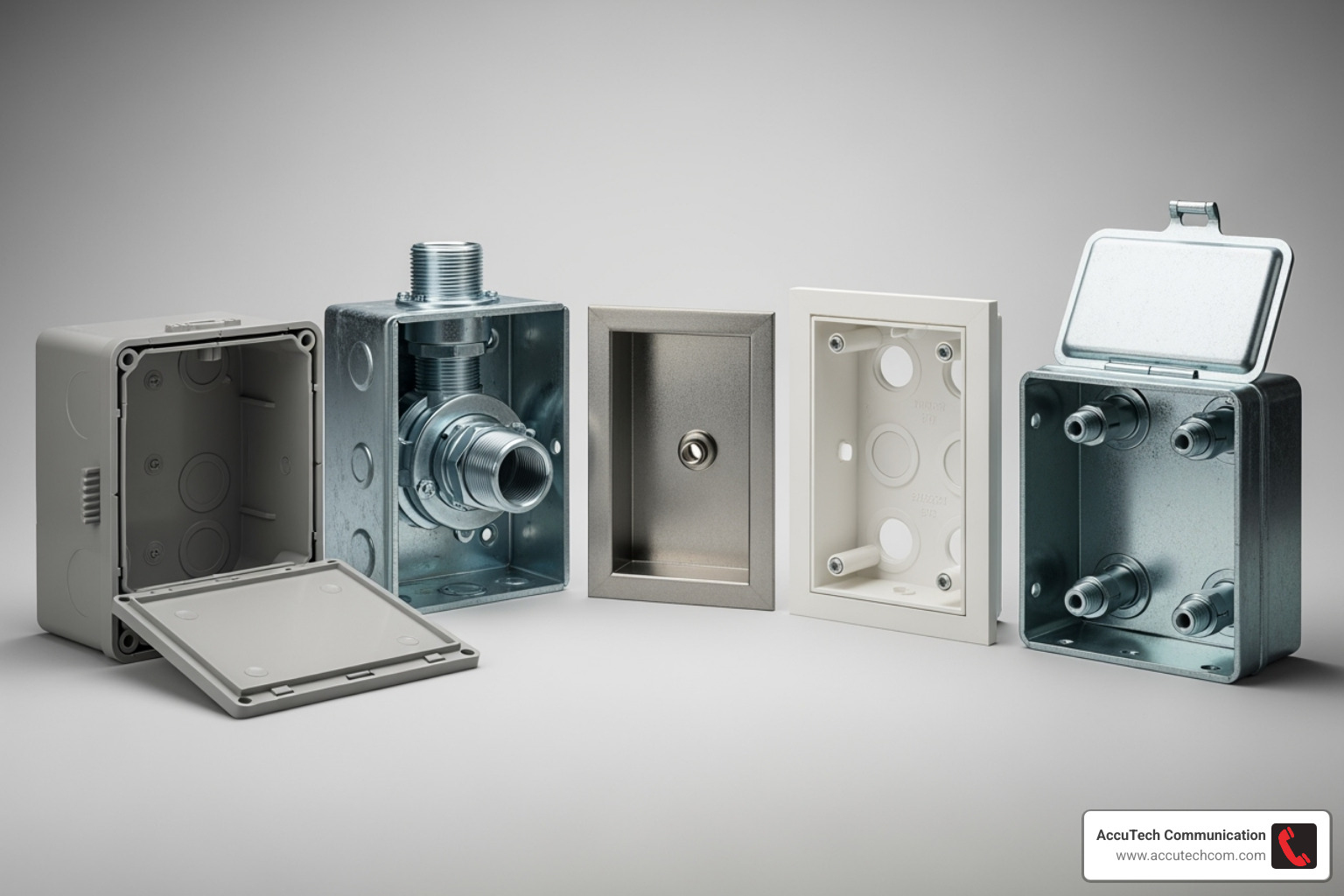
When choosing a wall mount conduit box for network cable, you’ll find two main styles: recessed (in-wall) and surface mount.
- In-wall boxes are installed inside the wall, leaving only a faceplate visible for a clean, professional look. They are ideal for new construction or major renovations where walls are already open.
- Surface mount boxes (or “biscuit boxes”) sit on the wall’s surface. They are a simpler solution for solid concrete or brick walls, or any situation where cutting into the wall is not feasible.
Here’s a quick comparison:
| Feature | In-Wall/Recessed Boxes | Surface Mount Boxes |
|---|---|---|
| Aesthetics | Very clean, flush with the wall, virtually invisible. | Visible on the wall surface, more utilitarian look. |
| Installation Difficulty | More complex, requires cutting drywall and fishing cables. | Simpler, typically screws directly to the wall surface. |
| Ideal Use Case | New construction, major renovations, for a concealed look. | Existing walls, temporary setups, industrial environments. |
| Wall Material | Drywall, plaster (requires specific mounting brackets). | Concrete, brick, or where internal access is difficult. |
Choosing the Right Wall Mount Conduit Box for Network Cable
Consider these factors when selecting your box:
- Material:
- Plastic/PVC Boxes: Lightweight, affordable, and non-conductive. They are a common choice for standard home and office low-voltage wiring.
- Metal Boxes: Extremely durable, fireproof, and offer superior protection. Ideal for industrial settings or where maximum durability is required.
- Port Count: Boxes are available in single-gang or multi-gang (2, 4, or more) options. It’s wise to install a box with extra ports for future expansion.
- Cable Category Compatibility: Ensure your box and keystone jacks match your network cable type (e.g., Cat5e, Cat6, Cat6a). Most modern keystone jacks are versatile and can be used for other low-voltage connections like HDMI or USB.
Tools and Materials Checklist
Gathering your tools beforehand makes the installation process smoother.
- Safety Gear: Safety glasses, work gloves.
- Marking & Measuring: Pencil, tape measure, level.
- Cutting & Drilling: Drywall saw, utility knife, stud finder, drill with appropriate bits (wood, drywall, masonry).
- Network Tools: Network cable (Cat5e/Cat6/Cat6a), cable stripper, 110-type punch-down tool, cable tester.
- Main Components: Your chosen wall mount conduit box, RJ45 keystone jacks, faceplate, and mounting screws/hardware.
- Optional: Conduit (e.g., “Smurf tube”) for future-proofing, cable ties for organization.
How to Install a Wall Mount Conduit Box for Network Cable
Before starting, prioritize safety. If working near electrical outlets, turn off the power at the circuit breaker.
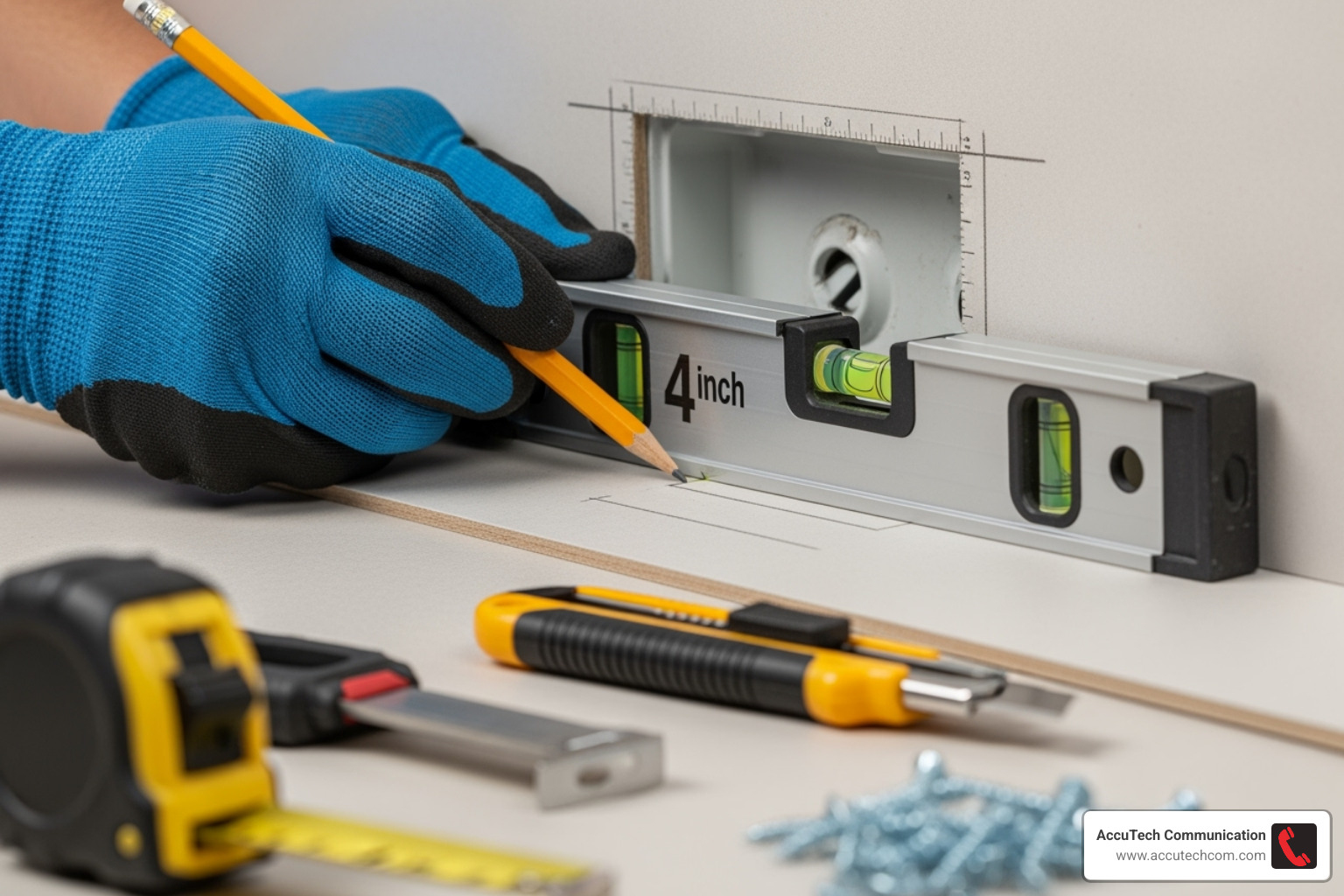
Next, select the location for your wall mount conduit box for network cable. Use a stud finder to locate wall studs. For an in-wall box, you’ll typically cut between studs. Use a level and pencil to mark the box’s position for a professional-looking alignment.
Method 1: Installing an In-Wall (Recessed) Box
This method is ideal for achieving a clean, hidden appearance in drywall.
- Locate Studs and Trace: Use a stud finder to locate studs. Position your box template between them, ensure it’s level, and trace its outline with a pencil.
- Cut Drywall: Carefully cut along the traced line with a drywall saw or an oscillating saw for precision.
- Run the Network Cable: Fish your network cable from the attic or basement to the opening using a fish tape or glow rods. For future-proofing, consider running the cable through flexible conduit (ENT or “Smurf tube”).
- Secure the Box: Pull the cable through the opening. Insert the in-wall (“old work”) box into the hole. Tighten the mounting screws to engage the tabs that clamp onto the back of the drywall, securing the box flush with the wall.
- Terminate the Keystone Jack: Leave about 12-18 inches of cable slack. Follow the termination steps in the next section to connect the wires to the keystone jack.
- Attach the Faceplate: Snap the terminated keystone jack into the faceplate, push the excess cable back into the wall, and screw the faceplate onto the box.
Method 2: Installing a Surface Mount Box
This is the go-to method for solid walls like concrete or brick.
- Position and Mark: Hold the surface mount box against the wall, use a level to straighten it, and mark the screw holes with a pencil.
- Drill Pilot Holes: Drill pilot holes at your marks. Use a masonry bit and wall anchors for concrete or brick.
- Mount the Box: Align the box with the pilot holes and fasten it securely with screws.
- Route the Cable: Run the network cable into the box through the provided knockouts or rear entry points.
- Terminate and Close: Terminate the cable to the keystone jack, snap the jack into place, and attach the box cover.
Terminating Your Network Cable
A proper termination is critical for network performance.
- Strip the Jacket: Use a cable stripper to remove about 1 inch of the outer jacket, being careful not to nick the inner wires.
- Untwist Pairs: Untwist the four wire pairs, but no more than half an inch to maintain signal quality.
- Follow the Color Code: Your keystone jack will have a color diagram for T568A and T568B standards. Choose one (T568B is most common) and use it for all terminations. Arrange the wires accordingly.
- T568B: Orange/White, Orange, Green/White, Blue, Blue/White, Green, Brown/White, Brown
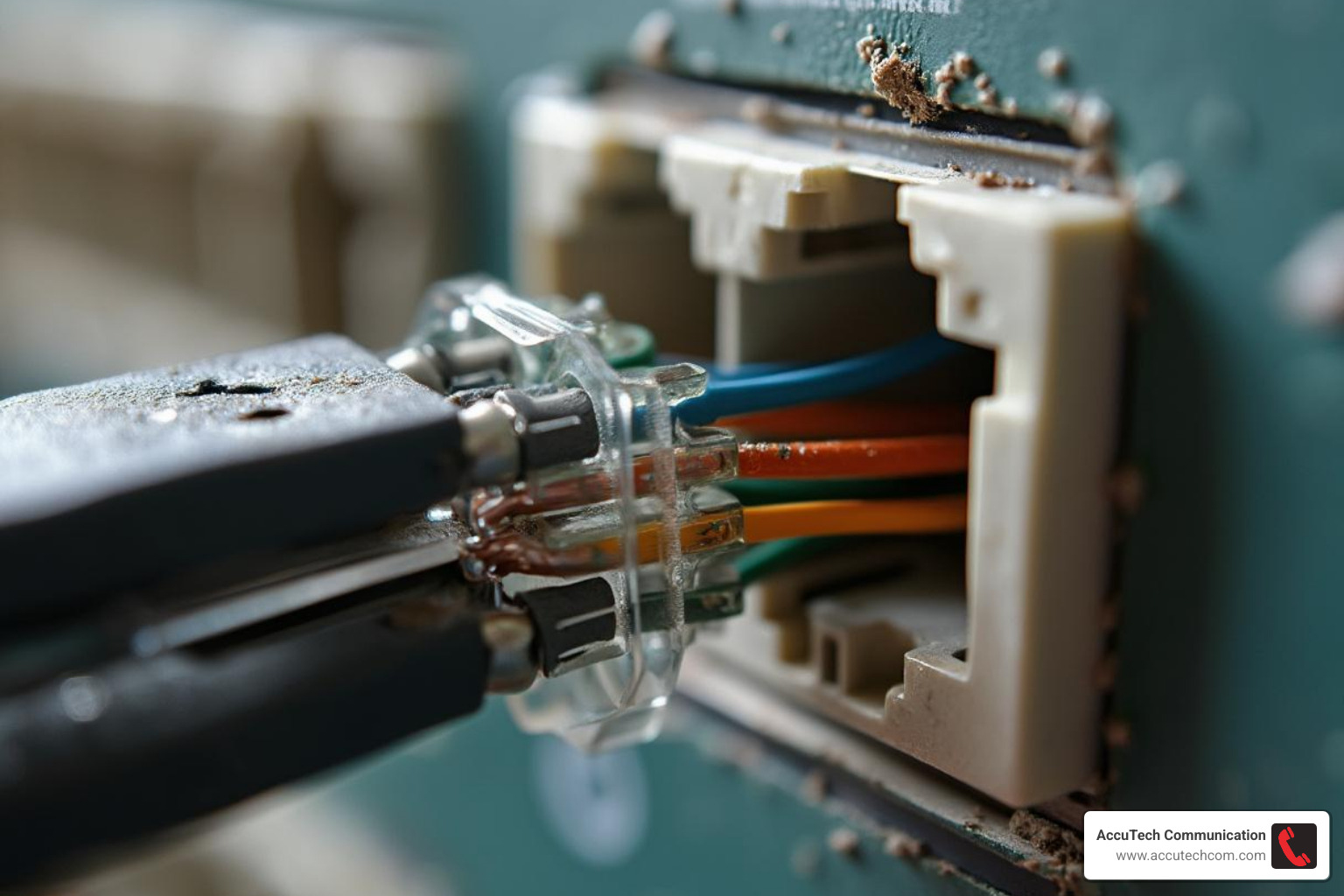
- Punch Down Wires: Place each wire into its corresponding slot on the jack. Use a 110-type punch-down tool to firmly seat the wire, which also trims the excess. A solid “click” indicates a good connection.
- Assemble: Snap the terminated keystone jack into the faceplate.
After installation, always use a network cable tester to verify all connections are correct and ready for high-speed data. This is a step we never skip at AccuTech Communications.
Safety, Standards, and Common Pitfalls
Proper installation involves more than just connecting wires. Adhering to standards prevents future headaches.
Key considerations include cable bend radius (don’t bend cables tighter than four times their diameter to avoid signal loss) and cable strain relief (leave enough slack so the cable isn’t under tension). Finally, label everything. A simple label on each cable will save immense time during future troubleshooting.
Fire Safety for Your Wall Mount Conduit Box for Network Cable
While low-voltage network cables (Cat5e, Cat6, Cat6a) don’t pose the same arcing risk as high-voltage electrical wiring, safety is still important.
- Separation: Keep network cables at least six inches away from parallel high-voltage wiring to prevent electrical interference. If they must cross, do so at a 90-degree angle.
- Fire-Rated Components: In commercial buildings, local codes may require fire-rated boxes to prevent fire and smoke from spreading through walls. Always check with your local Authority Having Jurisdiction (AHJ).
- Cable Type: Use the correct cable for the space. Plenum-rated cables are for air-handling ceilings and produce less smoke in a fire. Riser-rated cables are for vertical runs between floors.
- Fire-Stopping: Never use standard foam insulation in wall openings, as it can be a fire accelerant. If fire-stopping is required, use only approved, specially-colored materials. For more details, consult official resources like the Fire protection information from the NRC.
Common Installation Challenges and Solutions
Even with careful planning, you might encounter issues. Here’s how to handle them:
- Hitting a stud: If you cut into a stud, the easiest fix is to shift the box location. Alternatively, some boxes can be mounted directly to the side of a stud.
- Fishing wires through insulated walls: Use rigid fish tape or fiberglass glow rods to push through insulation. Tying a small weight to a pull string can also help it drop through the wall cavity.
- Not enough slack in the cable: Always pull an extra 12-18 inches of cable. If a cable is cut too short, the only reliable solution is to pull a new one. Stretching a short cable can damage it.
- Incorrect termination: This is a common source of connectivity issues. Use a cable tester to verify your work. Most errors come from mixing T568A/B standards or a poor punch-down connection.
- Troubleshooting connectivity: If a tested cable still doesn’t work, check that the port on your network switch or router is active. Try a known-good patch cable and reboot your network equipment before assuming a major issue.
Frequently Asked Questions about Network Conduit Boxes
We often get asked similar questions about installing and using network conduit boxes. Let’s address some of the most common ones.
Do I need a fully enclosed box for low-voltage network cable?
For most residential low-voltage wiring (like Cat5e, Cat6, or Cat6a), a fully enclosed box is not required. An open-back low-voltage mounting bracket is usually sufficient. These brackets provide a secure mount for the faceplate while allowing the cable to rest inside the wall cavity.
Fully enclosed boxes are primarily for high-voltage electrical wiring to contain the risk of arcing and fire. Since low-voltage cables (under 49 volts) don’t have this risk, simpler brackets are acceptable. However, commercial buildings or multi-unit dwellings may have specific local building codes requiring fire-stopping materials to prevent drafts or fire spread. Always check local requirements. For more on this topic, see this discussion on low-voltage box requirements.
Can I run multiple network cables to a single box?
Yes, and it’s a smart way to future-proof your network. Multi-port faceplates are available to accommodate 2, 4, 6, or more keystone jacks in a single location.
When running multiple cables, ensure your wall mount conduit box for network cable is large enough to hold the cables without cramming them. If using conduit, be mindful of the fill ratio (e.g., a 1-inch conduit holds about six Cat6 cables) to allow for future additions. Use cable ties for organization inside the box, but leave some slack for future adjustments.
What’s the difference between a conduit box and a low-voltage mounting bracket?
A conduit box is a fully enclosed container, typically made of metal or plastic, designed to protect wire connections. It’s often used with conduit piping to create a protected pathway, making it a robust choice for maximum physical protection.
A low-voltage mounting bracket is a much simpler, open-backed frame. Its sole purpose is to provide a stable mounting point for a faceplate on drywall. It doesn’t enclose the cables, which makes it easier to manage wires and add more later. For most network cable installations in standard walls, a mounting bracket is the preferred, more flexible option.
Get a Professional, Flawless Installation
While a DIY installation can be rewarding, sometimes you need the peace of mind that comes with a professional job. A professionally installed network is not just clean and aesthetically pleasing—it’s reliable, performs optimally, and is built to last. It’s an investment in your connectivity, ensuring everything runs smoothly.
Since 1993, AccuTech Communications has helped businesses across Massachusetts, New Hampshire, and Rhode Island build dependable networks. Our certified technicians follow strict industry standards (TIA/EIA 568-A/B) to ensure your infrastructure is robust, scalable, and optimized for peak performance.
Whether you need help with planning or the meticulous installation of your wall mount conduit box for network cable, we ensure every termination is perfect and every cable is managed flawlessly. This takes the guesswork out of your network setup, so you can focus on your business.
Ready to experience the difference a professional installation can make?
Get a quote for your structured cabling project.
