
Ethernet Installation Cost 2025: Smart Guide
Unpacking the Ethernet Installation Cost
The ethernet installation cost varies widely, but here’s a quick look at what you can expect:
- Overall Project Range: Expect to pay between $2,000 and $6,000+, depending on your home or business size and the cable types used.
- Professional Service Average: Most homeowners spend between $186 and $675 for professional installation of a few drops.
- New vs. Existing Buildings: New construction projects usually run $2,000-$3,000. Retrofitting an existing building can cost more, from $3,000-$6,000+.
- Per Ethernet Port: Installing an individual Ethernet port typically costs $100-$200, including parts and labor.
- Professional Labor Rates: Expect hourly labor costs for skilled installers to be between $50 and $130.
In today’s hyper-connected world, a reliable internet connection isn’t just nice to have—it’s essential. While Wi-Fi offers incredible convenience for mobile devices, it often falls short for the critical tasks that power our homes and businesses. Think about the frustration of a frozen video call during an important client meeting, the hours wasted on a slow large file transfer, or the security vulnerabilities inherent in wireless transactions. A wired Ethernet network provides the raw speed, rock-solid stability, and improved security you need for these mission-critical applications.
But what does it actually cost to get these robust connections installed? The final price tag is a sum of many parts, from the performance grade of the cable used to the architectural complexity of running wires through your building. Understanding these elements is the first step toward planning your budget effectively and ensuring you get a network that not only meets your current needs but is also ready for the demands of tomorrow.
I’m Corin Dolan, owner of AccuTech Communications. With decades of hands-on experience in the field since 1993, I’ve overseen countless projects and have a deep understanding of how the ethernet installation cost translates into long-term value for businesses, ensuring they get reliable, high-performance network solutions that become a true asset.
Ethernet installation cost further reading:
Understanding the Overall Ethernet Installation Cost
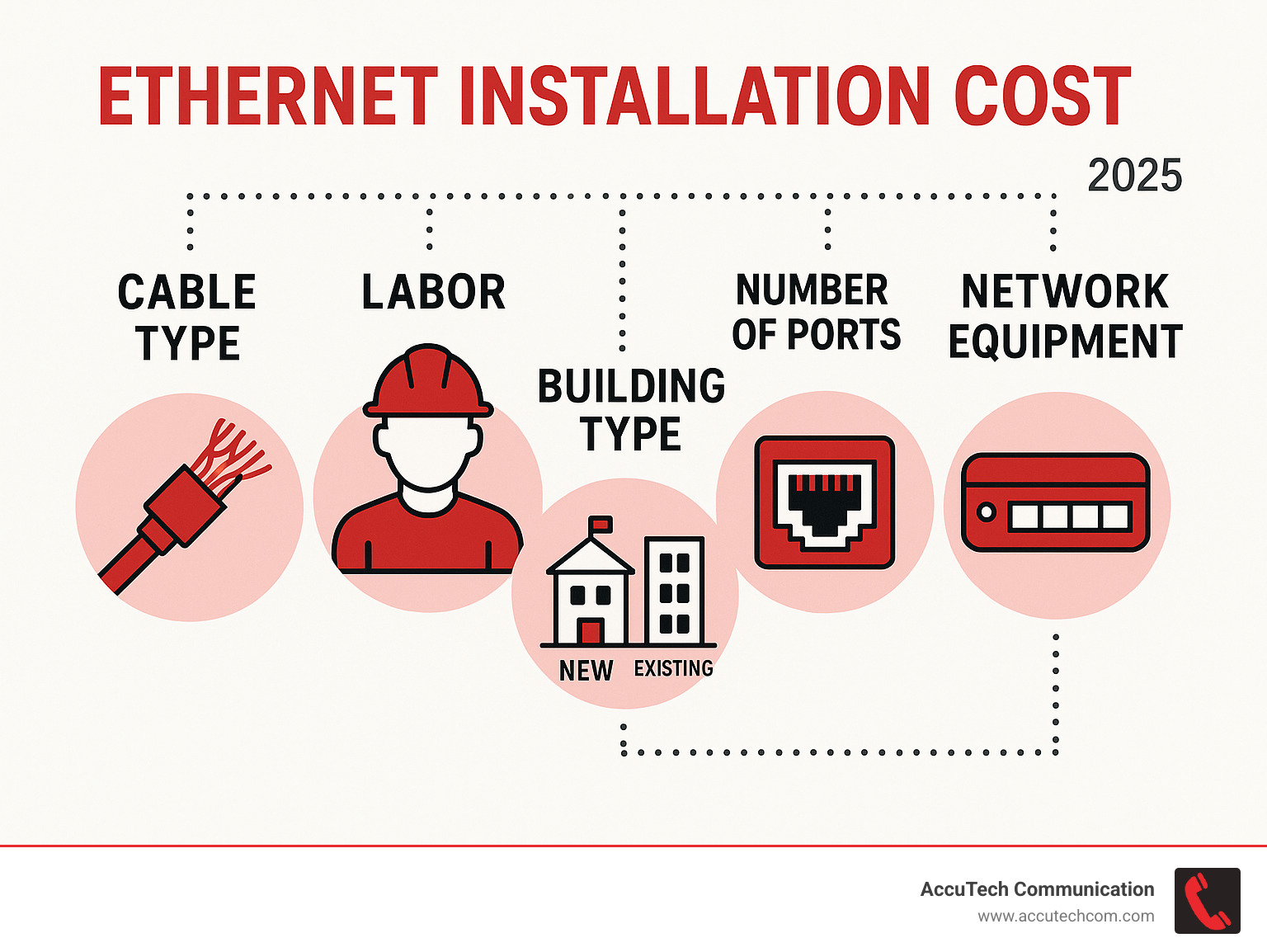
When you hear ethernet installation cost, picture a mosaic made of four main tiles: materials, labor, building layout, and the performance you expect. Change any one of these tiles, and the final picture—and price—shifts. It’s a dynamic calculation based on your specific environment and goals.
Average Project Costs: From Homes to Offices
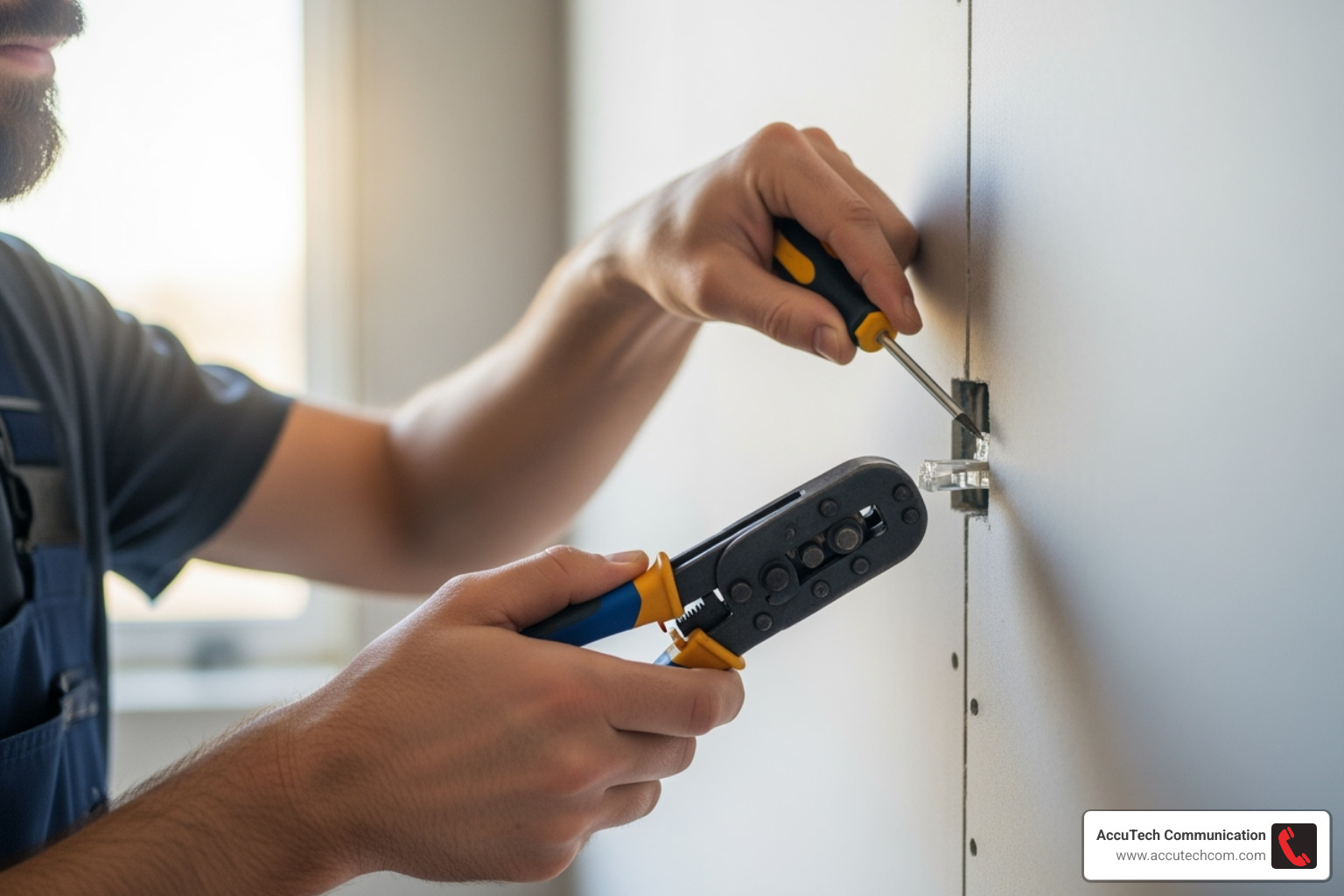
- A quick single-room add-on, like running a dedicated line for a home office or gaming setup, may land in the low hundreds.
- Whole-home wiring or a small office with 6–12 drops (individual cable runs) usually sits in the low thousands, creating a comprehensive network backbone.
- A new-construction corporate headquarters with hundreds of drops, multiple server rooms, and complex hardware integration becomes a significant five-figure project.
One of the biggest differentiators is timing. New builds are less expensive because cables can be run through open studs and ceilings before drywall goes up. Retrofits in existing structures mean carefully fishing lines through finished walls, navigating unforeseen obstacles, and patching access holes—all of which adds more hours, and therefore more dollars, to the final invoice.
Key Factors That Influence Your Final Price
- Labor rates: Certified technicians, such as those with BICSI credentials, command a regional hourly rate. This expertise ensures code compliance, proper handling of materials, and a reliable final product.
- Cable type: The choice between Cat-6, Cat-6a, fiber optic, or specialized plenum-rated versions has a direct impact on material cost. Each offers different performance levels and is suited for different environments.
- Number of drops: Each individual cable run from the central hub (patch panel) to a wall plate is its own material and labor line-item. The more connections you need, the higher the cost.
- Hardware: Beyond the cable itself, you’ll need jacks, faceplates, a patch panel to organize the runs, and network switches to direct traffic. The cost and quality of this hardware can vary widely, from basic unmanaged switches to sophisticated Power over Ethernet (PoE) models.
- Accessibility: Running cable through an open-grid ceiling in a commercial office is straightforward. Fishing it through a cramped attic, behind historic plaster walls, or through concrete fire blocks is not, and these challenges increase labor time.
- Existing pathways: In some cases, installers can leverage existing infrastructure. Empty conduits or old, non-daisy-chained phone lines can sometimes be re-used to pull new cable, saving significant time and effort.
For a customized quote, see our Network Cabling Services.
Detailed Cost of Ethernet Installation Components
| Component | Typical Material Cost | Labor Impact |
|---|---|---|
| Cable per foot | Varies by type | – |
| RJ45 jack/port | Low–moderate | Low–moderate |
| Network switch | Low–high | – |
| Patch panel | Low–moderate | – |
| Technician hour | – | Moderate |
Exact numbers depend on the brand (like Leviton or Panduit), the desired performance level, and unique site challenges, but this breakdown helps illustrate where every dollar of your investment goes.
Comparing Cable Types and Their Impact on Cost
Selecting the right cable is a critical decision that balances today’s budget with tomorrow’s bandwidth needs. The choice you make here will define the speed limit of your network for years to come.
Twisted Pair (CAT Cables): The Industry Standard
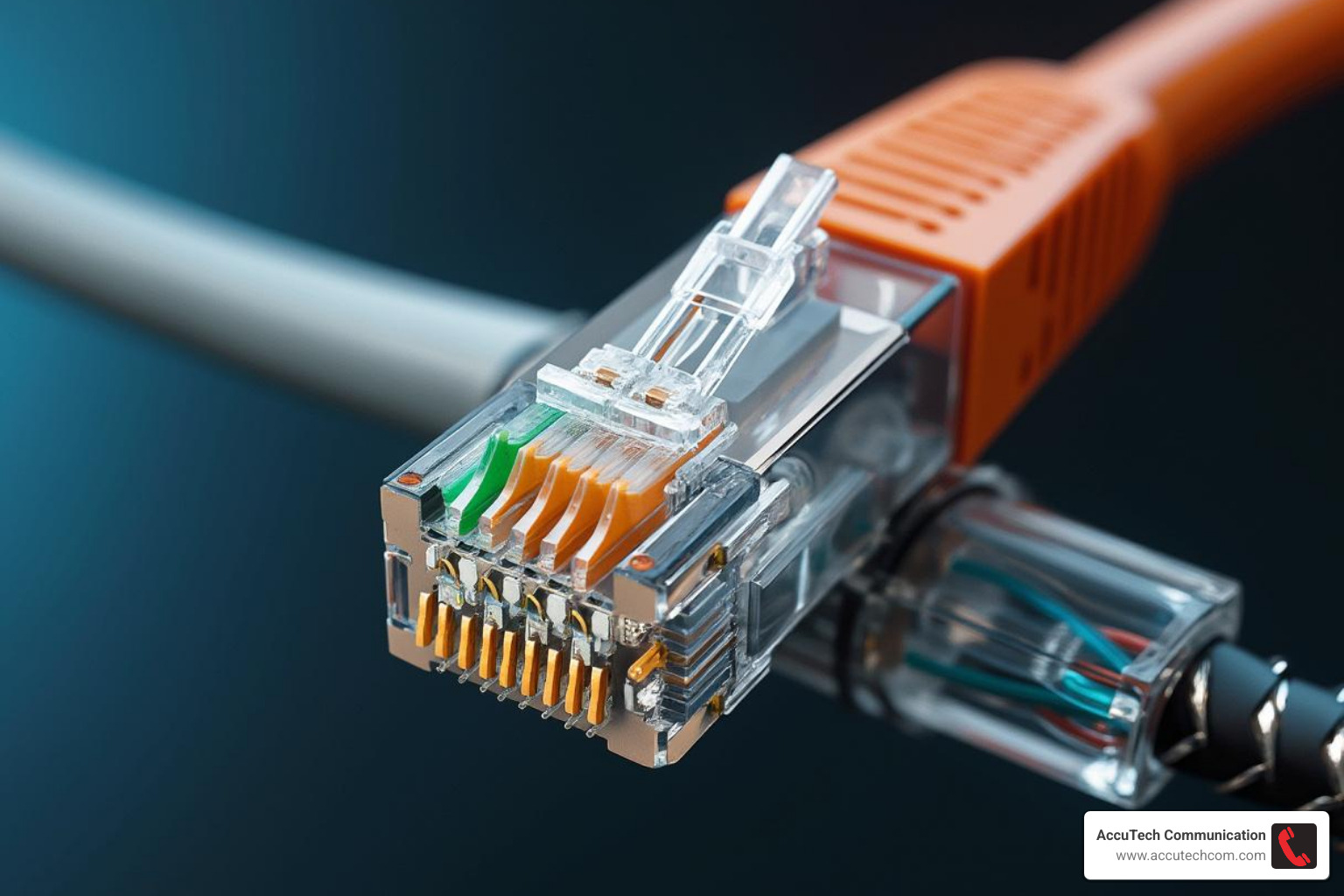
These cables, governed by standards from the Telecommunications Industry Association (TIA), are the workhorses of modern networking.
- CAT-5e (Improved): Capable of up to 1 Gbps speeds, this was once the standard. It’s still functional for basic home internet browsing and light office work but is generally not recommended for new installations.
- CAT-6: This is the current sweet spot for most new installs, offering a great balance of cost and performance. It supports up to 10 Gbps on shorter runs (under 55 meters) and easily handles 1 Gbps at the full 100-meter distance, making it ideal for most office and home applications.
- CAT-6a (Augmented): This cable is designed to reliably support 10 Gbps speeds over the full 100-meter distance. It features thicker conductors and tighter twists, providing extra headroom for future growth and better resistance to interference. It’s the go-to for future-proofing a network.
- CAT-7 / CAT-8: These are high-frequency specialty cables designed for data centers and other short-range, high-bandwidth environments, supporting speeds of 10–40 Gbps. They are overkill and rarely needed for standard office hardware.
Cables also come in different jackets. Unshielded Twisted Pair (UTP) is common and sufficient for most environments. Shielded Twisted Pair (STP) costs more but includes a foil or braid shield that protects against electromagnetic interference (EMI) from heavy machinery or power lines. Additionally, fire codes require plenum-rated (CMP) cables for runs in air-handling spaces (like above a drop ceiling), which are more expensive than standard riser-rated (CMR) cables. Dive deeper in our Network Cable Speeds guide.
Fiber Optic: The Future-Proof Investment
Instead of sending electrical signals through copper, fiber optic cable transmits data as pulses of light. This fundamental difference delivers game-changing advantages:
- Speed and Bandwidth: Multigigabit speeds far beyond what copper can currently offer.
- Distance: Signal integrity is maintained over miles, not feet, making it perfect for connecting buildings across a campus.
- Immunity: It is completely immune to electrical noise, EMI, and radio frequency interference (RFI).
The higher material and specialized installation prices are offset by a decades-long lifespan and unparalleled throughput. This makes fiber the ideal choice for network backbones, data centers, hospitals, and any expanding enterprise that cannot afford to compromise on performance. Learn more about Fiber Optic Installation.
Professional Installation vs. DIY: Making the Right Choice
Trying to trim your ethernet installation cost with a do-it-yourself approach can be tempting. For a single, exposed cable run across a floor, it might be feasible. However, as soon as you need to run cables inside walls, the complexity skyrockets.
The DIY Route: What’s Involved?
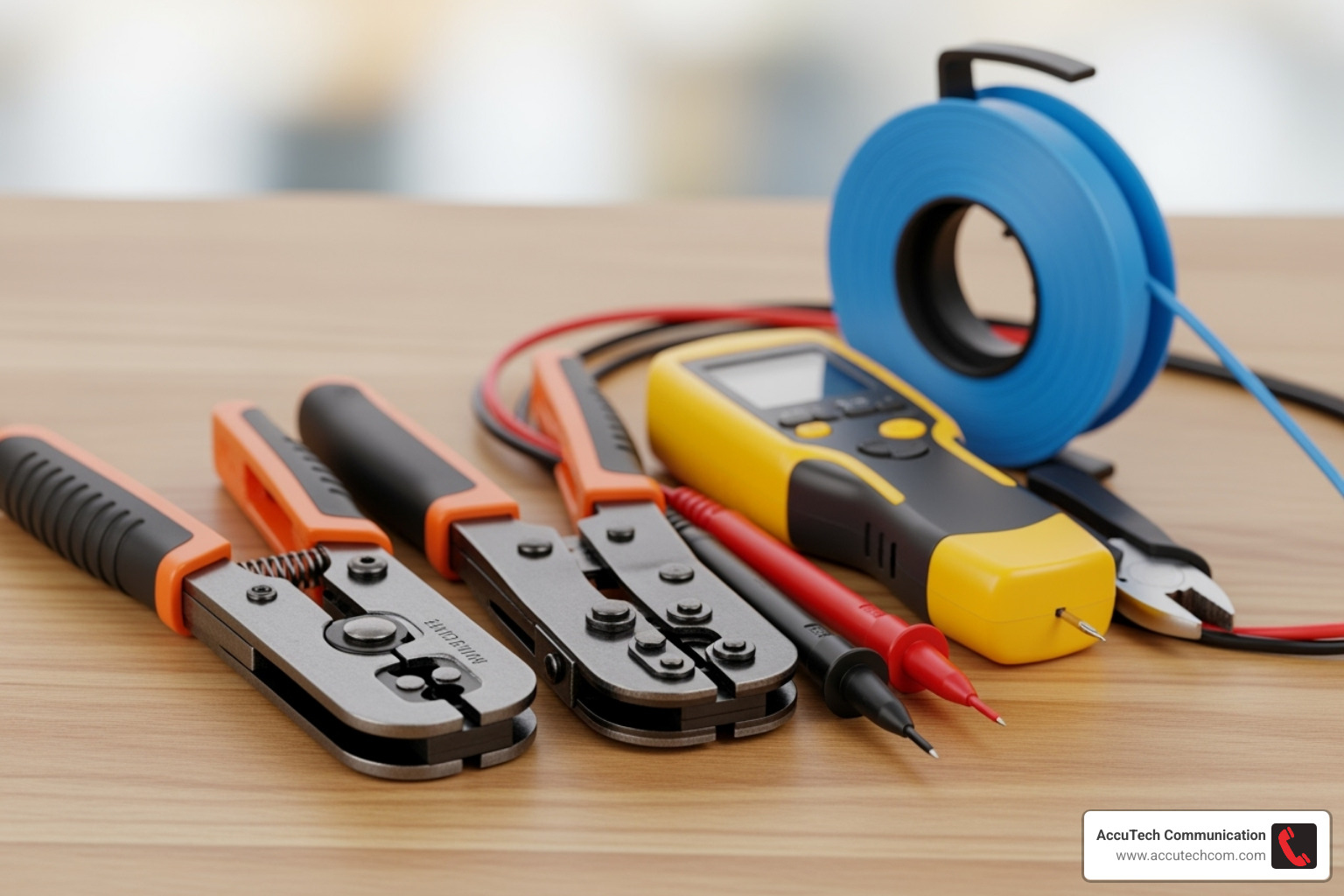
A proper DIY installation requires more than just a spool of cable. You’ll need a specialized toolkit including a wire crimper, a punch-down tool for wall jacks, a continuity tester, fish tape for pulling cable through walls, connectors, and wall plates. The process involves careful planning to avoid electrical interference, drilling into walls, pulling cable without kinking or damaging it, and correctly terminating the eight individual wires in the precise order at both ends.
One mis-terminated pair, a cable staple that pierces the jacket, or an accidental puncture of a water pipe can erase any potential savings in an instant. Unless you’re thoroughly comfortable with low-voltage wiring standards, building codes, and the potential for costly mistakes, DIY often leads to an unreliable network and the need for professional rework. See our 5 Common Mistakes to Avoid When Installing Network Cabling.
Hiring a Professional Network Installer
A certified low-voltage specialist brings experience, efficiency, and accountability to the project. The benefits are clear:
- Clean, Minimally Invasive Routes: Professionals have the tools and techniques to run cables with minimal disruption to your walls and ceilings.
- Certified Testing on Every Drop: This is a crucial differentiator. Professionals use advanced equipment (like a Fluke Network Tester) to certify that each cable run meets its performance standard (e.g., Cat-6). This test verifies speed capabilities and checks for issues like crosstalk and signal loss, guaranteeing the connection works as advertised.
- Full Code Compliance, Safety, and Warranty: A professional ensures the installation adheres to all local building and fire codes (e.g., using plenum cable where required) and typically provides a warranty on both labor and materials.
For most homeowners—and certainly for every business—the peace of mind and guaranteed performance that come with a professional installation far outweigh the modest labor premium. Read more about The Importance of Professional Cabling Installation for Your Business.
The Business Case: ROI of a Structured Cabling System
A professionally installed wired network is fundamental business infrastructure, not an IT luxury. It’s the central nervous system that keeps your revenue-generating systems online, your data secure, and your team productive. The return on investment (ROI) is measured in uptime, efficiency, and future-readiness.
Beyond Speed: Reliability, Security, and Scalability
- Reliability: Wired uptime routinely tops 99.99%. For a business, this stability is paramount. It prevents costly downtime, reduces frustrating IT support tickets by up to 40%, and ensures that critical systems like Point of Sale (POS) terminals and VoIP phones are always operational. Every minute of network outage can translate to lost sales and productivity.
- Security: Wireless networks broadcast signals that can potentially be intercepted. A wired network requires physical access to a port, adding a powerful layer of security. This physical barrier is crucial for protecting sensitive financial, client, or proprietary data from unauthorized access.
- Scalability: A structured cabling system installed to current standards often serves a business for 7–10 years or more—far longer than the typical 3-4 year hardware refresh cycle for Wi-Fi access points. This longevity makes it a wise long-term investment.
How a Professional Installation Boosts Business Growth
Think of structured cabling as the foundation upon which you build your technology stack. It creates a unified backbone that can simultaneously support crystal-clear VoIP calls, high-density Wi-Fi access points for guest and employee devices, company servers, security cameras, and IoT devices.
Because every cable is run to a central patch panel, labeled, and tested, making changes is simple and cost-effective. When you need to add a new employee or reconfigure an office space, it’s a matter of plugging in a patch cord. This agility allows your business to scale smoothly, protecting your original investment and preventing the costly, disruptive process of running new wires for every new requirement. Explore why Network Cabling is Crucial for Business Growth.
Frequently Asked Questions about Ethernet Installation
Is a wired Ethernet connection better than Wi-Fi?
For stationary devices that demand consistent speed and low latency, the answer is an unequivocal yes. Devices like desktop computers, servers, network-attached storage (NAS) units, smart TVs, and gaming consoles perform best on a wired connection that isn’t affected by signal interference or network congestion from other devices. Wi-Fi is perfect for mobile convenience—laptops, tablets, and phones. The ideal modern setup is a hybrid one, using wired connections for critical infrastructure and Wi-Fi for portability.
Does having Ethernet ports increase a property’s value?
Absolutely. In an age of remote work, smart homes, and streaming entertainment, pre-wired Ethernet ports are a significant selling point. They signal to potential buyers that the home is modern and future-ready. For a new owner, this built-in infrastructure eliminates the cost and hassle of a future retrofit project, making your property more attractive to a tech-savvy demographic.
What questions should I ask an installer before hiring them?
Choosing the right installer is as important as choosing the right cable. Be sure to ask:
- Are you licensed, bonded, and insured for low-voltage work in my state?
- Can you share references from recent clients with projects similar to mine?
- Which cable category (Cat-6, Cat-6a) do you recommend for my needs, and why?
- How will you route the cables to be minimally invasive, and how do you handle cleanup?
- Will you provide certified test results for every cable run?
- What brands of cable and components (jacks, patch panels) do you use?
- What timeline, warranty, and post-installation support do you offer?
How long does a typical ethernet installation take?
This varies greatly with project size. Installing a single ethernet drop in a room with easy access might take a professional 1-2 hours. Wiring a typical 2,000 sq. ft. home with 8-10 drops could take 1-2 days, especially in a retrofit scenario. A large commercial office installation is a multi-day or multi-week project planned in phases.
Conclusion: Planning Your Network Installation Project
Understanding the interplay between cable type, labor requirements, and site conditions allows you to budget confidently for your ethernet installation cost. While a DIY approach might seem cheaper on the surface, the risks and potential for poor performance are high. A professional installation may cost a little more upfront, but the pay-off in speed, rock-solid reliability, and long-term scalability is substantial. This investment is a foundational asset that will serve your home or business for many years to come.
Since 1993, AccuTech Communications has delivered certified, competitively-priced structured cabling across Massachusetts, New Hampshire, and Rhode Island—from Boston and Metro-West to Worcester. We pride ourselves on building networks that work, day in and day out. Ready to get started? Request a quote for your Structured Cabling Services project today.
