
Protecting Your Network with Wall Conduit
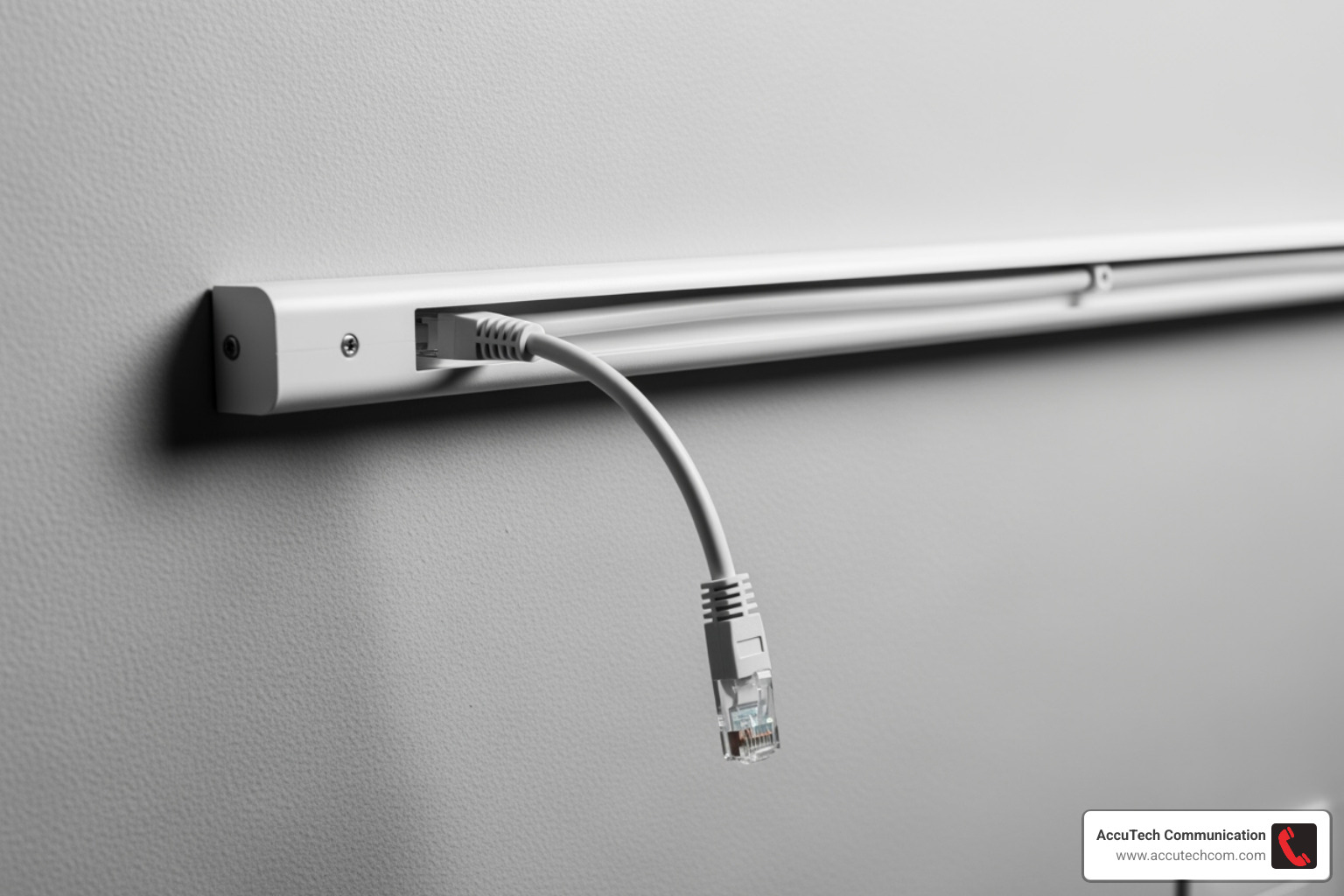
A network cable wall conduit is a protective tube or pipe installed inside walls to keep your network cables safe and organized. Think of it as a hidden superhighway for your data, keeping cables out of sight and protected from damage.
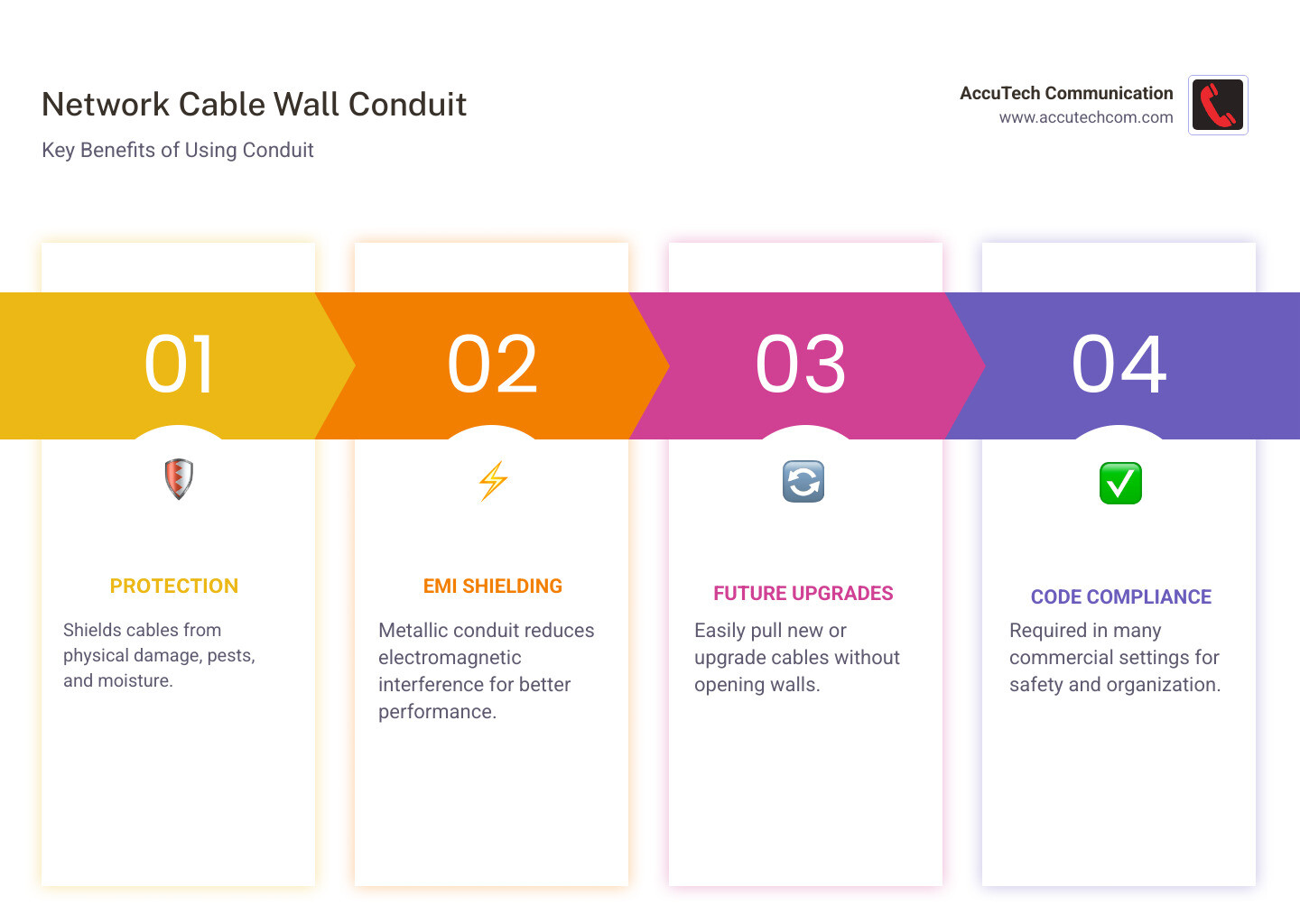
Here’s why using conduit is a smart choice:
- Protection: It shields cables from physical damage, like accidental nail punctures, pests, and moisture, ensuring network reliability.
- EMI Shielding: Metallic conduit helps reduce electromagnetic interference (EMI) that can degrade network performance.
- Future Upgrades: It simplifies pulling new cables or upgrading old ones without tearing open walls, saving time and money.
- Code Compliance: In many commercial settings, conduit is required by building codes for safety and organization.
A well-planned conduit system also adds value to your property with a clean, professional installation that makes troubleshooting easier.
I’m Corin Dolan, owner of AccuTech Communications. Since 1993, I’ve helped businesses across Massachusetts, New Hampshire, and Rhode Island install robust and scalable network cable wall conduit systems, ensuring their communication infrastructure meets all their needs.
Planning Your Installation: The Blueprint for Success
Proper planning is critical for a successful network cable wall conduit installation. Before starting, you should assess your current and future needs, like the number of cables required, to select the right conduit size. A conduit that’s too small for future expansion can lead to costly re-installations.
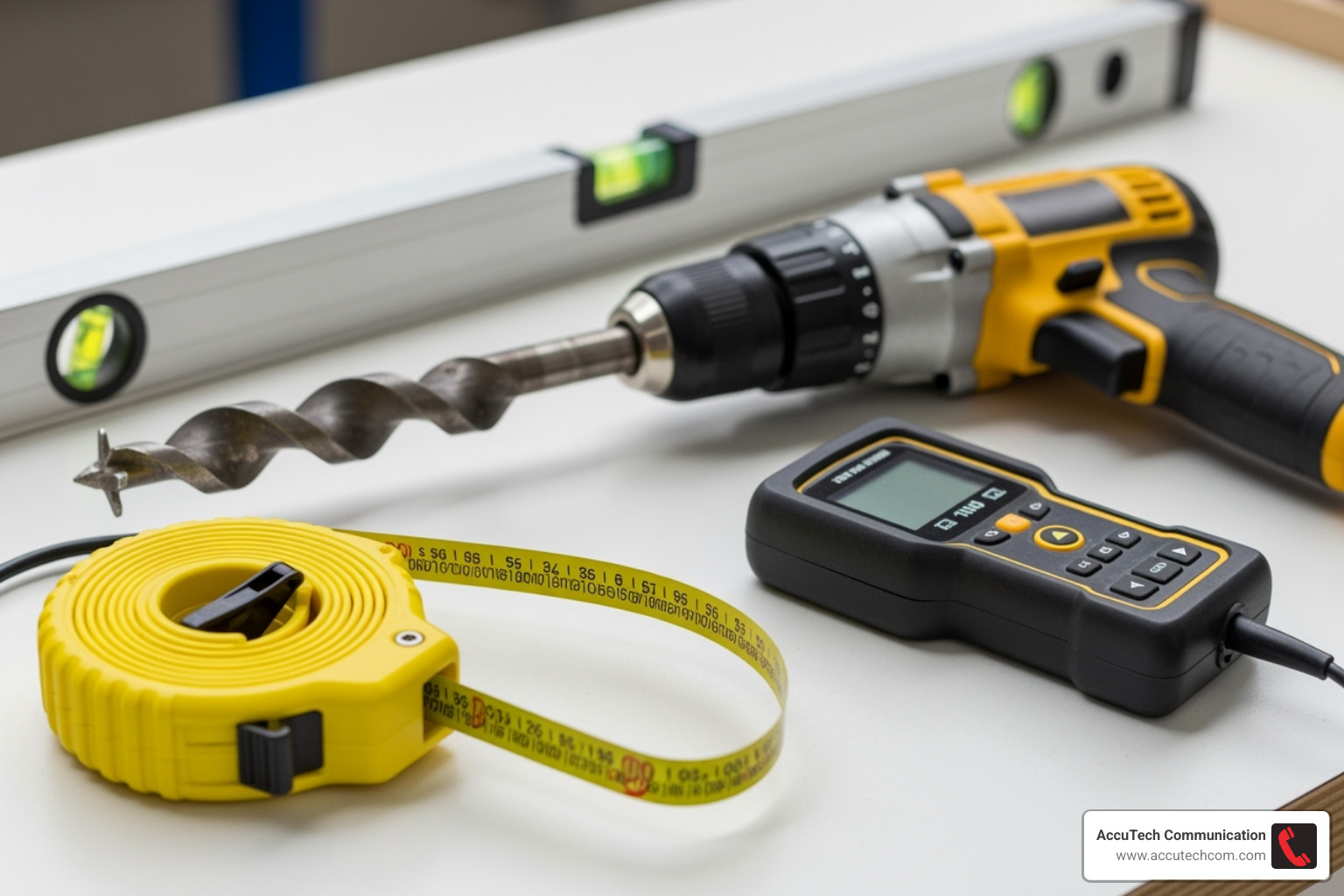
Next, carefully map the cable route. Use a stud finder and building plans to locate studs and avoid existing electrical or plumbing lines. Pinpoint where cables will enter and exit walls to ensure a clean run.
Finally, always prioritize safety and code compliance. Understand and follow local building codes to ensure a safe, lasting installation. Before cutting or drilling, turn off the power at the main source and always wear protective gear like gloves and safety glasses.
Choosing the Right Network Cable Wall Conduit
Choosing the right network cable wall conduit depends on your building and needs. Conduit is available in rigid or flexible forms and can be made from metal or non-metal materials.
Metallic Conduit:
- Electrical Metallic Tubing (EMT): Lightweight and easy to install, EMT is popular for dry, indoor commercial spaces.
- Rigid Metal Conduit (RMC/GRC): The toughest option, offering maximum protection against impact and corrosion, ideal for industrial areas.
- Flexible Metal Conduit (FMC): Also known as “Greenfield,” its flexibility is perfect for tight spaces or connecting to vibrating equipment.
Non-Metallic Conduit:
- PVC Conduit: A popular, affordable, and corrosion-resistant option suitable for indoor, outdoor, and underground use.
- Electrical Nonmetallic Tubing (ENT): Often called “Smurf Tube,” this flexible, corrugated tube is lightweight and easy to install in non-straight runs inside walls or ceilings.
For most applications, we recommend using at least a 3/4-inch conduit to protect cables during pulling and allow for future expansion.
Here’s a quick look at some common conduit types:
| Conduit Type | Material | Flexibility | Common Use Cases |
|---|---|---|---|
| Electrical Metallic Tubing (EMT) | Steel | Rigid | Commercial/industrial buildings, dry interior spaces |
| PVC Conduit | Polyvinyl Chloride | Rigid (can be bent with heat) | Indoor walls, outdoor, underground, wet/corrosive environments |
| Flexible Metal Conduit (FMC) | Steel | Flexible | Tight spaces, vibrating equipment, where rigid is difficult |
| Electrical Nonmetallic Tubing (ENT) | PVC | Flexible | Indoor walls, floors, non-plenum ceilings (often called “smurf tube”) |
For more general information on conduit, you can explore our guide on Conduit For Electrical Wire.
Essential Tools and Materials
Having the right tools turns a big job into a manageable one. Here’s what you’ll need for a network cable wall conduit installation:
- Safety Gear: Safety glasses and gloves are essential.
- Marking & Measuring: A stud finder, measuring tape, and level.
- Cutting & Drilling: A powerful drill with bits (a 7/8-inch ship auger bit is great for studs), and a conduit cutter or hacksaw.
- Conduit Work: A conduit bender for rigid conduit.
- Cable Pulling: Fish tape, a pull string (leave one for the future!), and cable lubricant.
- Finishing: Keystone jacks, faceplates, low-voltage mounting brackets, and electrical tape.
Understanding Codes and Fire Safety
Understanding building codes and fire safety is vital when installing network cable wall conduit. The National Electrical Code (NEC), or NFPA 70, provides the primary guidelines for safe installations, which are typically enforced by your local Authority Having Jurisdiction (AHJ). Always check with your local inspection office for specific requirements. Follow NEC guidelines to ensure compliance.
Fire safety is especially important for cables running through certain areas:
- Plenum Spaces: Air-handling spaces (e.g., above drop ceilings) require plenum-rated (CMP) cables with fire-resistant jackets to limit smoke and flame spread.
- Riser Spaces: Vertical shafts between floors require riser-rated (CMR) cables to prevent fire from spreading vertically.
- General-Purpose Spaces: All other areas typically use general-purpose (CM/CMG) cables, though conduit may still be recommended for protection.
A critical and often overlooked step is firestopping penetrations. Any opening made in a fire-rated wall or floor for conduit must be sealed with approved fire-rated materials. Unsealed holes can act like chimneys in a fire, allowing smoke and flames to spread rapidly. Properly sealing these penetrations is essential for maintaining the building’s fire safety rating. For a broader understanding of cabling, check out What Is Network Cabling.
Step-by-Step Guide to Installing Network Cable Wall Conduit
Now that we’ve covered the planning and gathered our tools, let’s get down to the exciting part: the actual installation! Installing a network cable wall conduit system requires precision and patience, but following these steps will guide you to a successful outcome.
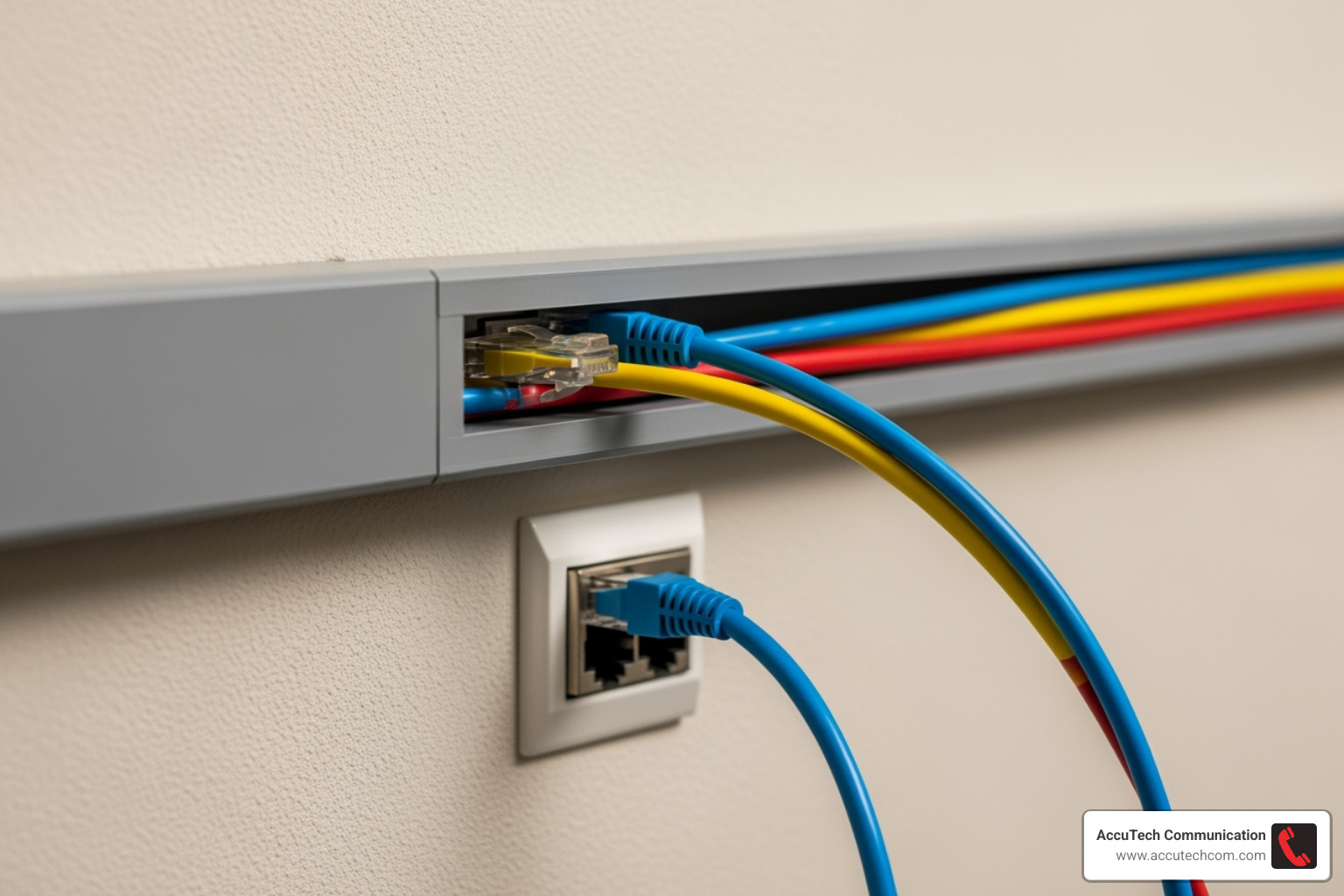
Preparing the Pathway
Before installing conduit, you must prepare its path.
- Locate Studs: Use a stud finder to locate and mark vertical studs, and to check for hidden wiring or pipes.
- Mark Outlet Locations: Clearly mark where your network outlets will be. Standard outlet height is common, but adjust as needed for equipment like wall-mounted TVs.
- Cut Openings: Carefully cut an opening in the drywall for the low-voltage mounting bracket (“old-work ring”) that will hold the faceplate.
- Drill Holes: For vertical runs, drill holes through the top and sole plates of the wall frame. A 7/8-inch hole provides room for the conduit and future expansion.
- Ensure a Straight Path: Plan the straightest possible route for the conduit to make cable pulling easier and reduce stress on the cables.
For more detailed information on running cables, you can refer to our guide on Ethernet Cable Wiring.
Running and Securing the Conduit
With the pathway ready, it’s time to install the network cable wall conduit.
- Measure and Cut: Measure and cut conduit sections to the required lengths, accounting for fittings. Use a conduit cutter for PVC or a hacksaw for metal.
- Deburr Edges: After cutting, smooth any sharp edges on the conduit with a deburring tool to prevent cable damage during pulling.
- Assemble Sections: Connect conduit sections with appropriate couplers and fittings. Use PVC cement for a watertight bond on PVC or set-screw/compression fittings for metal.
- Secure the Conduit: Fasten the conduit to wall studs with straps. Per NEC guidelines, place straps within 3 feet of any box and no more than 10 feet apart.
- Connect to Boxes: Attach the conduit to your low-voltage mounting brackets or boxes using the correct connectors. Use weather-rated boxes and sealants for outdoor or damp locations.
Pulling the Network Cable
This is the final step in the installation process.
- Prepare for Pulling: Feed a fish tape through the conduit and attach a pull string. It’s a best practice to leave a pull string in the conduit for future use.
- Attach the Cable: Securely tape your network cable(s) to the pull string, creating a smooth, tapered head to prevent snags.
- Use Lubricant: For long runs or runs with multiple bends, apply a synthetic, wax-based cable pulling lubricant to reduce friction.
- Pull with Steady Tension: Have one person feed the cable while another pulls with slow, steady tension. Do not exceed the cable’s pull tension limit (around 25 lbs for Ethernet). If you feel significant resistance, stop and investigate the cause to avoid damaging the cable.
- Terminate the Cable: Once pulled, leave several feet of extra cable slack at each end for easier termination to keystone jacks or patch panels. You can find more information about the cables themselves on our page What Is An Ethernet Cable.
Best Practices for a Professional-Grade Network
Installing a network cable wall conduit system isn’t just about getting wires from one place to another. It’s about building a sturdy, future-ready foundation for your digital life. Following a few key best practices helps achieve a truly professional-grade setup.
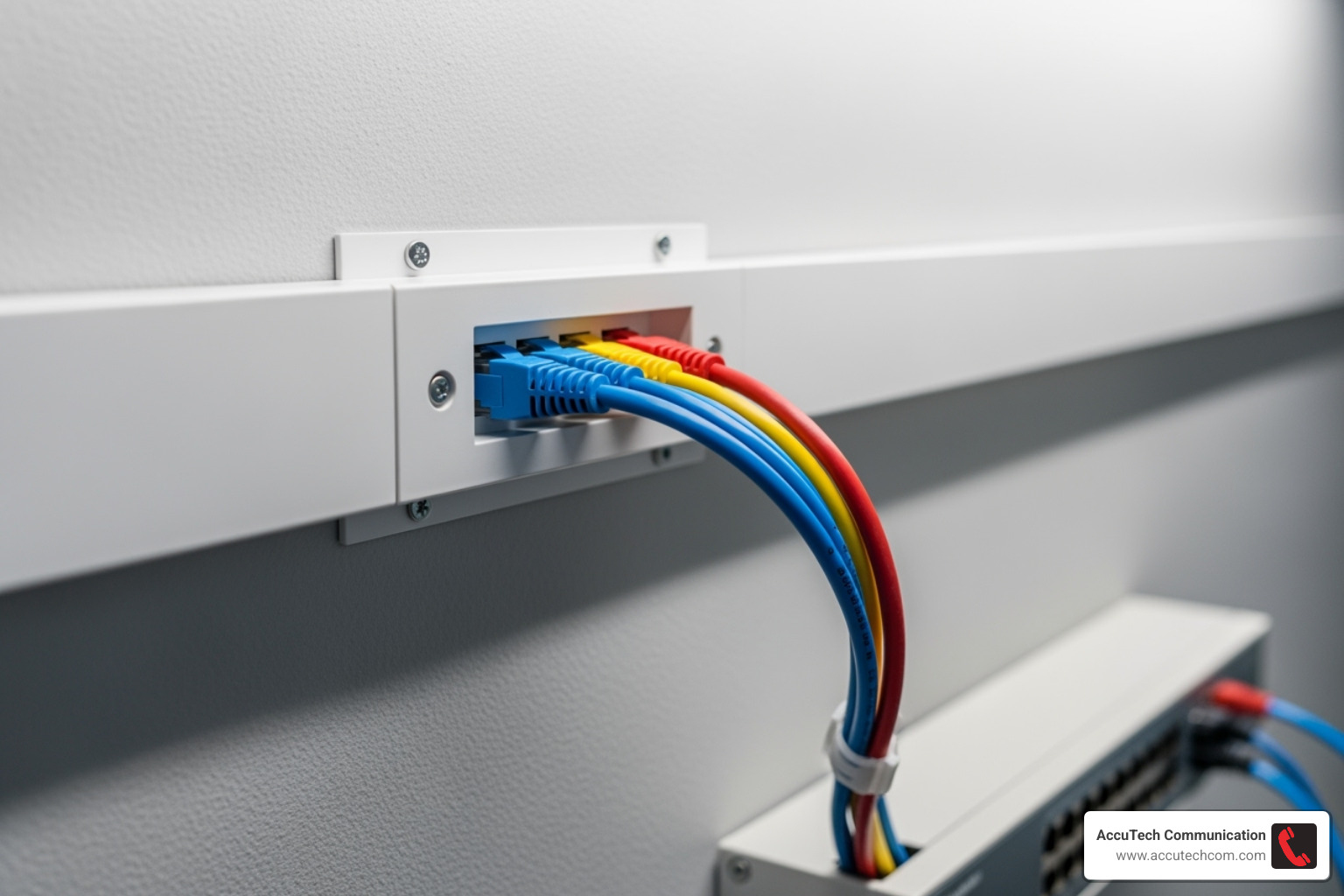
Our main goal is to make sure your network signals stay strong and clear and that your cables last. This means going beyond the basic requirements to create reliable systems that stand the test of time, much like the quality you’d expect from our Structured Cabling System services.
Rules for Conduit Fill Capacity
One of the most critical rules is conduit fill capacity. Overfilling a conduit makes pulling cables difficult, risking cable damage and poor network performance. It also causes heat buildup, especially with Power over Ethernet (PoE), and leaves no room for future upgrades.
The National Electrical Code (NEC) provides guidelines. For a professional installation:
- Aim for an initial fill of 40% of the conduit’s area. This allows for easy pulling and proper airflow.
- Never exceed a maximum fill of 60%. This ensures space for future needs.
Here’s a guide to how many Cat6 cables fit in common EMT conduit sizes based on the 40% fill rule:
- 0.75-inch: Up to 6 cables
- 1-inch: Up to 8 cables
- 1.25-inch: Up to 15 cables
- 1.50-inch: Up to 20 cables
- 2.00-inch: Up to 35 cables
- 2.50-inch: Up to 60 cables
- 3.00-inch: Up to 90 cables
- 4.00-inch: Up to 150 cables
We recommend using at least a 3/4-inch conduit for network cables to prevent damage during installation.
Best Practices for Your Network Cable Wall Conduit Installation
Beyond fill capacity, follow these tips for a reliable network:
- Observe Bend Radius: Do not bend network cables too tightly, as this can damage the internal wires and degrade signal. A common rule is to keep bends no tighter than 8 times the cable’s diameter.
- Limit Bends in Conduit: A single conduit run should not have more than 360 degrees of bends (e.g., four 90-degree bends) between pull points. More bends make pulling cables difficult and risky. Add a junction box to break up longer, more complex runs.
- Use Pull Points: For runs longer than 100 feet, install a pull box to make pulling easier and provide future access.
- Support Cables: Use J-hooks spaced every 5 feet to support cable bundles in open spaces (like above ceilings) to prevent sagging and stress.
- Future-Proof: Install a slightly larger network cable wall conduit than you currently need. It is far cheaper and easier to plan for future growth now than to open walls later. For more on future-proofing, read about What Is Innerduct And Why Is It Important For Network Cabling Installation.
Preventing Interference and Ensuring Safety
To ensure safety and prevent signal interference, follow these critical rules when running network cables near electrical wiring.
- Maintain Separation: Never run network cables and electrical wiring in the same conduit. This is a violation of the National Electrical Code (NEC), a serious safety hazard, and a primary cause of network interference.
- Keep Your Distance: When running parallel to power lines, keep network cables at least 2 inches away to prevent electromagnetic interference (EMI).
- Cross at 90 Degrees: If network cables must cross electrical wires, they should do so at a 90-degree angle to minimize potential interference.
- Ground Metallic Conduit: Properly ground all metallic conduit (like EMT) to the building’s electrical ground system. This safely dissipates any stray electrical currents, protecting your equipment and personnel.
Following these separation and grounding rules is essential for a safe, high-performing network. For all your data network needs, explore our Data Network Cabling services.
Frequently Asked Questions about Wall Conduit
We get it – diving into network cable wall conduit can spark a few questions! Here are some of the most common questions we hear, answered simply and clearly:
Can I run network cables and electrical wires in the same conduit?
No. Running network (low-voltage) and electrical (high-voltage) wires in the same conduit is a direct violation of the National Electrical Code (NEC). It is a serious safety hazard that can lead to fire or electric shock. It also causes significant electromagnetic interference (EMI), which will degrade your network’s performance. Always use separate conduits.
How many network cables can I put in a 3/4-inch conduit?
For a standard 3/4-inch EMT conduit, you can typically fit up to 6 Cat6 cables. This is based on the recommended 40% initial fill ratio, which prevents cable damage during pulling, allows for heat dissipation (especially for PoE), and leaves crucial space for future upgrades without needing to install new conduit.
Do I need conduit for low-voltage cables inside a wall?
While not always required by residential building codes, using conduit for low-voltage cables is a highly recommended best practice. The main benefits include:
- Physical Protection: It shields cables from damage from nails, pests, or abrasion.
- Future-Proofing: It allows for easy cable upgrades in the future without opening walls.
- Organization: It keeps wiring neat and simplifies troubleshooting.
In commercial settings, conduit is often required by code. For any installation, it provides a professional finish and long-term value.
Conclusion
Installing a network cable wall conduit system is a smart investment in a robust, reliable, and future-proof foundation for your network. It’s more than just hiding wires; it’s about ensuring long-term performance and value.
Conduit provides essential physical protection from damage, shields against electromagnetic interference (EMI), and simplifies future upgrades without the need to tear open walls. A professional installation also ensures compliance with building codes and fire safety regulations. By following best practices for planning, fill capacity, bend radius, and separation from electrical wiring, you can build a network that performs at its peak.
For complex projects or for the peace of mind that comes with a certified, compliant installation, partnering with a professional is the best path. Since 1993, AccuTech Communications has served businesses across Massachusetts, New Hampshire, and Rhode Island, bringing decades of expertise to every project. A properly installed conduit system is a long-term asset that delivers stellar performance, flexibility, and safety.
Ready to take your network to the next level? For expert network cabling services in Massachusetts and beyond, we invite you to explore our Network Cable Installations page.