
Network Installation Near Me: Top 5 Best Picks 2024
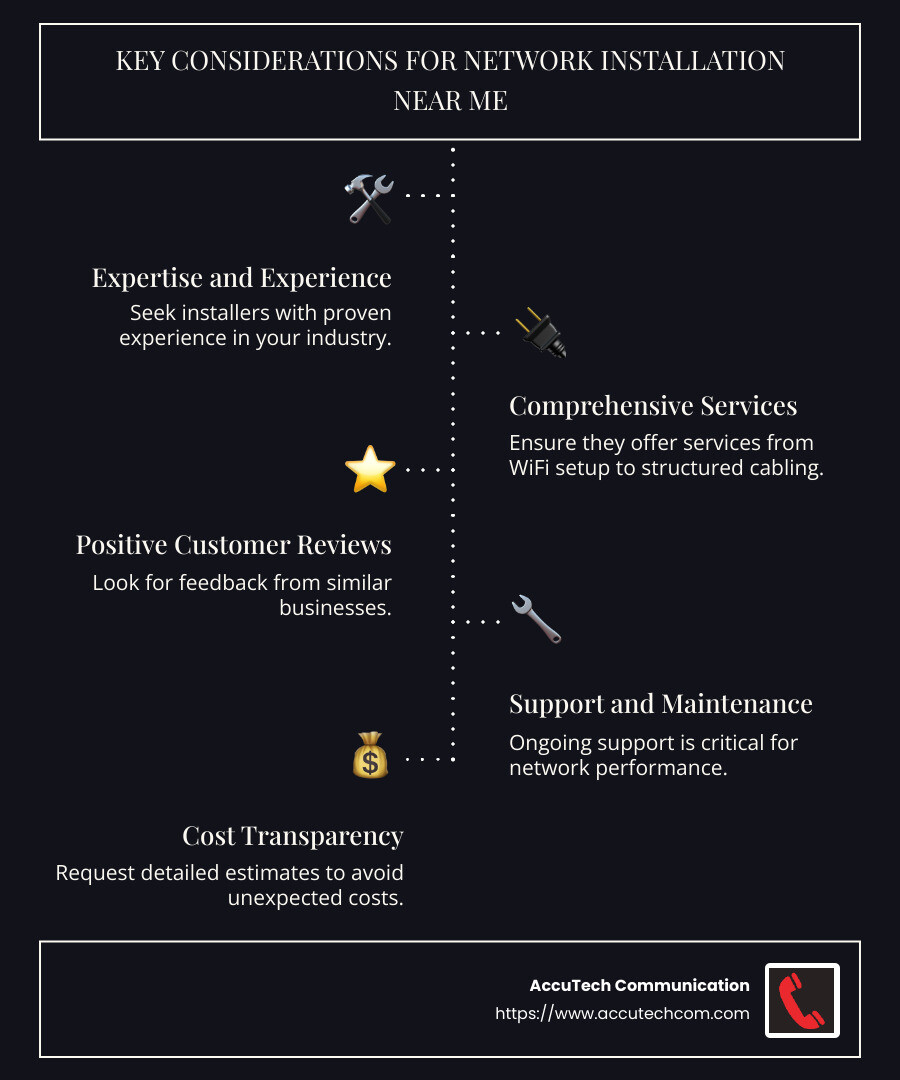
Network installation near me is a common search for businesses striving to improve their communication infrastructure. Whether you’re setting up a new office or upgrading your current network, choosing the right network installation company is crucial for seamless operations. Here’s what to consider when you need network installation near your area:
- Expertise and Experience: Look for installers with a strong track record in similar industries.
- Range of Services: Ensure they offer a comprehensive set of services, from WiFi setup to structured cabling.
- Customer Reviews: Positive feedback from other businesses in your sector can signal reliable service.
- Support and Maintenance: Ongoing support is key for long-term network performance.
- Cost and Transparency: Get detailed estimates to avoid unexpected costs.
As businesses increasingly rely on digital communication, having a robust network setup is more important than ever. An efficient network facilitates clear communication, uninterrupted data flow, and ultimately, business success.
Allow me to introduce myself: I’m Corin Dolan, with experience in network installation, especially for businesses like yours that require high-performance and reliable systems. Through my work at AccuTech Communications, I’ve helped numerous healthcare and industrial clients achieve optimal network efficiency. You will find all the information you need to ensure a successful network installation.
Relevant articles related to network installation near me:
– ethernet cable installer
– network cabling installation Massachusetts
Understanding Network Installation
Network installation is the backbone of any digital communication system. It involves setting up the essential components that allow devices to connect and communicate over a network. Let’s break down the key elements involved in this process:
Network Installation Definition
At its core, network installation is the process of setting up a network of interconnected devices that share data and resources. This includes configuring routers, switches, and access points to ensure seamless communication between computers, servers, and other devices. A well-executed network installation ensures that data flows smoothly and efficiently, minimizing downtime and maximizing productivity.
Hardware Components
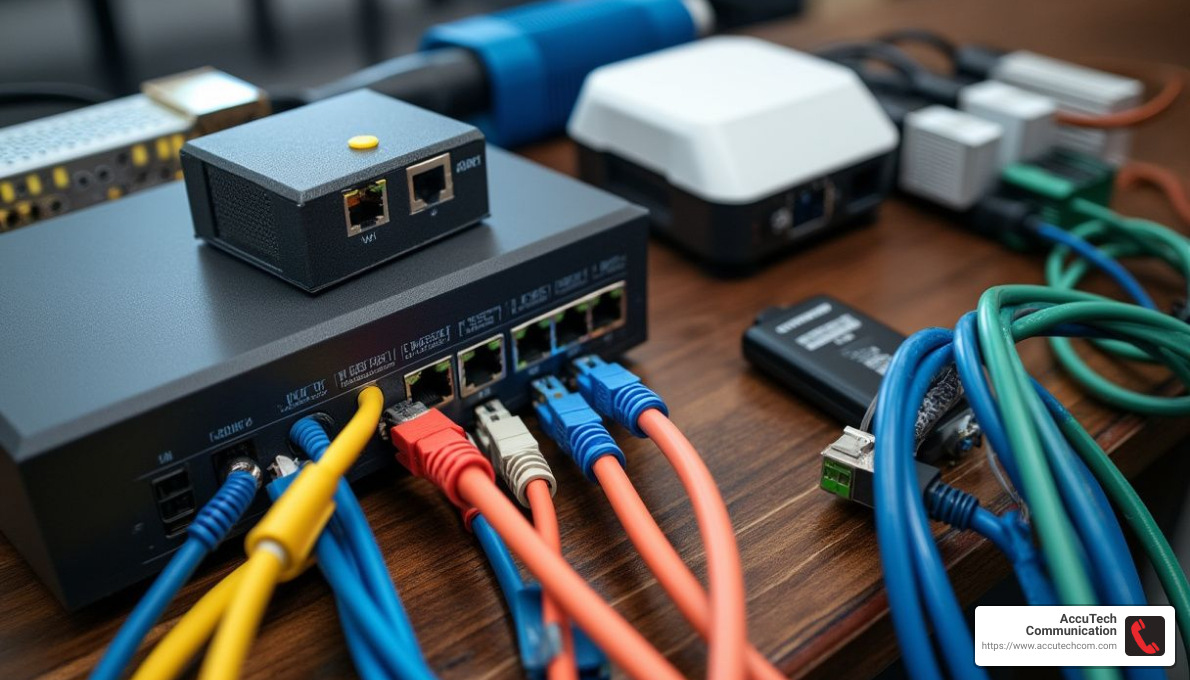
The success of any network installation depends heavily on the hardware components used. Here are some of the critical pieces involved:
- Routers: These devices direct data traffic between different networks. They ensure that data packets reach their intended destinations without congestion.
- Switches: Switches connect devices within the same network, allowing them to communicate directly. They are crucial for managing data flow and maintaining network performance.
- Access Points: These devices extend the wireless coverage of a network, enabling wireless devices to connect seamlessly.
- Cabling: The choice of cables, like Cat 5e, Cat 6, or fiber optic, affects data transfer speed and network reliability. Proper cabling is essential for maintaining high network performance.
Network Performance
Network performance is paramount for maintaining efficient operations. A well-installed network should provide:
- High Speed: Fast data transfer rates are crucial for business operations, especially in industries like healthcare and technology.
- Reliability: A reliable network minimizes disruptions, ensuring continuous access to critical applications and data.
- Scalability: As your business grows, your network should easily accommodate additional devices and increased data traffic.
- Security: Protecting sensitive information from unauthorized access is vital. Network installation should include robust security measures like firewalls and encryption.
When digital communication is key, understanding and implementing these components is essential for any business looking to succeed. We’ll explore how to choose the best network installers and the steps involved in setting up a home network.
How to Choose the Best Network Installers Near You
When you’re searching for network installation near me, it’s important to find a service that meets your needs effectively and efficiently. Here are some key points to consider when selecting a network installer:
Selection Criteria
- Experience and Expertise: Look for installers with a proven track record. Companies like AccuTech Communication have been providing reliable services since 1993, demonstrating both experience and expertise.
- Service Range: Ensure the company offers a comprehensive range of services. This includes everything from structured cabling to wireless networking solutions. A company that can handle various aspects of network installation will likely provide better integration and performance.
- Customization: Your network needs might be unique. Choose an installer that offers custom solutions, like AccuTech’s approach to designing and implementing networks specifically suited to your business requirements.
- Certifications: Verify that the installers have the necessary certifications. This ensures they are up-to-date with the latest industry standards and technologies.
- Customer Reviews: Check what other clients have to say. Positive feedback about responsiveness and service quality is a good indicator of reliability.
Service Quality
Quality of service is paramount when it comes to network installations. Here’s what to look for:
- Assessment and Planning: A good installer will assess your site and plan the network layout carefully. This step is crucial for ensuring that the network meets both current and future needs.
- Quality Materials: The use of high-quality materials, such as Cat 6 or fiber optic cabling, is essential for a reliable and fast network.
- Testing and Certification: After installation, the network should be tested to ensure it meets performance specifications. Certification services, like those offered by AccuTech, verify that your system complies with industry standards.
- Support and Maintenance: Ongoing support is critical. Choose a provider that offers regular inspections, troubleshooting, and upgrade services to keep your network in optimal condition.
Selecting the right network installer is not just about the initial setup. It’s about ensuring long-term reliability and performance. By focusing on experience, service range, customization, and quality, you can find the best network installers in your area to meet your needs.
Next, we’ll dive into the key considerations for finding network installation services near you and understanding the cost factors involved.
Network Installation Near Me: Key Considerations
When searching for network installation near me, there are several important factors to consider, especially when it comes to local services and cost.
Local Services
Finding a local network installer can offer several benefits. Proximity often means faster response times, which is crucial if you encounter any issues. Local companies, like AccuTech Communication, understand the specific needs and challenges of your area. This local expertise can be invaluable in ensuring your network is set up efficiently and effectively.
Additionally, local installers can often provide more personalized service. They are more likely to take the time to understand your specific requirements and offer solutions custom to your needs. This level of service can make a significant difference in the overall performance and reliability of your network.
Cost Factors
Cost is a major consideration when it comes to network installation. Several factors can influence the overall price, including:
- Type of Cabling: The choice between Cat 5e, Cat 6, or fiber optic cabling can impact cost. Fiber optic is typically more expensive but offers higher speeds and better performance over long distances.
- Complexity of the Network: A simple home network will generally cost less than a complex office network. The more devices and connections required, the higher the cost will be.
- Customization: Custom solutions might incur additional costs but can provide better long-term results. It’s important to balance initial expenses with potential future savings from a well-designed network.
- Installation Fees: Some companies may charge for initial site assessments and planning. However, these steps are crucial for ensuring a successful installation.
- Ongoing Support: Consider the cost of maintenance and support services. Regular inspections and troubleshooting can help prevent costly downtime in the future.
When evaluating costs, it’s important to look beyond just the initial installation price. Consider the long-term value of a reliable and efficient network. Investing in quality materials and expert installation can save money in the long run by reducing the need for repairs and upgrades.
In the next section, we’ll explore the steps to set up a home network, including router configuration and security settings.
Steps to Set Up a Home Network
Setting up a home network might sound tricky, but it’s simpler than you think. Let’s break it down into easy steps.
Home Network Setup
First things first, gather your equipment. You’ll need a modem, a router, and possibly a switch or access point if you have a large area to cover. Most homes use a broadband connection, but make sure you have the right hardware for your needs.
- Connect the Modem and Router: Plug your modem into the internet source, usually a cable or DSL line. Then connect your router to the modem using an Ethernet cable. This setup forms the backbone of your home network.
- Position Your Router: Place your router in a central location. This helps to distribute the WiFi signal evenly throughout your home. Avoid placing it near thick walls or metal objects that can block the signal.
- Connect Devices: Use Ethernet cables for devices that need a stable connection, like desktops or smart TVs. For wireless devices, connect them to your WiFi network using the network name (SSID) and password.
Router Configuration
Configuring your router is crucial for a smooth network experience.
- Access Router Settings: Open a web browser and enter your router’s IP address to access the settings page. The default IP address is often listed on the router itself.
- Change Default Login: For security, change the default username and password. Use a strong password to prevent unauthorized access.
- Set Up WiFi Network: Create a unique SSID and password for your network. This helps you easily identify your network and keeps it secure.
- Enable Quality of Service (QoS): If your router supports it, enable QoS to prioritize bandwidth for critical applications like video calls or online gaming.
Security Settings
Keeping your network secure is essential to protect your data.
- Enable WPA3 Encryption: If available, use WPA3 encryption for your WiFi network. It’s the latest and most secure standard.
- Firewall Activation: Most routers have built-in firewalls. Ensure it’s activated to block unwanted traffic.
- Regular Updates: Check for firmware updates regularly. These updates often include security patches that protect your network from vulnerabilities.
- Guest Network: Set up a guest network for visitors. This keeps your main network secure while allowing guests to access the internet.
By following these steps, you can create a reliable and secure home network. In the next section, we’ll address some frequently asked questions about network installation, including typical costs and installation steps.
Frequently Asked Questions about Network Installation
What is the typical cost of network cable installation?
When it comes to network cable installation, the cost can vary based on several factors. For instance, the type of cable you choose plays a significant role. CAT-6 cables are a popular choice due to their ability to support gigabit speeds, making them ideal for both home and office networks. On average, installing CAT-6 cables can cost anywhere from $0.20 to $0.50 per foot. This price includes the cable itself, labor, and any additional materials needed.
However, keep in mind that prices may vary depending on your location and the complexity of the installation. For example, running cables through walls or ceilings might increase the overall cost. It’s always a good idea to get a detailed quote from your network installer to understand the complete cost breakdown.
How much does it cost to implement a network?
Implementing a network, especially in an office setting, involves more than just cable installation. The overall cost range can vary significantly based on the size and complexity of the network. For a small office network, you might expect to spend between $1,000 and $5,000. This includes cabling, routers, switches, and labor.
For larger networks, particularly those requiring advanced configurations or specialized equipment, costs can exceed $10,000. Factors such as the number of devices, the need for redundancy, and the type of network (wired vs. wireless) all contribute to the final cost. It’s crucial to work with a knowledgeable installer who can tailor the network to your specific needs and budget.
How do I install a new network?
Installing a new network involves several key steps, whether it’s for your home or office. Here’s a simplified guide to get you started:
- Plan Your Network Layout: Determine where you need network access and the devices you’ll connect. This helps in deciding the number of routers, switches, and access points required.
- Choose Your Equipment: Select a router that matches your network needs. For larger areas, consider adding access points or a mesh system to ensure complete coverage.
- Run Cables: Use Ethernet cables to connect your router to switches and access points. For a clean installation, run cables through walls or use cable management solutions.
- Configure Your Router: Access your router’s settings to set up WiFi networks, security protocols, and any necessary configurations like Quality of Service (QoS).
- Test Your Network: Once everything is set up, test your network for speed and reliability. Make adjustments as needed to optimize performance.
By following these steps, you can successfully install a new network custom to your specific needs. In the next section, we’ll explore how to select the best network installers in your area, ensuring you get the most reliable service possible.
Conclusion
Choosing the right network installer is crucial for ensuring a reliable and efficient network setup. At AccuTech Communications, we pride ourselves on delivering certified services that stand out in the industry. Our team has been serving businesses across Massachusetts, New Hampshire, and Rhode Island since 1993, offering unparalleled expertise in network cabling, business phone systems, and data center technologies.
Certified Service: Our technicians are highly trained and certified, ensuring that every installation meets the highest industry standards. This commitment to quality gives our clients the confidence that their network infrastructure is built to last and will perform optimally under all conditions.
Competitive Pricing: We understand that cost is a significant factor for many businesses. That’s why we offer competitive pricing without compromising on quality. Whether you’re setting up a small office network or a complex corporate infrastructure, we ensure our solutions are cost-effective and custom to your budget.
By choosing AccuTech Communications, you’re not just getting a service provider; you’re partnering with a company dedicated to your success. We believe that a robust network is the backbone of any business, and we’re here to help you build it.
For more information on our services or to request a quote, visit our Network Cabling Installation page. Let’s work together to create a network solution that’s wired for your success.
