Before a Business Phone System Repair: Information to Gather
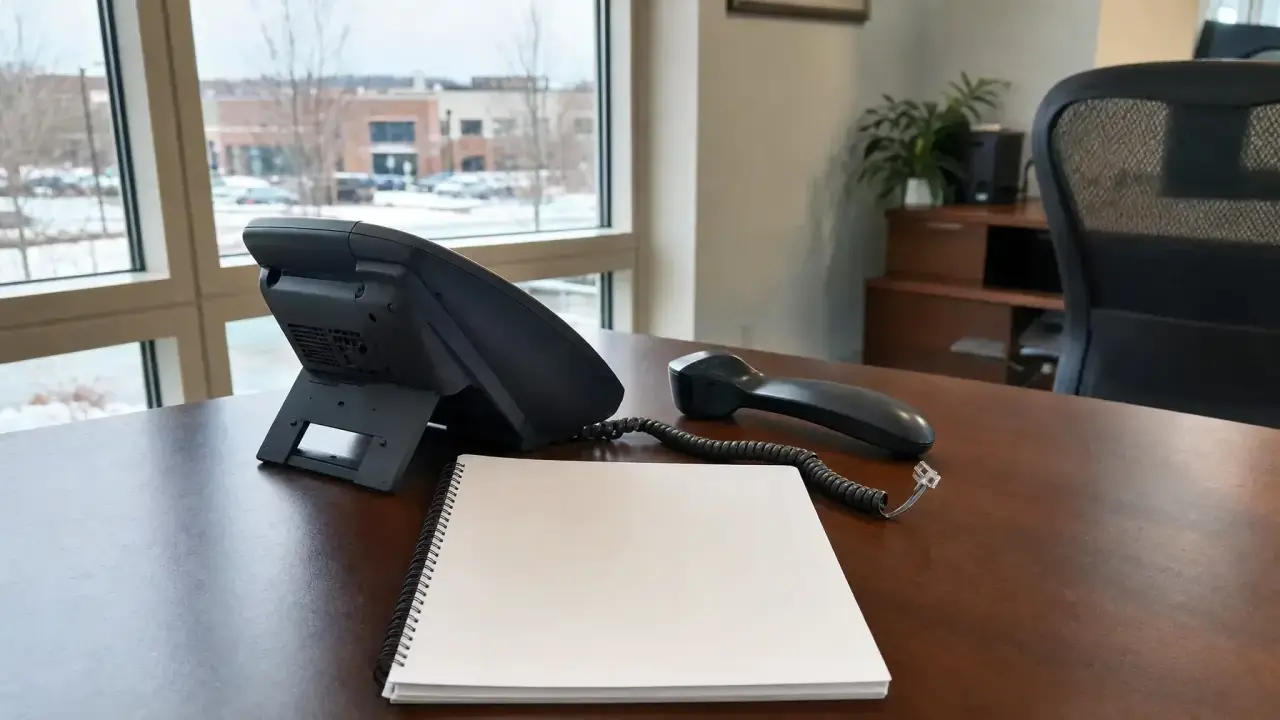
Before requesting a business phone system repair assessment, gather what your office has observed: which phones or locations are affected, which call tasks are failing, when the problem was noticed and how it is disrupting work. Add any system information already available, recent reported changes and a contact who can coordinate the assessment.
The goal is a clear description of the problem—not a diagnosis or a decision about replacing the system. You can prepare a useful request even when the system type or cause is unknown. Keep missing details visible rather than filling them in with guesses.
Note This is an optional preparation aid, not Accutech’s required intake form. Collect information from existing records and routine use; do not reboot, reset, rewire or change settings to complete it. Do not delay contacting a service provider while trying to fill every field.
Start with system information you already have
Look at existing office records, equipment lists or prior service paperwork for the phone system name, manufacturer or model. If the records identify a phone service provider, include its name. Distinguish a desk phone’s model from the overall system name; knowing the handset model does not necessarily identify the system behind it.
Record where the information came from and whether it may be outdated. If the office cannot confirm a detail, write “unknown” or “needs confirmation.” There is no need to access administration screens or open equipment to find it.
Describe the affected scope and call tasks
- Affected locations: Identify the desk, department, building or site where the issue was observed.
- Call direction: Note whether the report concerns incoming calls, outgoing calls or internal calls.
- Call task: Describe what the user was trying to do, such as answer, transfer, hold or retrieve voicemail.
- Observed result: Record what happened instead, including any visible message exactly as displayed, without interpreting it.
Use plain descriptions of behavior rather than labels for suspected faults. Note whether a report came directly from the person using the phone or was relayed by someone else. If reports differ, preserve those differences instead of combining them into a single conclusion.
Record timing without creating new tests
Record when the problem was first noticed and, if known, when the affected task last worked normally. Use separate entries for these observations, label approximate timing as approximate and leave unknown timing marked as “unknown.”
Describe whether the issue has been continuous or intermittent during ordinary work. For intermittent reports, retain the observed timing, location and call task together. Do not ask staff to repeat failed calls, interrupt active calls or run disruptive tests just to make the request more complete.
List reported changes separately from symptoms
Ask the relevant office or IT contact whether any recent changes were reported, such as a desk move, phone-service change, network work or power interruption. Record what was reported, its approximate timing and who can clarify it. A change occurring near the problem does not establish that it caused the problem.
If someone has already taken action, record what they say was done and the observed result. Do not repeat or reverse that action as part of information gathering. Keep unanswered questions in a separate section so the provider can distinguish observations from assumptions.
Explain business impact and coordination needs
Describe which business tasks are blocked or disrupted, such as receiving customer calls or transferring calls to a department. State any relevant operating constraints without estimating financial losses or promising a restoration deadline.
Identify an authorized office contact and a way to reach that person that does not depend on the affected phone system. Note who can authorize work, who can answer system questions and any access restrictions, visitor requirements or scheduling constraints. Ask the provider what further coordination is needed.
Copy-and-fill repair-request brief
Copy these prompts into a document or message. Replace the blanks with confirmed information, mark unknown details and keep the summary focused on the current problem.
- Office and affected site or area: ____
- Known system name, desk phone model and service provider; source of information: ____
- Affected phones, extensions or departments; scope not yet confirmed: ____
- Call direction and task attempted; observed result or displayed message: ____
- First noticed; last known normal use; continuous or intermittent observations: ____
- Recent reported changes, timing and contact who can clarify them: ____
- Actions already reported and their observed results: ____
- Business tasks disrupted and relevant operating constraints: ____
- Authorized contact, alternate contact method, IT contact and access constraints: ____
- Unknown details and questions for the service provider: ____
Note Keep passwords, account credentials, sensitive call content and unnecessary personal information out of the brief. Check any proposed screenshot or attachment for private information before sharing it. Ask the service provider how to share protected information if it is needed for the assessment.
Use the brief for an assessment, not a repair decision
Accutech Communications is based in Hopkinton, Massachusetts, and has installed, serviced and repaired business phone systems for companies in Massachusetts, New Hampshire and Rhode Island since 1993. Visit the business phone systems service page for information about service and repair work.
This worksheet stops at documenting an existing problem. The business phone system troubleshooting article addresses a separate task. If your office is preparing for a planned system transition rather than reporting a fault, see the business phone system cutover checklist. Neither task needs to be completed to prepare this repair-request brief.