
Data and Network Cabling: 10 Powerful Benefits in 2025
Data and Network Cabling 101
Let’s start at the top: data and network cabling is the physical system of wires and connectors that lets all your business tech talk to each other. Think of it as the office circulatory system. Without it, your business’s “heart” (servers, switches, internet) can’t pump information to the “hands” (computers, phones, security cameras).
Here’s why it matters:
- Transfers voice, data, and video: From phone calls to streaming video conferences, cabling moves it all.
- Delivers bandwidth and low latency: The right cables mean faster file transfers, clearer calls, and less waiting.
- Enables uptime: Quality cabling prevents outages and dropped connections.
- Boosts ROI: A well-designed cabling system lasts years—even as your tech evolves.
According to industry research, the cabling you choose now impacts your ability to grow, adapt, and keep up with digital change. With the rise of cloud apps, IoT, and hybrid work, this hidden infrastructure is more important than ever.
How Data and Network Cabling Keeps Business Running
What does cabling really do for your day-to-day?
- Backbone Infrastructure: It’s the “highway” connecting your servers, WiFi, and cloud services.
- WiFi Support: Yes, even wireless needs wires! Access points connect to the network via cabling.
- VoIP & Unified Communications: Modern phone systems run on the same cabling as your computers.
- Security Systems: Surveillance cameras, access control, and alarms all rely on solid cabling.
- Point-of-Sale & IoT: Retail, manufacturing, and even smart thermostats or lighting need reliable connections.
The Role of Cabling in Hybrid Work & IoT
Hybrid work and smart buildings are driving new demands:
- Remote offices: Reliable cabling ensures rock-solid video calls and fast access to cloud files.
- Smart buildings & IoT: Sensors, door locks, and even coffee machines are joining the network—often powered by the same cables (hello, PoE!).
- Power over Ethernet (PoE): One cable can deliver both data and electricity to devices like WiFi access points and security cameras, simplifying installation and reducing clutter.
Choosing the Right Cable Type
Picture this: you’re trying to fill a swimming pool with a garden hose. Technically possible? Sure. Smart? Not so much. The same logic applies when choosing data and network cabling for your business.
The cable you pick today determines whether your network hums along smoothly or crawls like molasses when you need it most. Let’s break down your options without drowning in technical jargon.
Copper cables like Cat5e, Cat6, Cat6a, and Cat7 are the workhorses of most offices. They’re affordable, relatively easy to install, and handle distances up to 100 meters beautifully. Cat5e gets the job done for basic office needs and VoIP systems. Cat6 steps up the game with 1-10 Gbps speeds (though it drops to 55 meters for the full 10 Gbps). Cat6a delivers a solid 10 Gbps across the full 100-meter distance and handles high-density environments with ease. Cat7 takes things further with 10-40 Gbps speeds and full shielding to block interference.
Then there’s fiber optic cabling—the sports car of the network world. Single-mode and multi-mode fiber can push 1-100+ Gbps across distances that would make copper cables weep (we’re talking 300 meters to 10+ kilometers). If you need to connect buildings or handle massive data loads, fiber is your friend.
| Cable Type | Max Speed | Max Distance | Shielding Available | Best For |
|---|---|---|---|---|
| Cat5e | 1 Gbps | 100m | Yes | Basic office, VoIP, legacy |
| Cat6 | 1–10 Gbps* | 55–100m | Yes | Gigabit/10G LAN, PoE devices |
| Cat6a | 10 Gbps | 100m | Yes | High-density, PoE++, futureproof |
| Cat7 | 10–40 Gbps | 100m | Yes (full) | Data center, minimal interference |
| Fiber Optic | 1–100+ Gbps | 300m–10km+ | N/A | Backbones, long runs, high speed |
*Cat6 supports 10 Gbps up to 55m.
See more about Network Cable Categories
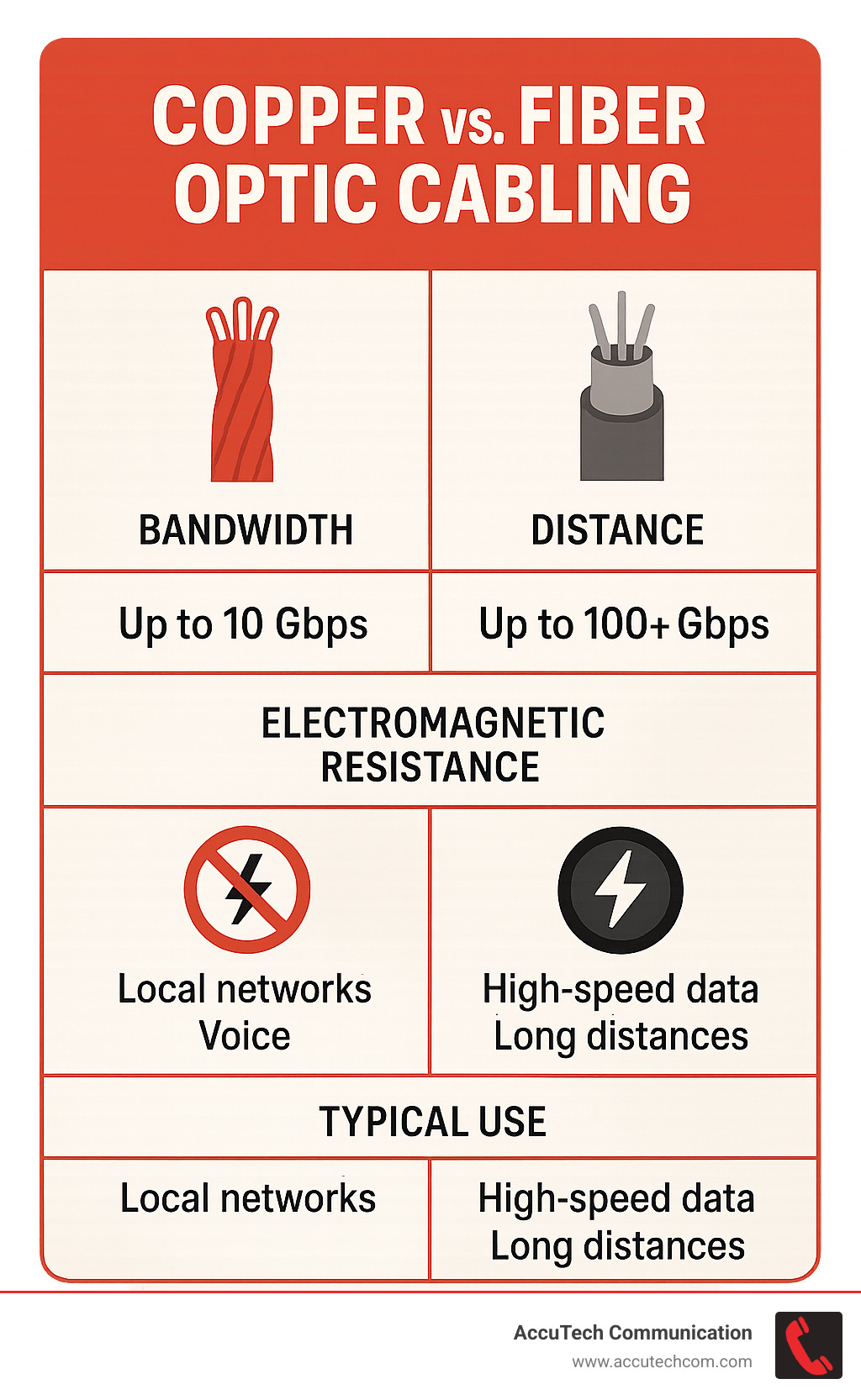
When to Pick Copper vs. Fiber for Data and Network Cabling
The copper versus fiber debate isn’t about which is “better”—it’s about which fits your specific situation.
Cost considerations often tip the scales toward copper for shorter runs and standard office applications. Copper cables cost less upfront, and most technicians can terminate them without specialized equipment. But here’s the twist: fiber often wins the long game, especially for longer distances where you’d need expensive signal boosters for copper.
Speed and distance are fiber’s superpowers. While Cat6a copper tops out at 10 Gbps over 100 meters, fiber laughs at those limits. Modern data centers use fiber to move data at speeds up to 400 Gbps—that’s fast enough to transfer your entire music collection in seconds.
Environmental factors matter more than you might think. Factories, hospitals, and buildings with lots of electrical equipment create electromagnetic interference that can turn copper cables into expensive paperweights. Fiber optic cables ignore this interference completely, making them perfect for noisy environments.
Future-proofing is where the rubber meets the road. Fiber can handle whatever bandwidth demands tomorrow throws at you. Cat6a and Cat7 copper offer a solid middle ground for most modern offices, giving you room to grow without breaking the bank.
Cable Categories Decoded (Without the Alphabet Soup)
Let’s translate those confusing cable names into plain English.
MHz ratings tell you how well a cable handles fast-changing signals. Think of it like a highway’s speed limit—higher numbers mean more data can flow smoothly. Cat6a runs at 500 MHz while Cat7 pushes 600 MHz, which is why they handle higher speeds better than their lower-rated cousins.
Shielding is your cable’s armor against interference. Unshielded cables work fine in clean environments, but shielded versions block interference from power lines, machinery, and radio signals. Cat7 comes with full shielding standard, while other categories offer it as an option.
Speed capabilities vary dramatically. Cat5e handles 1 Gbps reliably—plenty for basic office work and VoIP calls. Cat6 jumps to 1-10 Gbps but only maintains the full 10 Gbps for 55 meters. Cat6a and Cat7 deliver 10 Gbps or more across the full 100-meter distance, making them ideal for high-performance networks.
Distance limits matter because signals weaken over long runs. Most copper cables max out at 100 meters before you need a signal booster. Cat6 is the exception—it drops from 10 Gbps to 1 Gbps after 55 meters, which is why Cat6a often makes more sense for future-focused installations.
See more about Network Cable Speeds
Structured Cabling: The Order Behind the Chaos
Imagine walking into a server room where every cable is perfectly routed, labeled, and color-coded—it’s not a dream, it’s structured cabling! This is the backbone of any well-organized data and network cabling system and the secret to networks that just work.
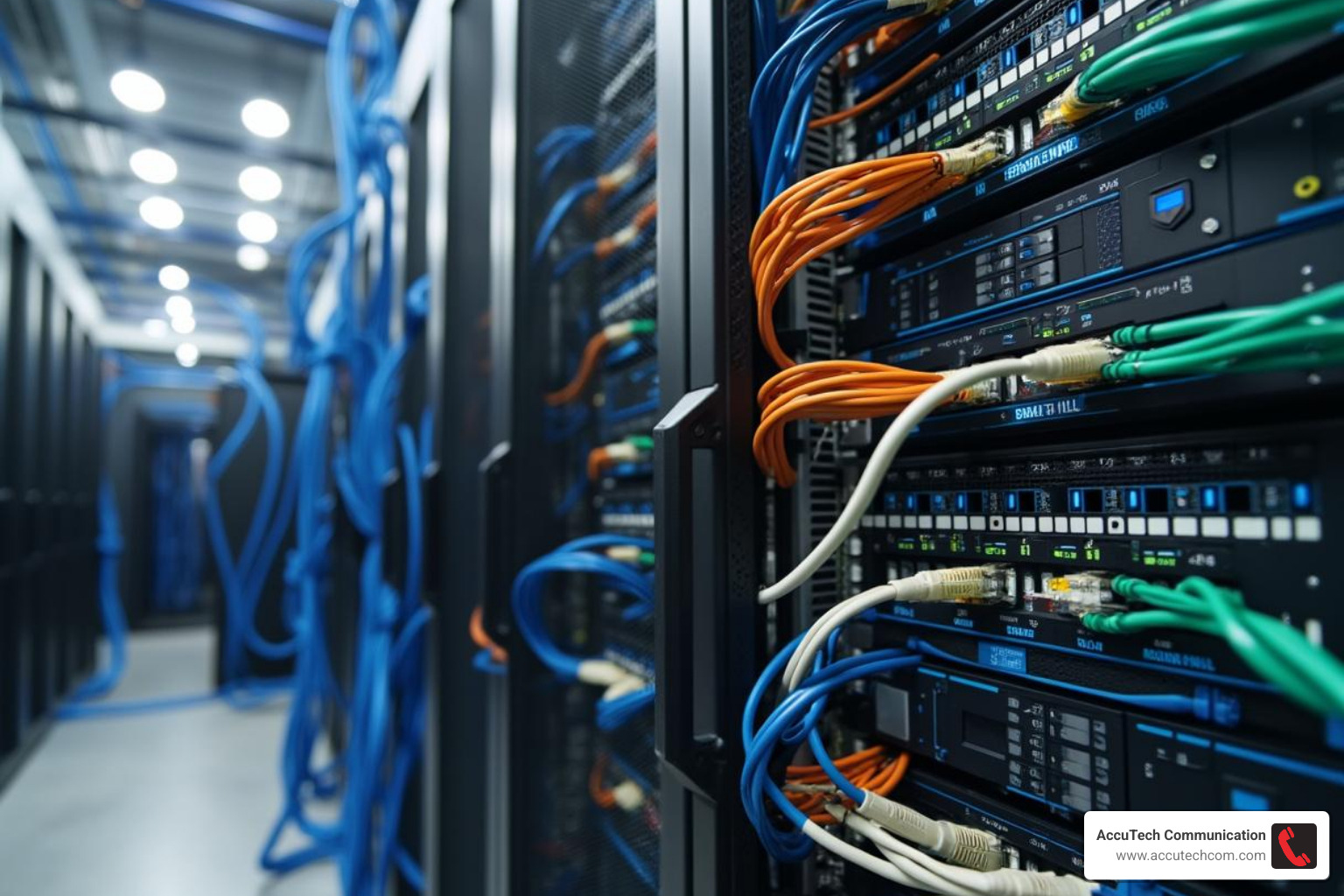
Structured cabling isn’t just about making things look neat (though we do love a tidy rack!). It’s a smart, standardized approach that brings order and reliability to your network. Industry standards like TIA-568 and ANSI/BICSI guide the design, so everything works together seamlessly—now and for years to come.
At the heart of the system are patch panels, the friendly neighborhood connectors that make moves and changes easy. All your cables—whether running across a floor or up to another story—feed into these panels. Everything gets housed in sturdy racks and cabinets, keeping switches, servers, and connections clean and safe. Horizontal cabling links users to telecom rooms, while backbone cabling ties those rooms to your main network hub. And with good labeling and documentation, it’s easy to trace any line—no more playing hide-and-seek with mystery cables.
Want the nitty-gritty details? More info about Structured Data Cabling
Benefits of Structured Data and Network Cabling
Why go structured? Because it just makes life (and work!) so much easier. With a structured approach, adding or moving a workstation is simple—no more untangling spaghetti wires or guessing which cable goes where. As your team grows, your network can scale with you, without painful overhauls. If something breaks, troubleshooting is fast (and a lot less stressful). Plus, a tidy, labeled system means much less risk of accidental unplugging or costly downtime.
Codes, Standards & Certifications You Can’t Ignore
There’s more to data and network cabling than meets the eye—compliance and safety are non-negotiable. Every installation must meet the National Electrical Code (NEC) and local building codes, making sure wires are safe and in the right places. In certain spaces, such as above ceilings or inside air ducts, only plenum-rated cables are allowed for fire safety.
Professional installers (like our team at AccuTech Communications) are certified and trained to handle all these details, including meeting state apprenticeship laws—especially in Massachusetts and nearby areas. This means you get a network built right, from day one.
Curious who’s qualified to handle your next project? See more about Structured Cabling Installation Contractors
With structured cabling, you’ll have an organized, future-ready foundation that keeps your business running smoothly, no matter how much you grow or change.
Planning, Installing & Managing Your Cabling Project
Think of planning your data and network cabling project like designing a house—you wouldn’t start building without blueprints, right? The same goes for your network infrastructure.
It all starts with a site survey. This isn’t just walking around with a tape measure (though that’s part of it). A good survey looks at your current setup, identifies where you need connections, and spots potential challenges like concrete walls or crowded ceiling spaces. We’ve seen too many projects go sideways because someone skipped this crucial step.
Next comes bandwidth forecasting—basically, crystal ball gazing for your network needs. You might only need gigabit speeds today, but what about when you add security cameras, upgrade to 4K video conferencing, or expand your team? Planning for tomorrow’s needs today saves you from expensive do-overs later.
Pathway design is where the magic happens. This is mapping out exactly how cables will travel from point A to point B. The goal? Avoid bottlenecks, minimize interference, and make sure your IT team can actually reach cables for maintenance without performing circus acts.
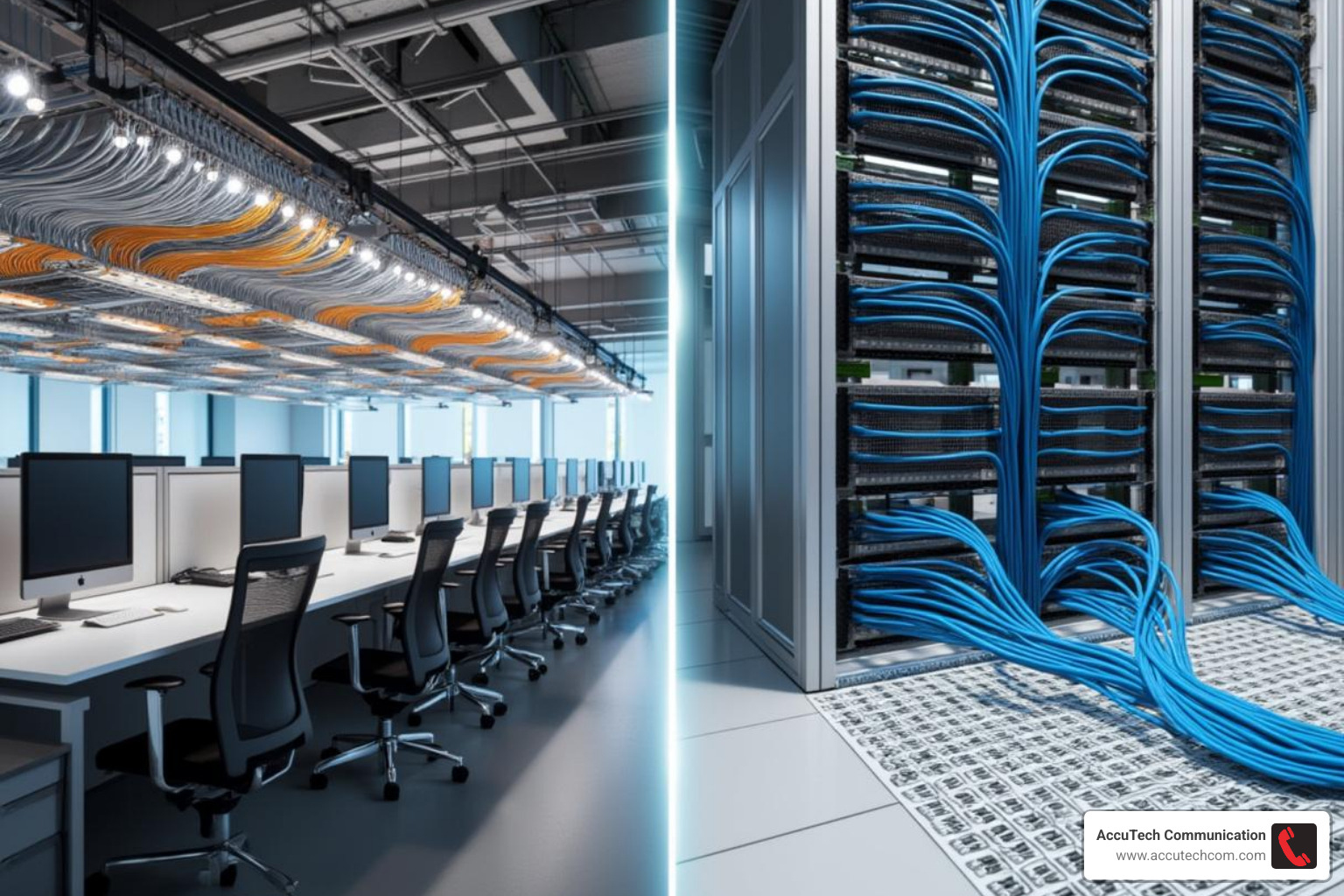
Cable management might sound boring, but it’s actually pretty important for your bottom line. Whether you choose overhead cable trays, underfloor systems, or wall-mounted raceways, good organization keeps airflow moving freely around your equipment. Better airflow means lower cooling costs—and who doesn’t love saving money on their electric bill?
There’s also the sustainability angle. Modern cable management systems use recyclable materials and help reduce energy consumption. Your CFO will appreciate the cost savings, and your company’s green initiatives get a nice boost too.

Best-Practice Checklist for Data and Network Cabling Installations
Here’s where the rubber meets the road. Professional installation isn’t just about getting cables from here to there—it’s about doing it right the first time.
Labeling everything might seem obsessive, but trust us on this one. Every cable, every port, every panel needs a clear, logical label. Six months from now, when you need to troubleshoot a connection issue, you’ll thank yourself for taking the extra time.
Respecting bend radius is critical for cable performance. Each cable type has limits on how sharply it can be bent without damaging the internal conductors. Ignore this, and you’ll be dealing with mystery connection problems that drive everyone crazy.
Separating power and data lines prevents electromagnetic interference that can slow down your network or cause dropped connections. Keep data cables at least a few inches away from electrical wires, especially high-voltage lines.
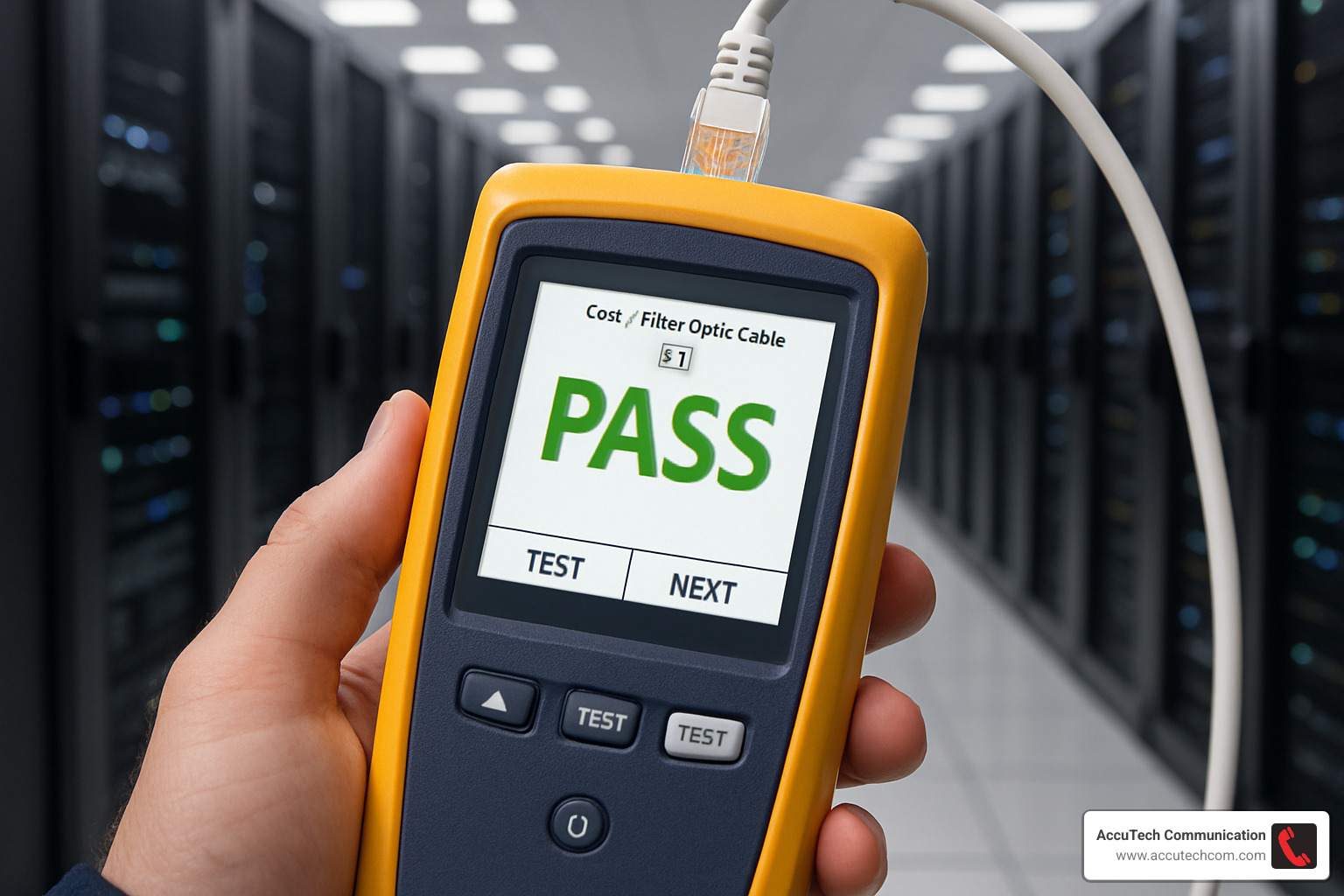
Professional testing with Fluke or similar equipment certifies that every connection meets industry standards. This isn’t optional—it’s insurance against future headaches. Every link gets tested, documented, and guaranteed to perform.
Documentation rounds out the process. A complete record of your cabling system makes moves, adds, and changes much easier down the road. It’s like having a roadmap for your network infrastructure.
More info about Network Cabling Services
Common Pitfalls & How to Avoid Them
Even with the best intentions, cabling projects can go wrong. Here are the mistakes we see most often—and how to avoid them.
Crosstalk happens when signals from one cable interfere with another. This usually occurs when data cables are bundled too tightly together or run parallel to power lines for long distances. The fix? Proper separation and high-quality shielded cables when needed.
Poor terminations are connection killers. Sloppy work at cable ends—whether it’s uneven wire lengths, loose connections, or damaged conductors—leads to unreliable network performance. It’s worth investing in proper tools and skilled technicians.
Over-pulling or crushing cables during installation damages the delicate conductors inside. This creates intermittent connection problems that can be incredibly frustrating to troubleshoot. The solution is taking your time and using proper cable-pulling techniques.
Untrained labor might look like a cost-saver upfront, but it usually costs more in the long run. Network cabling requires specific skills and knowledge of industry standards. Cutting corners here often means doing the job twice—once wrong, then right.
Testing, Maintenance & Future-Proofing
Think of your data and network cabling like the foundation of your house—you want to make sure it’s solid before you build on it, and you want it to last for decades.
Certification testing is your quality assurance checkpoint. Every cable link gets tested to ensure it meets industry standards for speed and reliability. It’s like getting a report card for your network—you’ll know exactly which connections are ready for action and which need attention.
For fiber optic installations, technicians use an OTDR (Optical Time Domain Reflectometer)—basically a high-tech detective that can spot microscopic faults, splices, or dirty connectors that could slow down your network. Think of it as a medical scan for your fiber cables.
PoE testing has become increasingly important as more devices rely on Power over Ethernet. Your security cameras, WiFi access points, and even some desk phones need both data and electricity through the same cable. Testing ensures your cabling can safely handle both without overheating or causing problems.
Some advanced systems now use predictive analytics to spot potential issues before they cause downtime. It’s like having a crystal ball that warns you when a cable might fail next month instead of waiting for it to crash during your busiest day.
The networking world is moving fast. We’re seeing high-density installations with more devices per square foot than ever before. Speeds are jumping from gigabit to 25, 40, and even 100 Gbps connections. New fiber types like OM4 and OM5 are designed to handle these blazing speeds, while WiFi 7 is pushing wireless performance to new heights—but remember, even the fastest WiFi still needs solid cabling behind it.
Keeping Your Data and Network Cabling Ready for Tomorrow
Future-proofing isn’t about predicting the future perfectly—it’s about building flexibility into your system so you can adapt when technology changes.
Scalable racks and modular patch panels are your best friends here. They make it easy to add new connections or upgrade equipment without starting from scratch. It’s like having a toolbox that grows with your needs instead of buying new tools every time you face a different job.
Spare capacity might seem like overkill, but it’s actually one of the smartest investments you can make. Running extra cables during initial installation costs a fraction of what you’d pay to tear up ceilings and walls later. Most experienced installers recommend adding 25-50% more cables than you currently need.
Sustainability is becoming more than just a nice-to-have feature. Modern cables with recyclable jackets and low-smoke, zero-halogen materials aren’t just better for the environment—they’re often required in green building certifications and can improve indoor air quality.
The key is working with installers who understand both today’s requirements and tomorrow’s possibilities. Your cabling investment should support your business for 10-15 years, not just the next few months.
More info about Fiber Optic Cabling
Frequently Asked Questions about Data and Network Cabling
Got questions about data and network cabling? You’re not alone! Here are the three questions we hear most often from business owners looking to upgrade or install their network infrastructure.
What’s the difference between Cat6 and Cat6a?
Think of Cat6a as Cat6’s bigger, stronger sibling. Cat6 cable handles up to 1 Gbps over the full 100-meter distance and can push 10 Gbps—but only for shorter runs up to 55 meters. After that, the speed drops off.
Cat6a (the “a” stands for “augmented”) maintains that full 10 Gbps speed all the way to 100 meters. It also comes with better shielding to block interference from power lines and other electrical noise.
Here’s the real-world difference: if you’re planning for growth or want your cabling to handle whatever technology comes next, Cat6a is your future-proof choice. For basic office needs today, Cat6 works just fine—but you might find yourself wishing you’d gone with Cat6a in a few years.
How often should cabling be re-tested?
Your data and network cabling isn’t a “set it and forget it” system. We recommend professional testing whenever you make changes—adding new devices, moving workstations, or after any construction work that might have disturbed your cables.
For mission-critical networks, plan on testing every 3 to 5 years even if nothing’s changed. Cables can develop issues over time from temperature changes, settling, or just normal wear and tear.
Think of it like a car inspection—catching small problems early prevents big headaches later. A simple certification test today can save you from mysterious network slowdowns or outages tomorrow.
Do I really need fiber in a small office?
Short answer: probably not! Most small offices do perfectly well with Cat6 or Cat6a copper cabling. It’s more affordable, easier to work with, and handles typical business needs without breaking a sweat.
But fiber might make sense if you’re dealing with lots of electrical interference (like in a manufacturing setting), need super-fast speeds for large file transfers, or you’re planning major growth. Fiber also wins if you need to connect buildings or run cables over long distances.
The bottom line? Start with quality copper cabling for your main network. You can always add fiber later for specific high-speed connections if your business grows into it.
Conclusion
Your business deserves data and network cabling that works as hard as you do. From handling today’s video calls and cloud apps to supporting tomorrow’s smart building tech, the right cabling infrastructure is your ticket to staying competitive.
Think about it: when was the last time you worried about whether your lights would turn on? That’s exactly how reliable your network should be. A well-designed cabling system becomes invisible—it just works, letting you focus on growing your business instead of troubleshooting connection problems.
AccuTech Communications has been making networks simple and reliable since 1993. We’re not just cable installers—we’re your partners in building a future-ready infrastructure. Our certified technicians understand Massachusetts building codes, know the ins and outs of structured cabling standards, and deliver quality work at competitive prices.
Whether you’re wiring a small office in Sudbury or connecting multiple buildings across Worcester, we’ve got the expertise to design, install, and maintain a system that grows with you. No surprises, no cutting corners—just solid, dependable data and network cabling that keeps your business running smoothly.
Ready to upgrade your network infrastructure? Learn more about our data cabling installation process or give us a call. Let’s build something that’ll serve your business for years to come.
Proudly serving businesses throughout Massachusetts, New Hampshire, and Rhode Island—from Metro-west Boston and Marlborough to Waltham, Woburn, and beyond.
Further Reading:
- Network Cable Categories
- Network Cable Speeds
- Structured Data Cabling
- Structured Cabling Installation Contractors
- Network Cabling Services
- What is Fiber Optic Cabling and Why is it Important?
- Data Cable Installation
