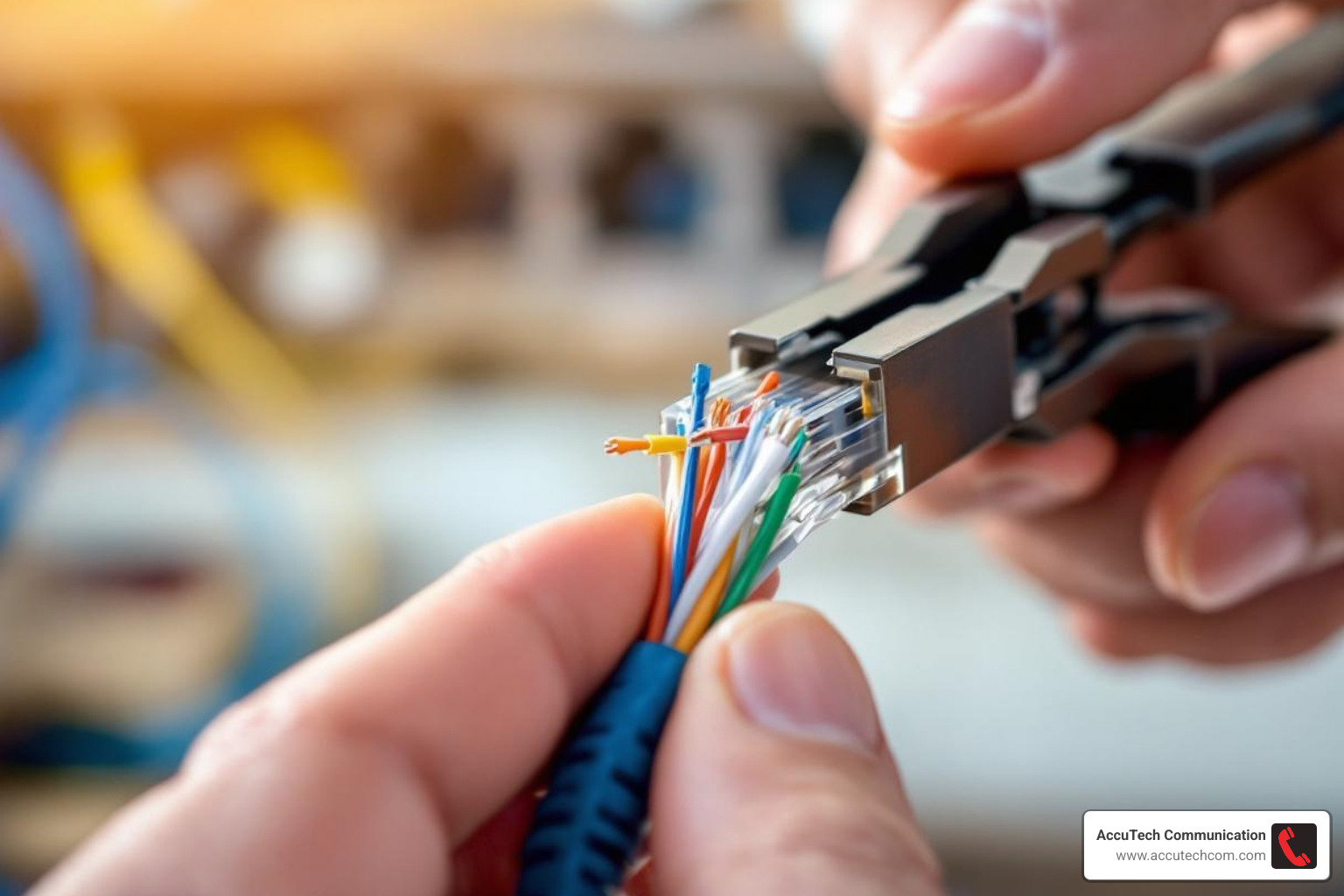
Why Ethernet Cable Plug Wiring Matters for Business Networks
Ethernet cable plug wiring connects the colored wires inside an Ethernet cable to an RJ45 connector in a specific order, enabling reliable data transmission. Here’s what you need to know:
Quick Guide to Ethernet Cable Plug Wiring:
- Choose a Standard – T568B is most common for US commercial networks
- Strip the Cable – Remove about 1 inch of outer jacket
- Arrange Wires – Follow the T568B color order: White/Orange, Orange, White/Green, Blue, White/Blue, Green, White/Brown, Brown
- Insert into RJ45 Plug – Push wires fully into the connector
- Crimp – Use a crimping tool to secure the connection
- Test – Verify continuity with a cable tester
The difference between T568A and T568B is a swap of the orange and green wire pairs. Both work identically when used consistently on both ends of a cable.
Straight-through cables (same standard on both ends) connect devices like PCs to switches. Crossover cables (T568A on one end, T568B on the other) were for connecting similar devices, but modern equipment with Auto MDI-X makes them largely obsolete by automatically adjusting for cable type.
For business-critical networks in Massachusetts, New Hampshire, and Rhode Island, proper termination is essential for gigabit speeds and network reliability. Poor wiring can cause slow speeds, intermittent connections, and costly downtime.
As Corin Dolan, owner of AccuTech Communications, I’ve overseen thousands of commercial ethernet installations across New England since 1993. While understanding the fundamentals is valuable, mission-critical installations should always be handled by certified professionals to guarantee compliance and performance.
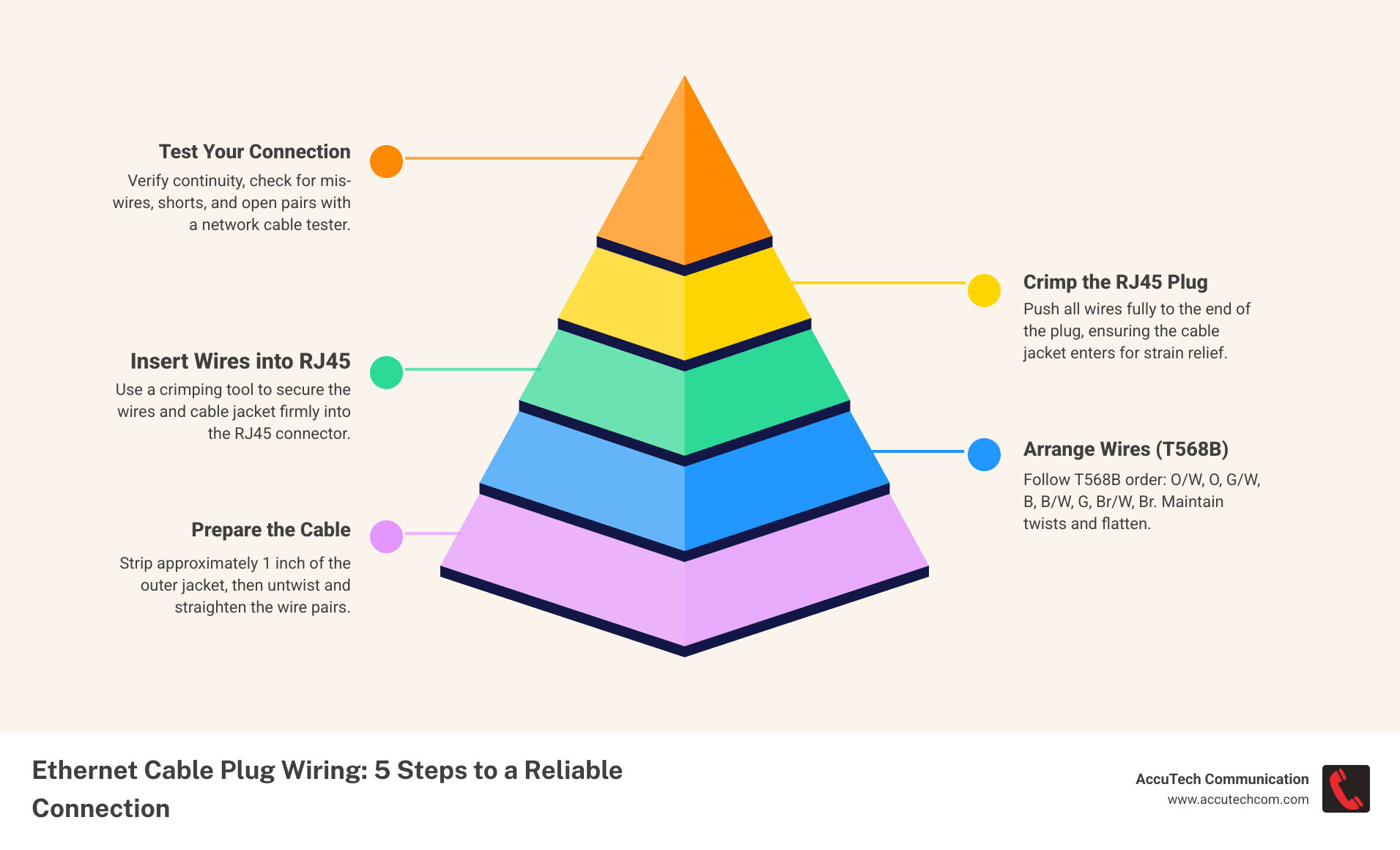
Ethernet cable plug wiring definitions:
Understanding the Fundamentals: Standards and Cable Types
Understanding network cabling standards is crucial for a high-performance business network. For businesses in Massachusetts, New Hampshire, and Rhode Island, adhering to these guidelines is paramount for robust network infrastructure.
T568A vs. T568B: The Two Wiring Standards
For ethernet cable plug wiring, you’ll encounter the T568A and T568B standards, which define the wire order for termination into an RJ45 connector. There’s no electrical performance difference between them. The crucial aspect is consistency: both ends of a straight-through cable must use the same standard.
The primary difference is a swap between the green and orange wire pairs.
- T568B Standard: This is the more common standard for commercial Ethernet installations in the United States.
- T568A Standard: This standard is mandated for all United States government installations.
For our commercial clients across MA, NH, and RI, we typically use the T568B standard for new installations to align with industry practices. On existing infrastructure, we always check the current standard to ensure consistency.
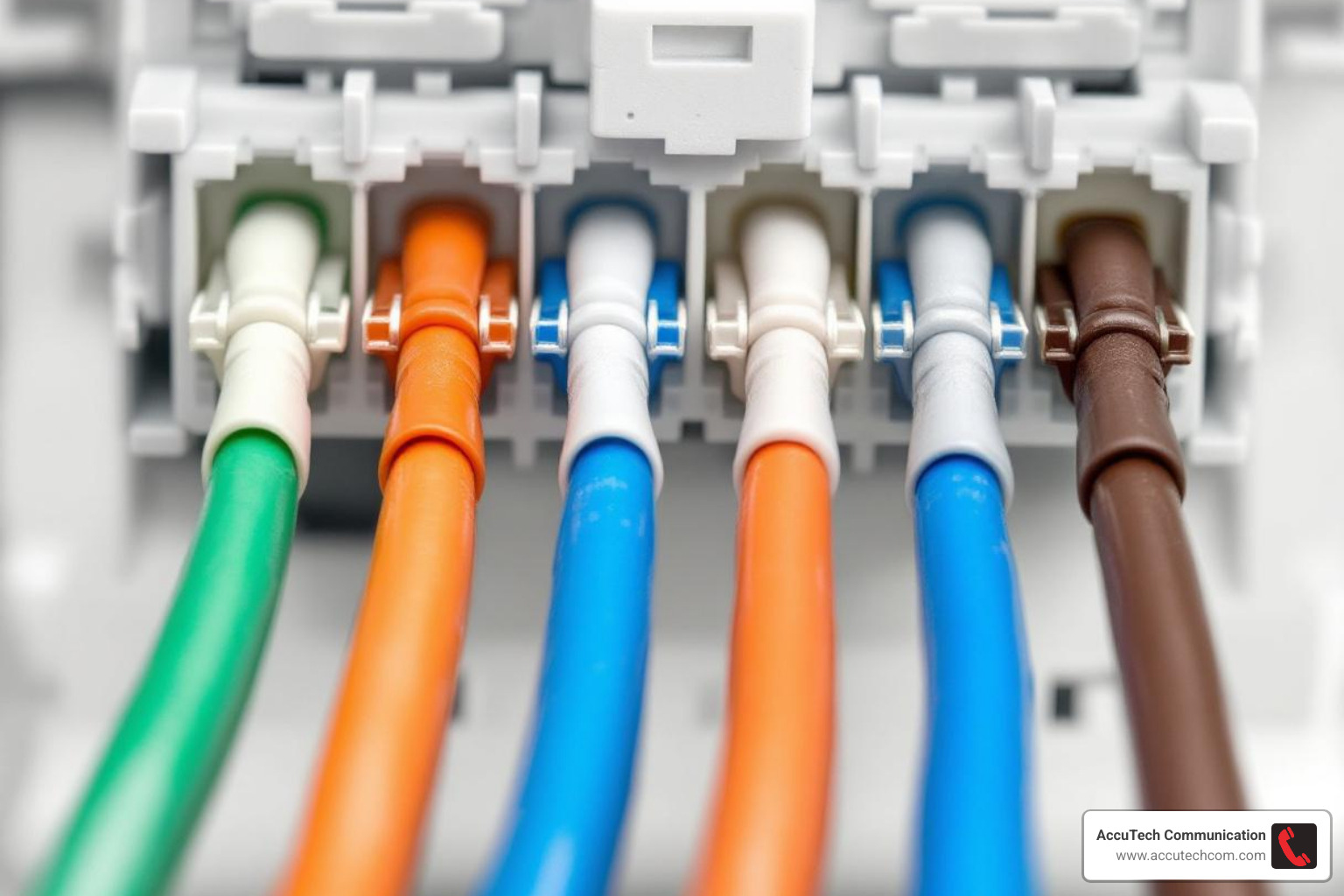
T568B wiring standard
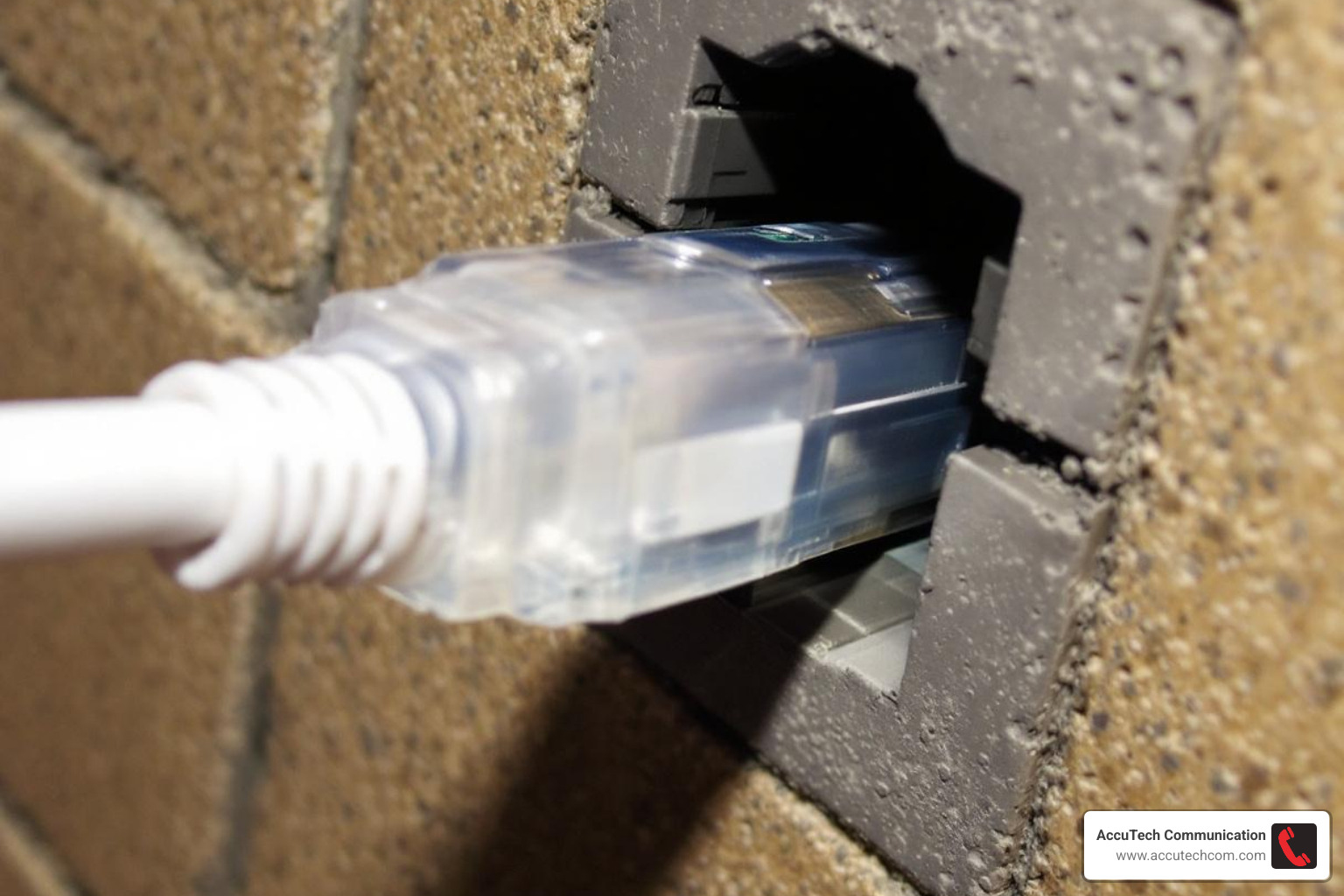
T568A wiring standard
Straight-Through vs. Crossover Cables
Understanding straight-through and crossover cables is fundamental to ethernet cable plug wiring. The terms refer to how standards (T568A or T568B) are applied to each cable end.
- Straight-Through Cable: Has the same wiring standard on both ends (e.g., T568B). It connects devices that use different pairs for transmitting and receiving, like a PC to a network switch.
- Crossover Cable: Has T568A on one end and T568B on the other. This crosses the transmit and receive pairs, allowing direct connection of similar devices, like PC to PC or switch to switch.
Devices at different OSI model layers (e.g., a PC and a switch) use straight-through cables. Devices at the same layer (e.g., two PCs) traditionally required crossover cables.
The Impact of Cable Categories (Cat5e, Cat6, Cat6a)
Your Ethernet cable category significantly impacts network performance, especially for businesses in MA, NH, and RI needing high-speed connections. Each category offers improvements in bandwidth and crosstalk reduction.
- Cat5e Cable: The minimum for Gigabit Ethernet (1 Gbps over 100 meters), often sufficient for basic workstations.
- Cat6 Cable: Supports 1 Gbps over 100 meters and 10 Gigabit Ethernet up to 55 meters. It has stricter specs for crosstalk, often including a spline to separate wire pairs.
- Cat6a Cable: Extends 10 Gigabit Ethernet to the full 100-meter length, with improved shielding for high-noise environments.
All these cable types share a maximum length of 100 meters (328 feet). Exceeding this leads to signal degradation. When designing installations, we consider future bandwidth needs. While Cat5e may suffice now, investing in Cat6 or Cat6a future-proofs your network. For more details, explore our insights on network cabling installation.
The Modern Solution: Auto MDI-X
Choosing between straight-through and crossover cables is now simple thanks to Auto MDI-X (Automatic Medium-Dependent Interface Crossover).
- Auto MDI-X Function: This feature lets network devices automatically detect the cable type (straight-through or crossover) and configure their circuits accordingly, eliminating manual selection.
- How it Simplifies Connections: With Auto MDI-X, you can use straight-through cables for almost all connections. The device intelligently adjusts to ensure communication.
- Obsolescence of Crossover Cables: While understanding crossover cables is valuable, they are seldom needed today. Most modern network equipment (switches, routers, NICs) supports Auto MDI-X, streamlining installation. For our commercial installations in MA, NH, and RI, this means faster, more efficient network deployment.
Essential Tools and Materials for Professional Termination
The right tools are non-negotiable for a reliable, certifiable connection. High-quality components ensure optimal network performance and prevent future issues. For professional ethernet cable plug wiring in commercial environments, we use a specific set of robust, precise tools.
Essential tools for ethernet cable termination
Here’s what professionals use:
- RJ45 Crimping Tool: Securely attaches the RJ45 plug to the cable, making a solid electrical connection and crimping the strain relief.
- Wire Strippers: Provide precise removal of the outer cable jacket without damaging the inner twisted pairs.
- Flush Wire Cutters: Trim the individual wires to a uniform length, ensuring all wires make proper contact inside the plug.
- Network Cable Tester: An indispensable tool to verify continuity and check for mis-wires, shorts, or open pairs after termination.
- Bulk Ethernet Cable (Cat6/Cat6a): We use high-quality bulk cable for commercial installations in MA, NH, and RI to create custom lengths and minimize waste.
- RJ45 Modular Plugs: It is vital to use plugs that match the cable category (e.g., Cat6 plugs for Cat6 cable) to avoid performance degradation.
- Strain-Relief Boots: These optional boots provide additional strain relief and protect the cable from damage at the connector.
Investing in these tools and materials ensures every ethernet cable plug wiring project results in a robust, high-performance network connection our commercial clients can rely on.
Step-by-Step Guide to Ethernet Cable Plug Wiring
This section provides a high-level overview of the termination process. For business-critical infrastructure in Massachusetts, New Hampshire, or Rhode Island, this work should be performed by certified professionals to guarantee performance. Improper termination can lead to significant network issues.
Step 1: Prepare the Cable
Precise ethernet cable plug wiring begins with careful cable preparation.
- Strip Cable: Use a wire stripper to remove about 1 inch of the outer jacket, being careful not to nick the inner wires.
- Expose Wires: On Cat6/Cat6a cables, cut and remove the plastic spline and ripcord.
- Untwist & Straighten: Gently untwist the wire pairs only as much as necessary for arrangement. Keep the untwisted length to a minimum (under 1/2 inch) to reduce interference. Straighten the eight individual wires.
Step 2: Arrange Wires for Ethernet Cable Plug Wiring (T568B)
For most US commercial installations, follow the T568B color order.
- Arrange by Color: From left to right, arrange the wires: Orange/White, Orange, Green/White, Blue, Blue/White, Green, Brown/White, Brown.
- Align and Trim: Hold the wires flat and aligned, then use flush cutters to trim them to a uniform length of about 1/2 inch from the jacket.
Step 3: Insert and Crimp the RJ45 Plug
Precision is key for a secure connection.
Inserting wires into an RJ45 plug
- Orient Plug: Hold the RJ45 plug with the clip facing down.
- Insert Wires: Double-check the wire order, then firmly push them into the connector until they reach the end. You should see the copper ends.
- Secure Jacket: Ensure the outer cable jacket is inside the plug. This is vital for strain relief.
- Crimp: Insert the plug into your crimping tool and squeeze firmly. The tool pushes the pins into the wires and secures the jacket.
- Check Connection: Give the cable a gentle tug to ensure the plug is secure.
Step 4: Test Your Connection
Never skip testing your work.
- Use a Cable Tester: Connect each end of the cable to a network cable tester.
- Verify Continuity: The tester checks that each wire has a solid connection. For a straight-through cable, lights 1-8 should illuminate in sequence on both units.
- Check for Faults: A good tester also detects mis-wires (wrong order), shorts (wires touching), and open pairs (broken connection).
- Importance of Testing: For businesses in MA, NH, and RI, testing is non-negotiable to guarantee network performance. If a test fails, cut off the end and re-terminate.
Best Practices and Common Mistakes to Avoid
A successful termination is in the details. Avoiding pitfalls is key to a cable that delivers the speed and reliability your business needs. Our experience in MA, NH, and RI shows that best practices differentiate a functional cable from a high-performance, business-grade connection.
Achieving a Reliable Connection: Best Practices for Ethernet Cable Plug Wiring
To ensure the performance of your ethernet cable plug wiring, keep these best practices in mind:
- Minimize Untwisted Wire: The twists cancel out interference (EMI) and crosstalk. Untwist wires only enough to fit them into the connector, ideally less than 1/2 inch, to maintain signal integrity.
- Secure the Jacket for Strain Relief: Ensure the outer cable jacket is firmly crimped inside the RJ45 plug. This provides essential strain relief and prevents wire damage. Without it, a connection can fail prematurely.
- Use Quality, Matched Components: Always use RJ45 plugs that match your cable category (e.g., Cat6 plugs for Cat6 cable). Mismatched components create bottlenecks and reduce reliability.
- Adhere to the 100-Meter Limit: The maximum length for Cat5e, Cat6, and Cat6a Ethernet cables is 100 meters (328 feet). Exceeding this causes signal degradation and reduced speeds.
- Proper Cable Management: Avoid sharp bends, kinking, or crushing cables. Use cable ties and routing guides for an organized infrastructure. Learn more about our structured cabling services.
Common Termination Pitfalls
Several common mistakes can compromise your ethernet cable plug wiring:
- Incorrect Wire Order: The most frequent error, leading to connection failure or severe performance issues.
- Wires Not Fully Seated: If wires don’t reach the front of the plug, the connection will be intermittent or absent.
- Poor Strain Relief: Failing to crimp the jacket inside the plug leads to early failure.
- Nicked Wire Insulation: Aggressive stripping can cut wire insulation, causing shorts or crosstalk.
- Mismatched Components: Using a Cat5e plug on a Cat6 cable will degrade performance.
- Excessive Untwisting: Untwisting wires too far introduces noise and reduces speed.
When to Call a Professional
While you can learn ethernet cable plug wiring, for commercial operations in MA, NH, or RI, the stakes are too high for DIY. We strongly recommend engaging certified professionals for:
- Large-Scale Business Installations: Wiring an office or data center requires expert planning and tools. Our team handles these complex projects efficiently.
- Network Certification Requirements: Business networks often need certification for performance guarantees, which involves advanced testing to meet industry standards.
- Compliance with Building Codes (MA, NH, RI): Commercial installations must adhere to local building and fire codes. Our certified technicians know these requirements.
- Mission-Critical Network Reliability: When uptime is paramount, professional installation ensures a robust and resilient infrastructure.
- Fiber Optic Cabling: For higher bandwidth or longer distances, fiber optic cabling is the solution. It requires specialized skills. Learn more about our fiber optic cabling installation services.
Partnering with us means your business network benefits from certified expertise and guaranteed performance.
Frequently Asked Questions about Ethernet Cable Wiring
What is the difference between T568A and T568B?
The only difference is the swap of the green and orange wire pairs. Electrically, they perform identically. T568B is the prevailing standard for new US commercial networks, while T568A is often for government projects. For ethernet cable plug wiring, the key is using the same standard on both ends for a straight-through cable.
Why are my network speeds slow after making my own cable?
Slow speeds from a custom cable are a common symptom of improper termination. Potential causes include:
- Incorrect Wiring: Splitting a twisted pair or using the wrong order introduces crosstalk and signal degradation.
- Wires Not Fully Seated: A weak or intermittent connection results if wires don’t make solid contact with the pins.
- Excessive Untwisting: This compromises the cable’s ability to cancel interference, reducing speed.
- Poor Crimping: A loose connection can result from an improper crimp.
- Exceeding Length Limits: Signal loss will occur on runs over 100 meters (328 feet), slowing speeds.
Can I use a Cat5e plug on a Cat6 cable?
This is not recommended as it degrades network performance. Cat6 cables have thicker conductors than Cat5e, and a Cat5e plug may not accommodate them, leading to a poor connection, failed terminations, and increased crosstalk. This drops performance to Cat5e levels. Always use category-matched components for optimal results.
Conclusion
Mastering ethernet cable plug wiring requires precision and adherence to standards. Every step, from cable selection to the final test, is crucial for a reliable, high-speed network. Understanding T568A/B, cable types, and categories like Cat5e, Cat6, and Cat6a reveals the complexity behind a simple network cable.
While terminating a cable is a valuable skill, ensuring performance and compliance for a business network in Massachusetts, New Hampshire, and Rhode Island requires professional expertise. Our certified technicians at AccuTech Communications have the tools and experience to design, install, and certify network cabling to the highest standards. We guarantee robust and reliable connectivity for your business.
For businesses in MA, NH, and RI, partnering with certified technicians is the best way to guarantee your network is built for success.
Contact AccuTech for your network cabling needs